2
First fitting with
ReSound Smart Fit 1.8
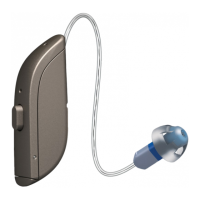
This fitting guide gives an overview of how to fit ReSound ONE
TM
wireless rechargeable
hearing aids with ReSound Smart Fit
TM
1.8. A rechargeable ReSound ONE 961 wireless
binaural fitting is depicted. Not all features described in this fitting guide are applicable
for ReSound ONE 7 and 5 fittings.
ReSound Smart Fit 1.8 fitting software supports all following hearing aids:
• ReSound ONE
• ReSound LiNX Quattro
TM
• ReSound ENZO Q
TM
• ReSound LiNX 3D
TM
• ReSound ENZO 3D
TM
Prior to connecting to ReSound Smart Fit
ReSound ONE hearing aids can only be connected through wireless interface and cannot be connected
with cables. Ensure that the aids are charged prior to connection. Note that they cannot be connected
while in the charger.
Insert Noahlink Wireless in a USB slot on the fitting PC and wait for the message that new hardware has
been found. Then open ReSound Smart Fit.
Launch ReSound Smart Fit. For new fittings, ReSound Smart Fit begins in the Smart Launcher.









 To Next Page