EasyManua.ls Logo

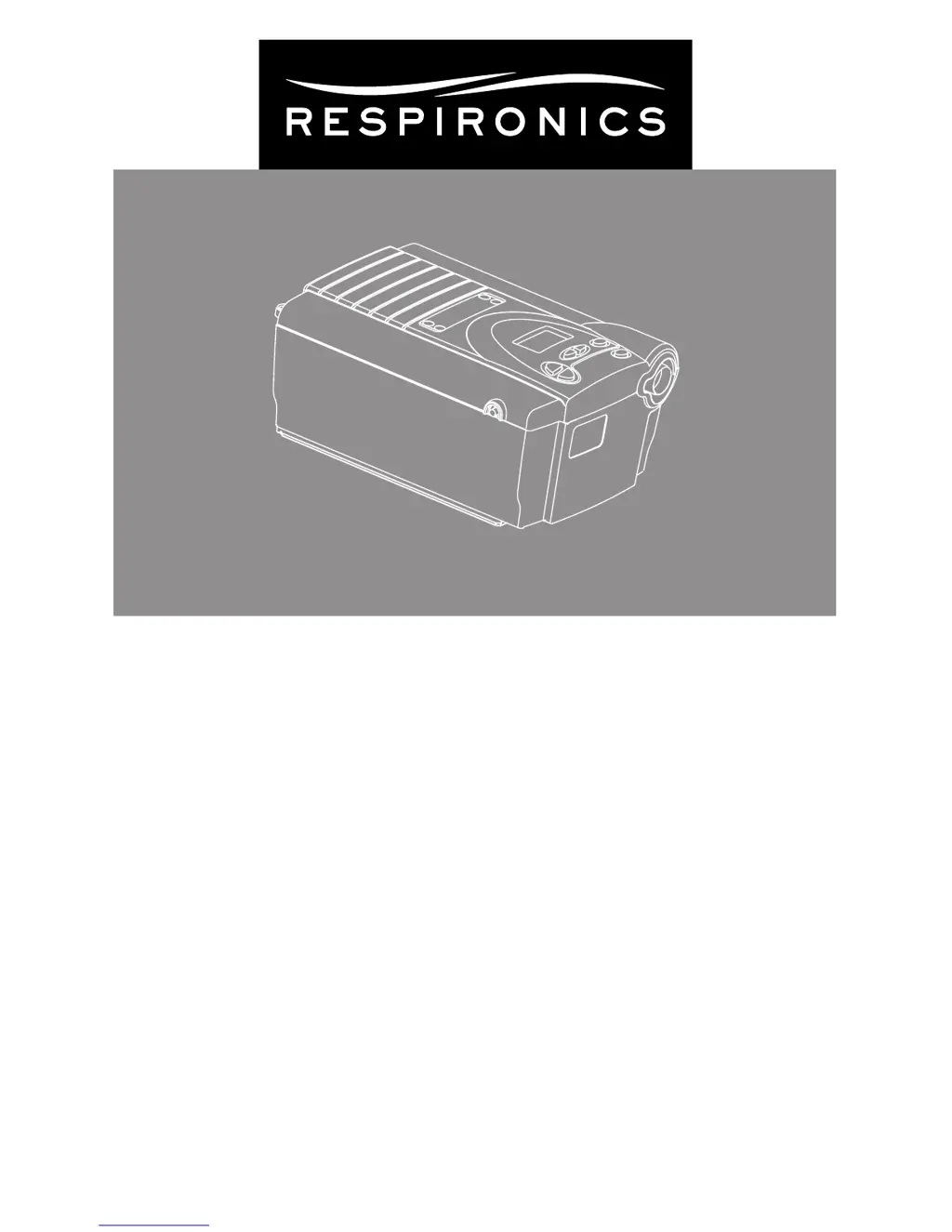
Respironics BiPAP S/T - User Manual

Respironics BiPAP S/T
56 pages
Print Icon
To Next Page IconTo Next Page
Loading...
BiPAP
S/T
User Manual

Questions and Answers

  • E
    erika34Jul 29, 2025
    Why is there air leakage around my Respironics Medical Equipment mask?
    • A
      Adrian KelleyJul 29, 2025
      Significant air leakage around the mask when using Respironics Medical Equipment could be due to improper headgear adjustment or the mask not fitting correctly. Check the headgear adjustment according to its instructions. Also, refer to your mask instructions to ensure it's properly fitted. If the problem persists, contact your home care provider for a refitting or to explore a different size mask. Make sure to rinse the mask thoroughly after cleaning to remove any residue.
  • G
    Gene JacksonAug 2, 2025
    What to do if Respironics BiPAP S/T Medical Equipment does not turn on?
    • N
      Nathaniel NewmanAug 2, 2025
      If your Respironics Medical Equipment device doesn't operate when you press the Pressure On/Off button, first check the power LED. If it's off, ensure the device is properly plugged into a working outlet. If the power LED is on, the issue lies within the device itself. If the problem continues, it is recommended to call your home care provider.
  • L
    leonard48Aug 6, 2025
    Why is the air from my Respironics BiPAP S/T mask warmer than usual?
    • C
      christopher95Aug 6, 2025
      If the air coming out of your Respironics Medical Equipment mask is much warmer than usual, the inlet filters might be dirty, or the unit could be operating in direct sunlight or near a heater. Clean or replace the inlet air filters. Ensure the unit is away from bedding or curtains that could block airflow, and keep it away from direct sunlight and heating equipment. If the problem continues, contact your home care provider.
  • A
    Alyssa HartmanAug 11, 2025
    What to do if a patient disconnect alarm occurs on Respironics Medical Equipment?
    • T
      Tiffany MooreAug 11, 2025
      If a patient disconnect alarm occurs with your Respironics Medical Equipment, it means the tubing has become disconnected from the system. Press the RESET button to stop the alarm. Reconnect the tubing and press the Pressure On/Off button to restart the airflow. If the airflow does not restart, the device may not be operating correctly. Contact your home care provider or Respironics for directions on having the unit serviced. Please have your serial number ready when you call.
  • M
    Margaret CrawfordAug 15, 2025
    Why is my Respironics BiPAP S/T performing differently than usual?
    • S
      Steven CherryAug 15, 2025
      If you notice unexplained changes in the performance of your Respironics Medical Equipment, it could be because the unit or power supply has been dropped or mishandled, or water has been spilled onto or into the device or the power supply. Discontinue use and contact your home care provider or Respironics for directions on how to have your unit serviced. Please have the serial number ready when you call.
  • M
    Mrs. Melinda Jackson MDAug 19, 2025
    How to fix an erratic display on Respironics BiPAP S/T?
    • C
      Courtney HarrisAug 19, 2025
      If the display on your Respironics Medical Equipment is erratic, it could be because the unit or power supply has been dropped or mishandled, or the unit or power supply is in an area with high EMI emissions. Unplug the unit and the power supply, then relocate the unit to an area with lower EMI emissions.
  • M
    Michael BryantAug 25, 2025
    What causes a SmartCard error on Respironics Medical Equipment?
    • J
      Joshua BurnettAug 25, 2025
      If a SmartCard error occurs on your Respironics Medical Equipment, the SmartCard may not be inserted correctly. Remove the SmartCard and reinsert it so that the printed side of the card is facing up and the end with the arrow goes into the device first. If the error message appears again, contact your home care provider or Respironics for directions on having your unit serviced. Please have your serial number ready when you call.

Summary

Chapter 2: Warnings and Cautions

2.1 Warnings

Details critical safety warnings regarding device usage, potential hazards, and user responsibilities.

2.2 Cautions

Outlines precautions for device operation, temperature limits, and potential damage scenarios.

2.4 Contraindications

Lists medical conditions or situations where the device should not be used.

Chapter 3: Introduction

Chapter 4: Controls and Display Features

4.2.2 Alarm and Power Indicators

Explains the function of LED indicators for power status and alarm notifications.

4.2.3 Display Screen

Describes the information displayed on the device screen, including pressure and alarm messages.

Chapter 5: Setting up the Device

5.1 Installing the Air Filters

Instructions for installing and replacing the device's air filters for optimal performance.

5.3 Connecting the Breathing Circuit

Step-by-step instructions for connecting the mask, tubing, and exhalation device.

Chapter 6: Operating the Device

6.1 Starting the BiPAP S;T

Steps to power on the device and navigate through initial startup screens.

6.2 Changing the Device Settings

Overview of adjustable settings and indicators available on the device's display screen.

Chapter 7: Alarms

7.2 What to Do When an Alarm Occurs

Provides a general procedure for identifying and responding to device alarms.

7.3 Alarm Tables

Summarizes specific alarm conditions, their causes, and recommended user actions.

Chapter 8: Troubleshooting

Chapter 9: Cleaning and Maintenance

9.2 Cleaning or Replacing the Inlet Filters

Guidance on cleaning reusable filters and replacing disposable filters.

Respironics BiPAP S/T Specifications

General IconGeneral
BrandRespironics
ModelBiPAP S/T
CategoryMedical Equipment
LanguageEnglish

Related product manuals