EasyManua.ls Logo

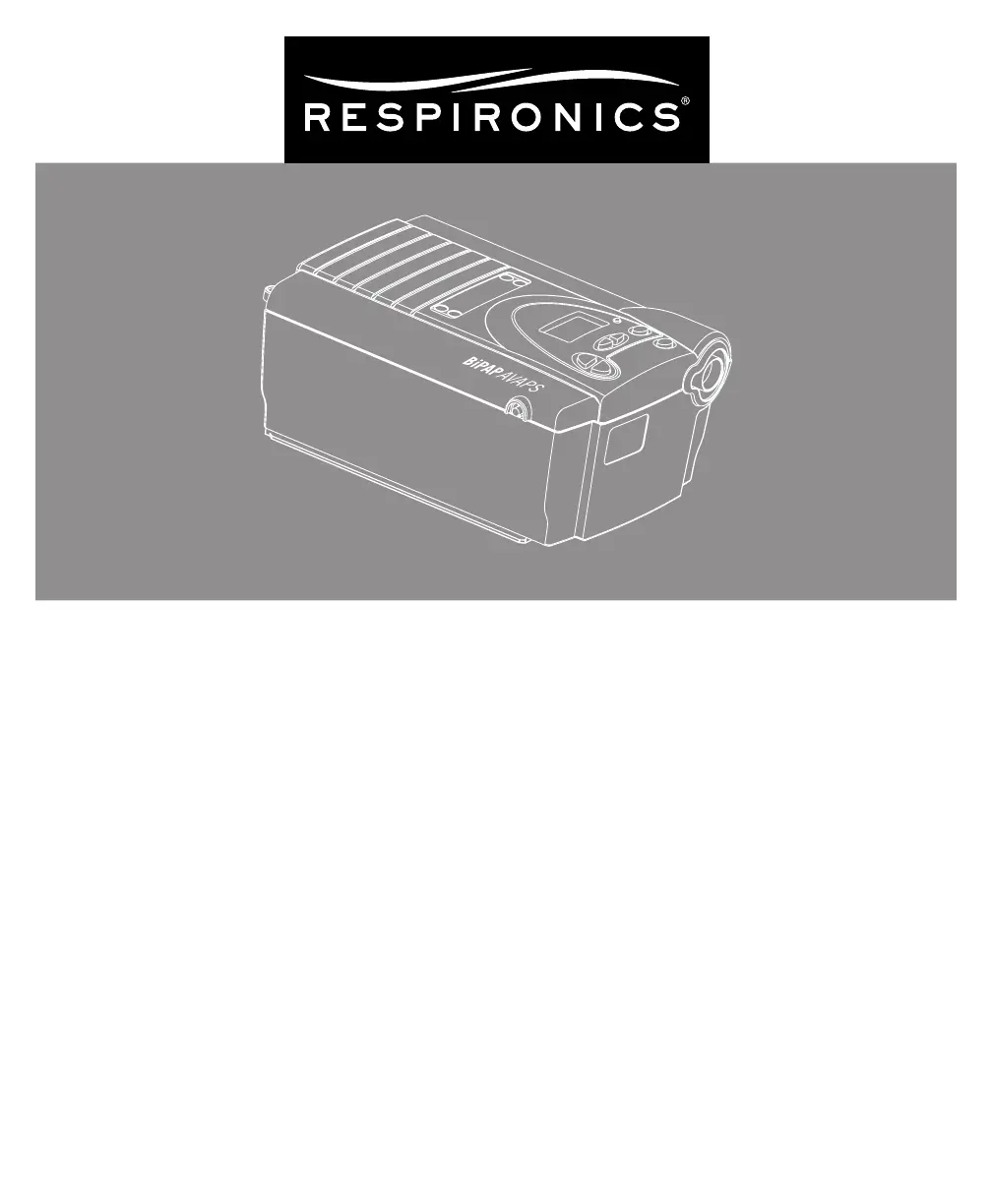
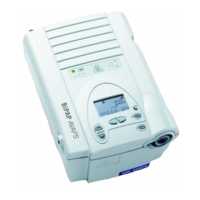
Respironics BiPAP AVAPS - User Manual

Respironics BiPAP AVAPS
48 pages
Print Icon
To Next Page IconTo Next Page
Loading...
BiPAP
®
AVAPS
TM
User Manual

Table of Contents

Questions and Answers

  • S
    shannon42Aug 17, 2025
    Why is there significant air leakage around my Respironics BiPAP AVAPS Medical Equipment mask?
    • G
      Gregory KiddAug 17, 2025
      Significant air leakage around your Respironics Medical Equipment mask could be due to improper headgear adjustment or the mask not being fitted correctly. Check the headgear adjustment as described in the headgear instructions and refer to your mask instructions to ensure proper fitting.
  • B
    Bethany BallardAug 19, 2025
    How to fix sore or dry eyes when using Respironics Medical Equipment?
    • P
      Pedro HillAug 20, 2025
      Sore or dry eyes when using Respironics Medical Equipment may occur if the mask isn't positioned correctly or properly fitted. Check the headgear adjustment as described in the headgear instructions. Refer to your mask instructions to make sure the mask is properly fitted.
  • J
    John FloresAug 22, 2025
    What to do if my Respironics BiPAP AVAPS mask feels uncomfortable?
    • T
      tsandovalAug 22, 2025
      An uncomfortable Respironics Medical Equipment mask could be due to improper headgear adjustment or improper mask fitting. Check the headgear adjustment as described in the headgear instructions. Refer to your mask instructions to ensure the mask is properly fitted.
  • D
    Dustin SanchezAug 25, 2025
    What to do if my Respironics BiPAP AVAPS is not operating?
    • G
      garciajamieAug 26, 2025
      If your Respironics Medical Equipment doesn't operate when you press the button, and the power LED is off, there may be no power at the outlet or the device is unplugged. Check the outlet power and verify that the device is plugged in. If the power LED is on, the problem is in the device.
  • J
    Jason GriffithAug 28, 2025
    Why is the air out of my Respironics Medical Equipment mask warmer than usual?
    • L
      lunachelseaAug 28, 2025
      If the air from your Respironics Medical Equipment mask is warmer than usual, the inlet filters may be dirty, or the device may be operating in direct sunlight or near a heater. Clean or replace the inlet air filters. Ensure the device is away from bedding or curtains that could block airflow, and away from direct sunlight and heating equipment.
  • A
    angelaryanAug 30, 2025
    What causes redness from my Respironics Medical Equipment mask cushion?
    • J
      Jessica BakerAug 30, 2025
      Redness from your Respironics Medical Equipment mask cushion may be due to improper mask fitting or improper mask cleaning. Be sure to rinse the mask thoroughly after cleaning to remove residue. See the mask cleaning instructions for detailed information.
  • C
    Cynthia DawsonSep 2, 2025
    What to do if a patient disconnect alarm occurs on Respironics Medical Equipment?
    • D
      Derrick JacksonSep 3, 2025
      If a patient disconnect alarm occurs on your Respironics Medical Equipment, it means the tubing has become disconnected from the system. Press the RESET button to reset the alarm and reconnect the tubing. If the alarm continues, the device may not be operating correctly.
  • M
    Melissa BurtonSep 5, 2025
    Why does redness occur with my Respironics Medical Equipment mask cushion accessory?
    • J
      Joanna ChapmanSep 5, 2025
      Redness occurring with your Respironics Medical Equipment mask cushion accessory may be due to irritation or an allergic reaction to the mask material. Use a barrier between your skin and the mask, such as 3M’s Microfoam® or Squibb’s Duoderm®. Refer to your mask instructions for additional information.
  • K
    Kayla BoyleSep 8, 2025
    What causes unexplained changes in Respironics BiPAP AVAPS Medical Equipment performance?
    • B
      Brandon DavisSep 8, 2025
      Unexplained changes in the performance of your Respironics Medical Equipment may occur if the device or power supply has been dropped or mishandled, or if water has been spilled onto or into the device or the power supply. Discontinue use.
  • J
    Jason CohenSep 12, 2025
    What causes an erratic display on Respironics BiPAP AVAPS?
    • T
      Tracy WiseSep 12, 2025
      An erratic display on your Respironics Medical Equipment may be caused by the device or power supply being dropped or mishandled, or if the device or power supply is in an area with high EMI emissions. Unplug the device and the power supply. Relocate the device to an area with lower EMI emissions.

Summary

Chapter 1: Package Contents

Chapter 2: Warnings and Cautions

2.1 Warnings

Indicates the possibility of injury to the user or operator.

2.2 Cautions

Indicates the possibility of damage to the device.

2.4 Contraindications

Lists conditions where the device should not be used.

Chapter 4: Device Controls and Display Features

4.2 Control Panel Overview

Describes the device's control panel, buttons, indicators, and display.

4.2.4 Breathing Circuit Connection

Shows how to connect the breathing circuit to the device.

Chapter 5: Setting Up the Device

5.1 Installing the Air Filters

Instructions for installing the device's air filters.

5.3 Connecting the Breathing Circuit

Steps for connecting the breathing circuit to the device and mask.

5.5 Plugging the Device In

Instructions for connecting the device to AC or DC power.

Chapter 6: Operating the Device

6.1 Starting and Initial Screens

Steps to power on the device, showing initial test and status screens.

6.2 Changing Device Settings

View and adjust various settings like humidifier, Flex, Rise Time, Ramp, and backlight.

Chapter 7: Alarms

7.3 Alarm Tables

Summarizes high, medium, and low priority alarms with causes and actions.

7.2 What to Do When an Alarm Occurs

Provides a step-by-step guide on responding to device alarms.

Chapter 8: Troubleshooting

Chapter 9: Cleaning and Maintenance

Chapter 11: Specifications

Respironics BiPAP AVAPS Specifications

General IconGeneral
Power Supply100-240 VAC, 50/60 Hz
IPAP Max30 cm H2O
EPAP Min4 cm H2O
Therapy ModesS
Pressure Range4-30 cm H2O
Ramp Time0-45 min (5-min increments)
HumidificationIntegrated heated humidifier
Data StorageSD card
Target Tidal Volume200 to 1500 ml
Breath Rate4 to 40 BPM
Rise Time1 to 6
Ti Control0.3-3.0 seconds
Backup Rate4 to 40 BPM
AlarmsApnea
Battery OptionOptional external battery
Mode of OperationAVAPS (Average Volume Assured Pressure Support)

Related product manuals