User Manual
11
4.2.2 alarm and PoWer indiCators
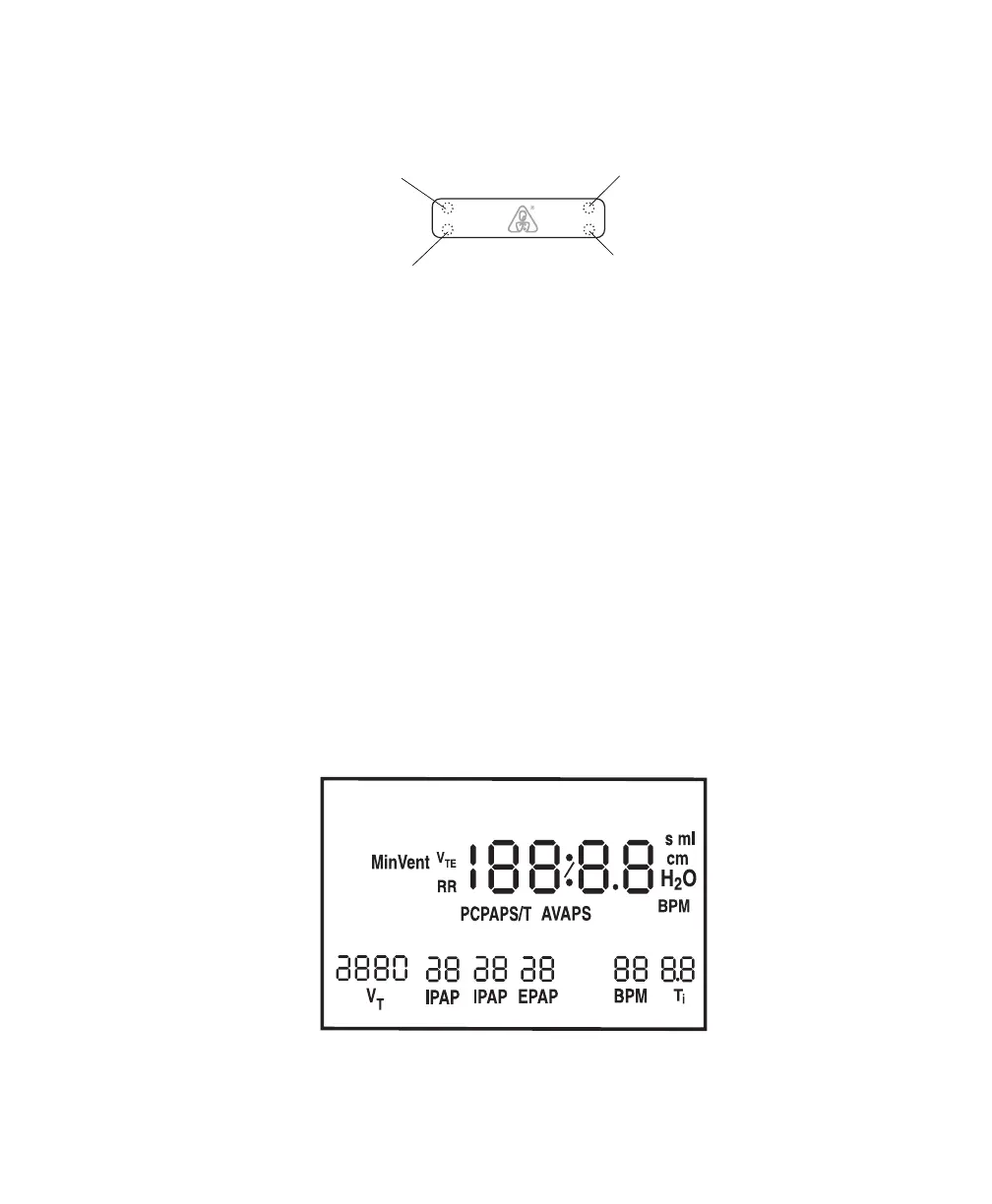
Figure 4–4 shows the device’s alarm and power indicators.
Low/Medium Priority
Alarm LED (Yellow)
AC Power
Indicator (Green)
DC Power
Indicator (Green)
High Priority
Alarm LED (Red)
DC
Power
AC
Alarms
Figure 4–4 Alarm and Power Indicators
AC Power Indicator e green AC Power LED lights up when the device is connected to AC
Power.
DC Power Indicator e green DC Power LED lights up when the device is connected to DC
power.
High Priority Alarm
Indicator
e red High Priority Alarm LED lights up when a high priority alarm
occurs.
Low/Medium Priority
Alarm Indicator
e yellow Low/Medium Alarm LED lights up when a medium or low
priority alarm occurs.
NOTE: All LED indicators temporarily turn on when the device is first plugged in.
4.2.3 disPlay sCreen
e display shows you the measured pressure and displays alarm messages. A backlight activates when any
of the buttons are pressed and remains on until there are no buttons pressed for one minute.
Figure 4–5 shows the display screen.
LEAK
Max
Min
ERASE
HOURS
RISE TIME FLEX
ALARM PATIENT HEAT
RAMP
SETUP
APNEA
LIGHT
START
CARD
Figure 4–5 Display Screen




 To Next Page