EasyManua.ls Logo

Respironics SleepEasy - User Manual

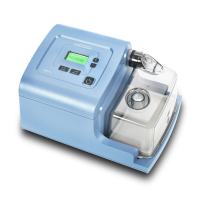
Respironics SleepEasy
24 pages
Print Icon
To Next Page IconTo Next Page
Loading...
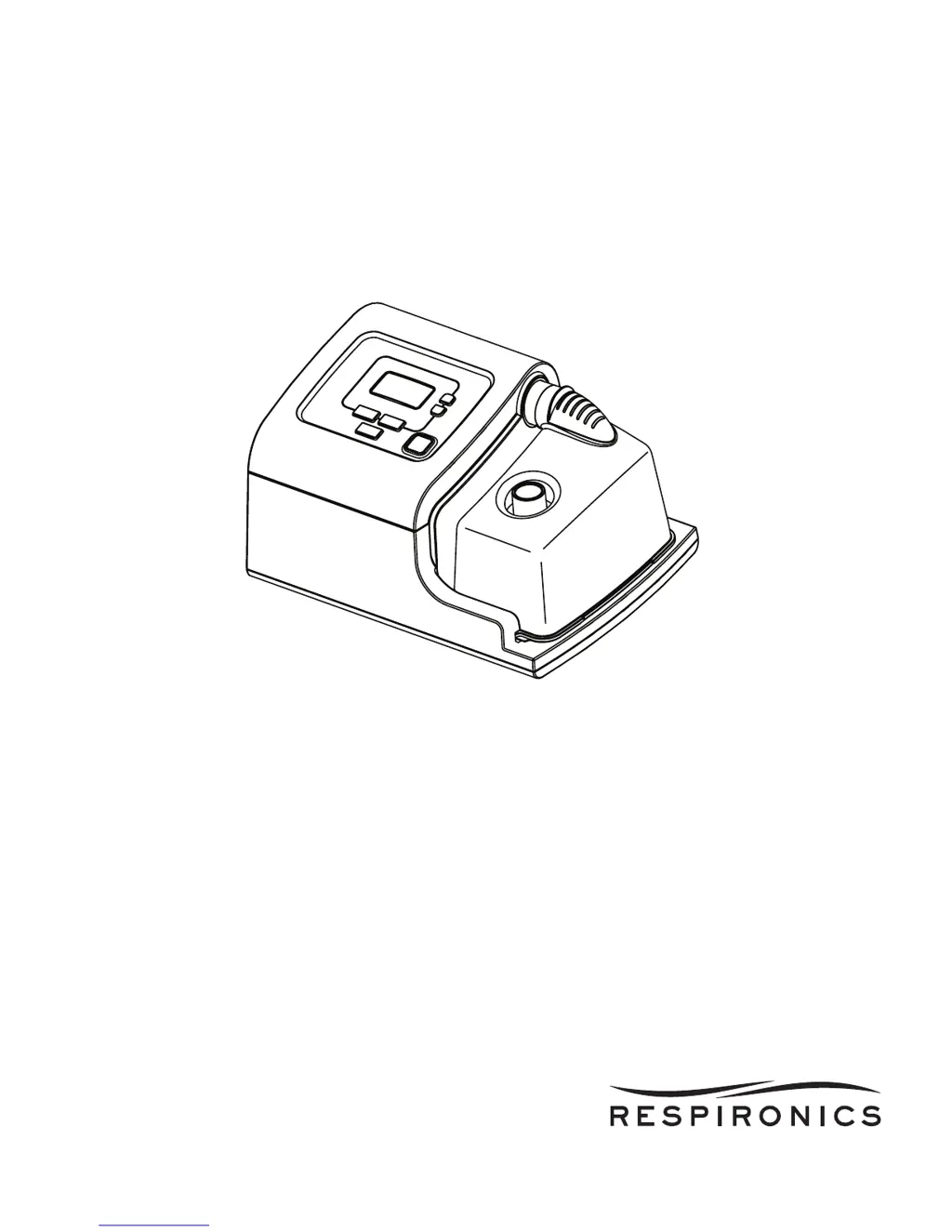
SleepEasy with C-Flex
USER MANUAL

Questions and Answers

  • K
    kathryn01Jul 30, 2025
    Why do I have throat or nose dryness using Respironics SleepEasy Medical Equipment?
    • D
      Denise ThompsonJul 30, 2025
      If you experience throat or nose dryness when using Respironics Medical Equipment, it may be due to the air being too dry. Try increasing the humidity setting. If you are using the heated humidifier feature, ensure it is working correctly. If the dryness persists, contact your home care provider for further assistance.
  • S
    Sarah MorrisonAug 4, 2025
    What to do if the Respironics SleepEasy Medical Equipment display is erratic?
    • D
      Dennis RamirezAug 4, 2025
      If the display on your Respironics Medical Equipment is acting erratically, it may be due to the device being dropped, mishandled, or being in an area with high Electromagnetic Interference (EMI). First, unplug the device and then reapply power. If the problem continues, move the device away from electronic equipment like cell phones, cordless phones, computers, TVs, electronic games, and hair dryers to reduce EMI. If the issue persists, contact your home care provider.
  • S
    Sara SmithAug 9, 2025
    What to do if Respironics Medical Equipment does not operate?
    • T
      Theresa MartinAug 9, 2025
      If your Respironics Medical Equipment does not operate when you press the button and the airflow does not turn on, there may be a problem with the blower. Ensure the device is correctly powered. If the button backlights turn on but the airflow doesn't, contact your home care provider for assistance. Note that there is a normal, slight delay before the airflow starts after pressing the button.
  • S
    shallAug 14, 2025
    Why doesn't the ramp feature work on my Respironics SleepEasy?
    • M
      Maria CastilloAug 14, 2025
      If the Ramp feature on your Respironics Medical Equipment isn't working when you press the Ramp button, it could be because your home care provider didn't prescribe it for you, or your CPAP pressure is already at the minimum setting. Discuss the Ramp feature with your provider to see if they will change your prescription. If Ramp has been enabled but still doesn't work, check the CPAP setting on the Active Display screen. If CPAP is set to the minimum setting (4.0 cm H2O), or the starting pressure is the same as the prescribed pressure, the Ramp feature will not function.
  • R
    Rachel WilliamsAug 25, 2025
    What to do if Respironics Medical Equipment doesn't turn on?
    • A
      april47Aug 25, 2025
      If nothing happens when you apply power to your Respironics Medical Equipment and the button backlights do not light up, it could be due to a lack of power at the outlet or the device being unplugged. Check the outlet and ensure the device is properly plugged in. Make sure the AC power cord is securely connected to the device’s power inlet. If the problem continues, contact your home care provider and return the device to them to determine if the issue is with the device.
  • W
    Wanda MooreSep 10, 2025
    How to fix air leaks from the vent hole on Respironics SleepEasy?
    • B
      Brooke LaneSep 12, 2025
      If air leaks from the vent hole on top of the water chamber of your Respironics Medical Equipment, it could be due to an improperly assembled or damaged flapper (soft) valve. Remove the water chamber and ensure the flap of the valve operates freely. Reassemble the system. If the leak continues, replace the soft valve.

Summary

Intended Use

Warnings

Mask and Connector Warnings

Explains the importance of using specific masks and connectors with exhalation ports for proper device operation and safety.

Oxygen Use Precautions

Details critical safety measures when using oxygen with the device to prevent fire hazards.

Cautions

Operating Temperature Range

Specifies the safe operating temperature range for the device to prevent damage or malfunction.

Liquid Ingress Prevention

Warns against immersing the device or allowing liquids into openings to prevent electrical hazards.

Water Chamber Filling

Instructs to use only distilled water in the chamber and prohibits additives or chemicals.

Contraindications

Control Buttons

Start;Stop Button

Starts or stops airflow and places the device in Active or Standby state.

Heated Humidifier Button

Controls the humidifier functions, turning the heating plate on or off.

C-Flex Button

Controls the C-Flex comfort features for pressure relief during exhalation.

Ramp Button

Activates or restarts the ramp function for gradual pressure increase.

Installing the Air Filters

Filter Installation Requirements

Emphasizes the requirement for a properly installed, undamaged reusable gray foam filter.

Filter Installation Steps

Provides step-by-step instructions for installing the foam and ultra-fine filters.

Connecting the Breathing Circuit

Bacteria Filter for Multi-User Systems

Advises on using a bacteria filter for multi-user systems to prevent contamination.

Exhalation Port Precautions

Warns against blocking or sealing exhalation ports, which are crucial for CO₂ exhaust.

Full Face Mask Safety Valve

Highlights the requirement for a safety (entrainment) valve on full face masks.

Where to Place the Device

Supplying AC Power to the Device

Power Cord Inspection

Stresses regular inspection of the power cord for damage and replacement if needed.

Setup the Integrated Humidifier

Humidifier First Use Setup

Detailed steps for initial setup, cleaning, and filling the humidifier water chamber.

Display Screen Information

Starting the Device

Heated Humidifier Feature

Ramp Feature

C-Flex Feature

Viewing Data on Patient Data Screens

Compliance Check Screen

System Error Screen

Device Alerts

High Priority Alert Handling

Describes the 'System Error' alert, its visual indicator, device action, cause, and patient action.

Troubleshooting Common Issues

Device Not Powering On

Addresses issues where the device shows no power or backlight activity.

Device Airflow Not Starting

Troubleshoots problems with the device not starting airflow after power is applied.

Ramp Feature Malfunction

Explains why the Ramp feature might not work and how to address it.

Throat or Nose Dryness

Offers solutions for dry throat or nose, typically by adjusting humidity settings.

Adding Supplemental Oxygen

Oxygen Use Safety Warnings

Lists critical safety warnings for using supplemental oxygen with the device.

Cleaning the Device

Device Cleaning Safety

Emphasizes safety precautions like unplugging and avoiding immersion in liquids.

Cleaning or Replacing the Filters

Filter Maintenance Importance

Highlights the importance of clean filters for proper operation and device longevity.

Filter Cleaning and Replacement Steps

Provides detailed instructions for cleaning the foam filter and replacing the ultra-fine filter.

Cleaning the Tubing

Cleaning the Water Chamber

Water Chamber Daily Cleaning

Stresses the importance of daily cleaning to prevent mold and bacterial growth.

Water Chamber Cleaning and Reassembly

Detailed steps for cleaning, reassembling, and inspecting the water chamber.

Service

When to Contact Home Care Provider

Guides when to discontinue use and contact a home care provider due to device issues.

Specifications

Respironics SleepEasy Specifications

General IconGeneral
CategoryMedical Equipment
TypeCPAP Machine
ManufacturerRespironics
ModelSleepEasy
UsageTreatment of Sleep Apnea
Power SourceAC/DC Power Adapter
Noise LevelLess than 30 dB
Pressure Range4-20 cm H2O
HumidificationOptional Heated Humidifier
Data RecordingBasic Usage Data
Compliance MonitoringYes
Mask CompatibilityCompatible with most CPAP masks
Operating ModesCPAP
Ramp FeatureYes
Altitude AdjustmentAutomatic
DisplayLCD Screen
Included Accessoriespower cord, tubing

Related product manuals