28
User Manual
ChapTer 7: alarms
is chapter describes the alarms and what you should do if an alarm occurs.
7.1 introduCtion to alarms
e device provides three alarm levels: high, medium, and low priority.
High Priority ese alarms require immediate response. e alarm signal consists of a red LED
indicator and a sound that is either a periodic pattern consisting of a two-second
beep followed by two seconds of silence or a pattern of three beeps, a pause,
and then two more beeps. e display has ALARM at the top of the screen. e
tables in Section 7.3 display these sounds using the following symbols: • • • • •
or
Medium Priority ese alarms require prompt response. e alarm signal consists of a yellow LED
and a sound that repeats a pattern of three beeps. e display has ALARM at
the top of the screen. e tables in Section 7.3 display these sounds using the
following symbols: • • •
Low Priority ese alarms require your awareness. e alarm signal consists of a yellow LED and
a sound that repeats a pattern of two beeps. e display has ALARM at the top
of the screen. e tables in Section 7.3 display these sounds using the following
symbols: • •
Some audible alarms are self-cancellable. is means that the alarm sound stops when the cause of the
alarm is corrected.
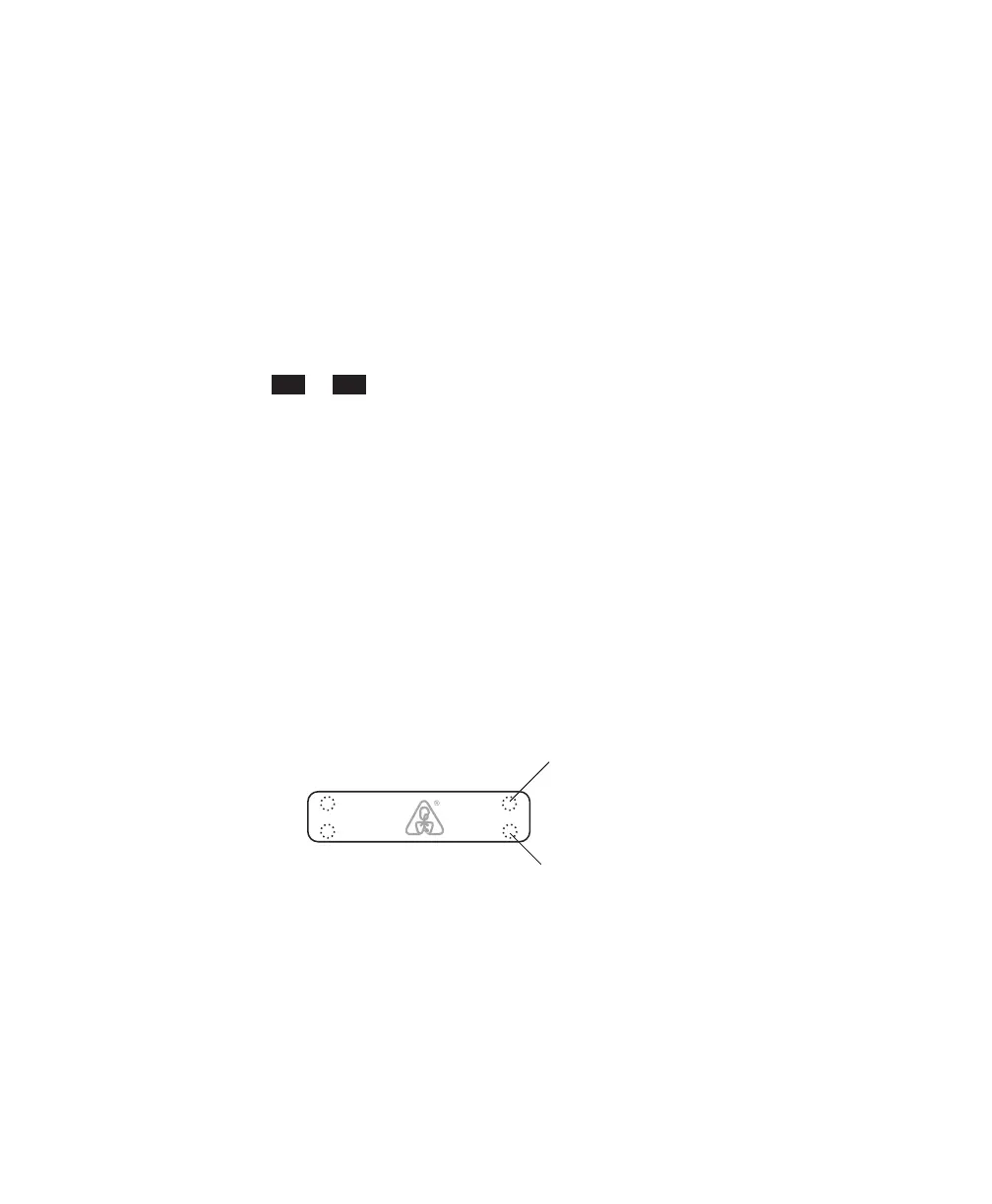
e alarm LED indicators are shown in Figure 7–1.
Low/Medium Priority
Alarm LED (Yellow)
High Priority
Alarm LED (Red)
DC
Power
AC
Alarms
Figure 7–1 Alarm LED Indicators
In addition to the alarm LED indicators, the control panel also contains Alarm Reset and Alarm Silence
buttons, as shown in Figure 7–2.














 To Next Page