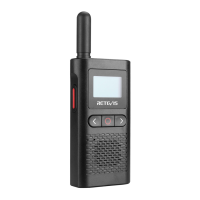
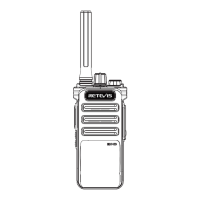
Battery installation
1) Battery: Li-ion battery.
2) Press the battery upwards to remove the battery.
3) Put the battery into the battery slot, pay attention to install the battery strictly
according to the positive + negative-instructions in the slot, and press down
firmly.
4) Reinstall the battery.
Battery display and low battery warning
The battery icon shows the battery level, from full display to space (0 battery).
The 0 battery reminds the user to charge in time, and is accompanied by a low
battery reminder (once 30 seconds). When the battery power is low, the intercom
will be shut down.
Note: When storing the radio for a long time, please remove the battery first.
Long-term corrosion of the battery will cause damage to the radio.
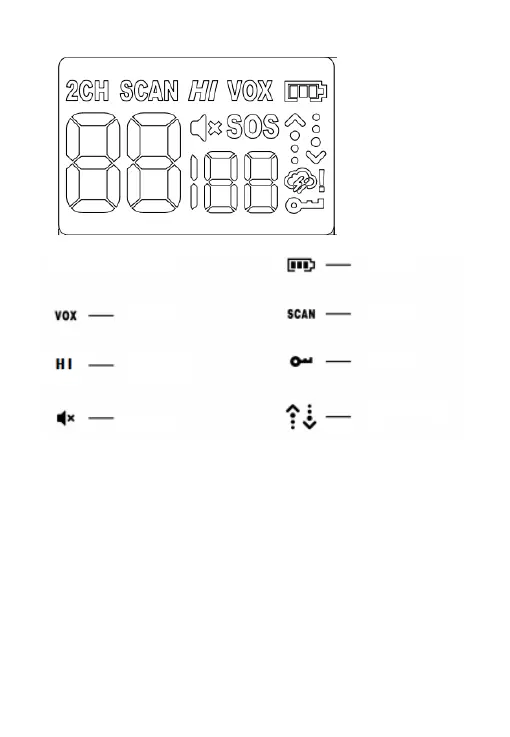
LCD display
Battery power
Scan
Lock
Status(tx/rx)
High power
Volume mute
Vox
2


 To Next Page