10
Receive All Call
All Call is a call from an individual transceiver calls all transceiv-
ers in the same channel. It is used to announce something
important that users must pay special attention to.When received
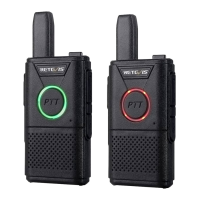
all call, LED indicator turns green.
Notice: when receiving all call, if you turn to another channel,
the transceiver stop to receive all call. During the all call, you
can use any re-programmed key until the call finished.
Launch a Transceiver Call
You can choose a channel, user ID or group call with following
methods.
● Channel Knob
Launch a Group Call
To launch a group call, the transceiver must be configured as
belonging to that group.
1.Rotate channel knob, using activated group ID to select
channel.
2.Hold the transceiver vertically and keep about
1~2inches(2.5-5.0cm) away from mouth.
3. Press PTT key to respond the call, LED indicator turns red.
4. Release PTT key to receive, when the target transceiver
responds, LED indicator turns green.
Launch a Individual Call
1. Rotate channel knob, using activated group ID to select
channel.
2. Hold the transceiver vertically and keep about
1~2inches(2.5-5.0cm) away from mouth.
3. Press PTT key to respond the call, LED indicator turns red.
4. Release PTT key to receive, when the target transceiver
responds, LED indicator turns green.


 To Next Page