ANI-SW
ANI-EDIT
ANI-EDIT
ANI-EDIT
ANI code setting (ANI-SW) ---menu 32
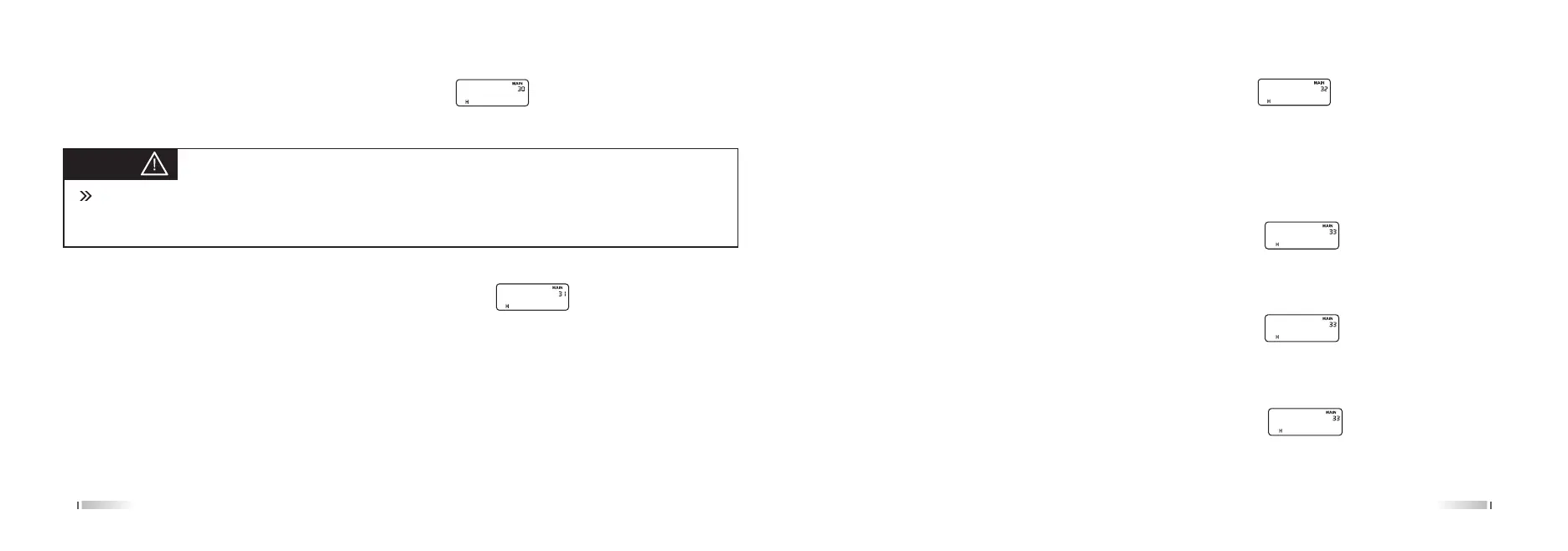
In the Standby, Press [MENU] + [3 SAVE] [2 SQL], the screen displays:
Press the [MENU] enter, press [UP] / [DOWN] key to select ON / OFF, and press the [MENU] button to confirm,
press [EXIT] back to standby.
ANI code edit (ANI-EDIT) ---Menu 33
The radio ANI code by the Arabic numerals 0-9, first bit non-zero, minimum three bits, maximum six bits.
In the standby, press [MENU] + [3 SAVE] [3 SAVE], the screen displays:
Press the [MENU] to enter, put into the desired number and press the [MENU] button to confirm, press [EXIT] back
to standby.
Ex1. Edit 6 bits of ANI code (123456)
In the Standby, press [MENU] + [3 SAVE] [3 SAVE], the screen displays:
Press [MENU], First bit flicker, put into [1 STEP][2 SQL][3 SAVE][4 TXP][5 ROGER][6 TOT] then press [MENU] to
confirm, And press [EXIT] back to standby.
Ex2. Edit 3 bits of ANI code (123)
In the Standby, press [MENU] + [3 SAVE] [3 SAVE], the screen displays:
Press [MENU], if edited ANI code display ANI code directly, and first bit flicker. If not be edited display 101 and first
bit flicker, then put into [1 STEP] [2 SQL][3 SAVE], press[MENU]to confirm, And press [EXIT] back to standby.
3231
Power message setting (PONMSG) ---Menu 30
In the Standby, press [MENU] + [3 SAVE] [0], the screen displays:
Press [MENU] to enter, press [UP] / [DOWN] keys to select the desired parameter press [MENU] to confirm, press
[EXIT] back to standby.
Mute mode (SP-MUTE) ---Menu 31
In the Standby, press [MENU] + [3 SAVE] [1 STEP], the screen displays:
Press the [MENU] to enter, press [UP] / [DOWN] keys to select the desired quiet mode and press the [MENU] to
confirm, press [EXIT] back to standby.
Mute mode: when the speaker is open condition, this setting is particularly suitable for selective calling, group
calling, all calling.
Mute mode:
QT: matching QT audio sub-carrier signal, the speaker will turn on.
QT+DTMF: matching QT and other tone signaling carrier signal, the speaker will turn on.
QT*DTMF: matching QT or other tone signaling carrier signal, the speaker will turn on.
PONMSG
SP-MUTE
Tips:
There are two kinds of display mode
1. BITMAP
2. BATT-V



 To Next Page