8
STANDS, RIDEIN TROLLEYS AND BRACKETS
Essential accessories for the combi oven include various stainless steel
stands, wall brackets (on model 623) and ride-in trolleys (on sizes 1011,
2011, 1221, 2021). Special equipment is considered to be banquet baskets,
trolleys and thermoboxes used for serving meals.
1.4 CONTROLS: BASICS
TURNING ON AND OFF
The combi oven is permanently connected to the power grid and it is
turned on and o by pressing an external main power switch. Its location is
determined by the operator of the combi oven upon its installation and you
as the user must be informed about its location. During standard use, when
you have finished using it, it is sucient to put into standby mode by long
pressing the Start/Stop button.
OPENING AND CLOSING THE DOOR
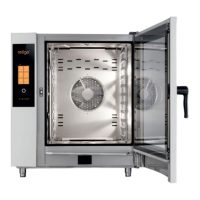
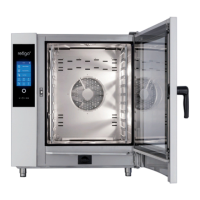
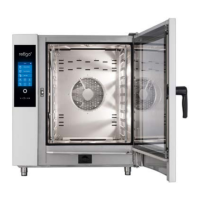
The combi oven’sdoor is equipped with aclosing mechanism that allows
right- or left-handed opening. Moving the lever to the side will release the
door latch. Pull on the handle to open the door.
To close the door, push on the handle (by slamming). If you have an
appliance with the ride-in trolley (2011, 1221, 2021) close the door and turn
the door handle clockwise by 90°.
PREHEATING THE BOILER (combi ovens with aboiler)
When the combi oven is turned on, the boiler is automatically filled with
water which is then heated. For this time, the start of the program will be
temporarily disabled in the “Steam” and “Hot air with steam” modes, until
the boiler is fully heated. After this time, the combi oven will automatically
continue running.
User’smanual | Orange Vision Combi Ovens | 01 BASIC INFORMATION ABOUT THE COMBI OVEN



 To Next Page