20
Chapter 5
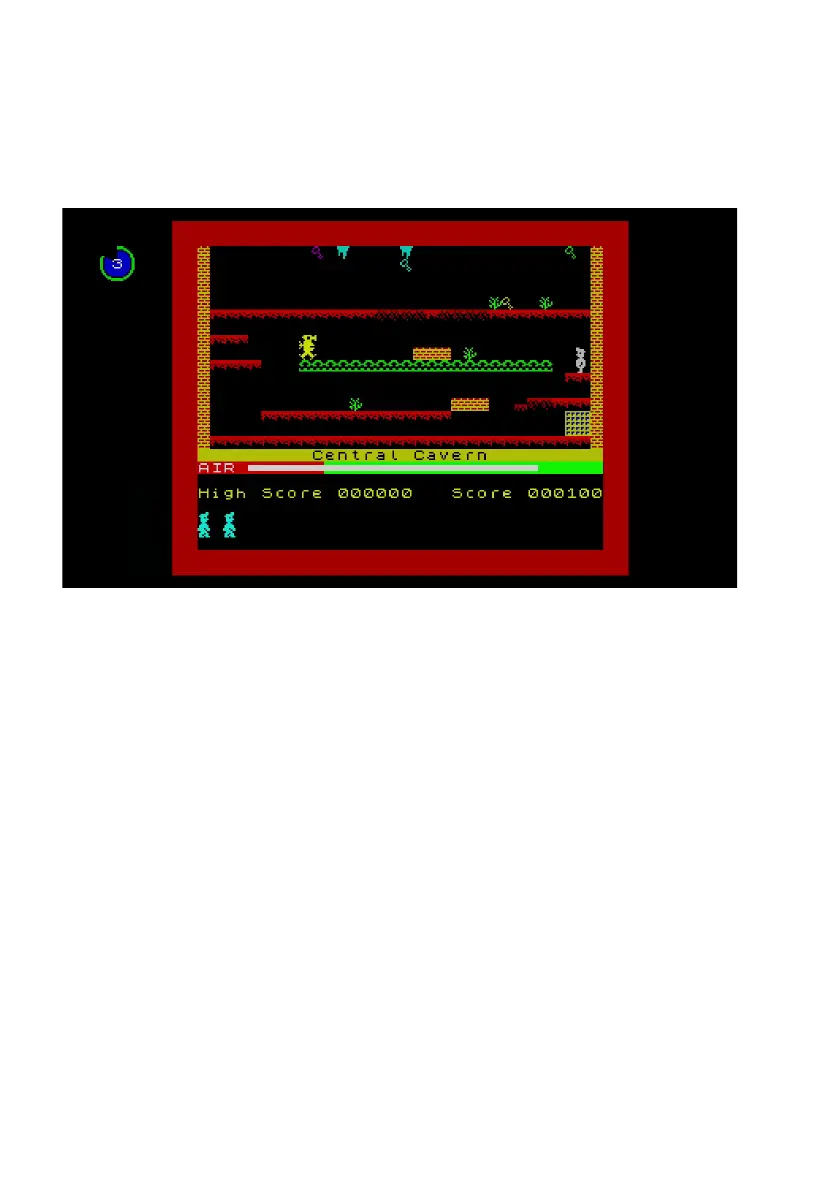
When you step back through the gameplay, The Spectrum will replay from that point.
The current position in the rewind history is shown in the top left corner of the screen,
and reects the duration by which the gameplay has been rewound.
When you reach the point from which you wish to continue playing, press B. The
Spectrum will display a 3-2-1 countdown, preparing you to take over the gameplay.



 To Next Page