35
CHAPTER 8
Adjusting the settings of a program
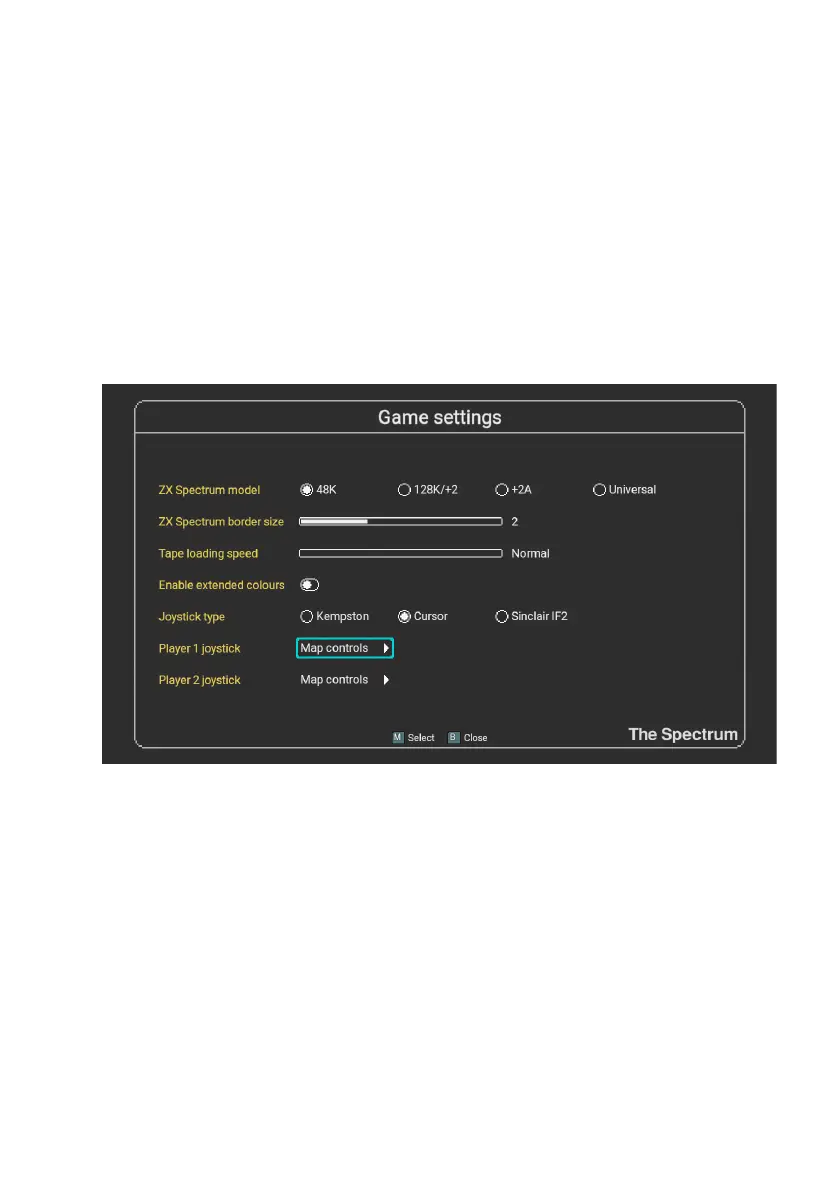
Once you have selected a program to launch, you may modify settings such as the
machine model, joystick controls and border size before auto-loading the program, by
pressing SPACE. These settings can also be changed for the currently suspended
program if it was auto-loaded.
For controls that have a slider value, press M to increase the value and F to decrease
the value.
ZX Spectrum model
This option allows you to select the ZX Spectrum model on which you wish to run the
selected program. The default is the 48K, though The Spectrum will try and guess by
looking at the lename.



 To Next Page