26
Chapter 6
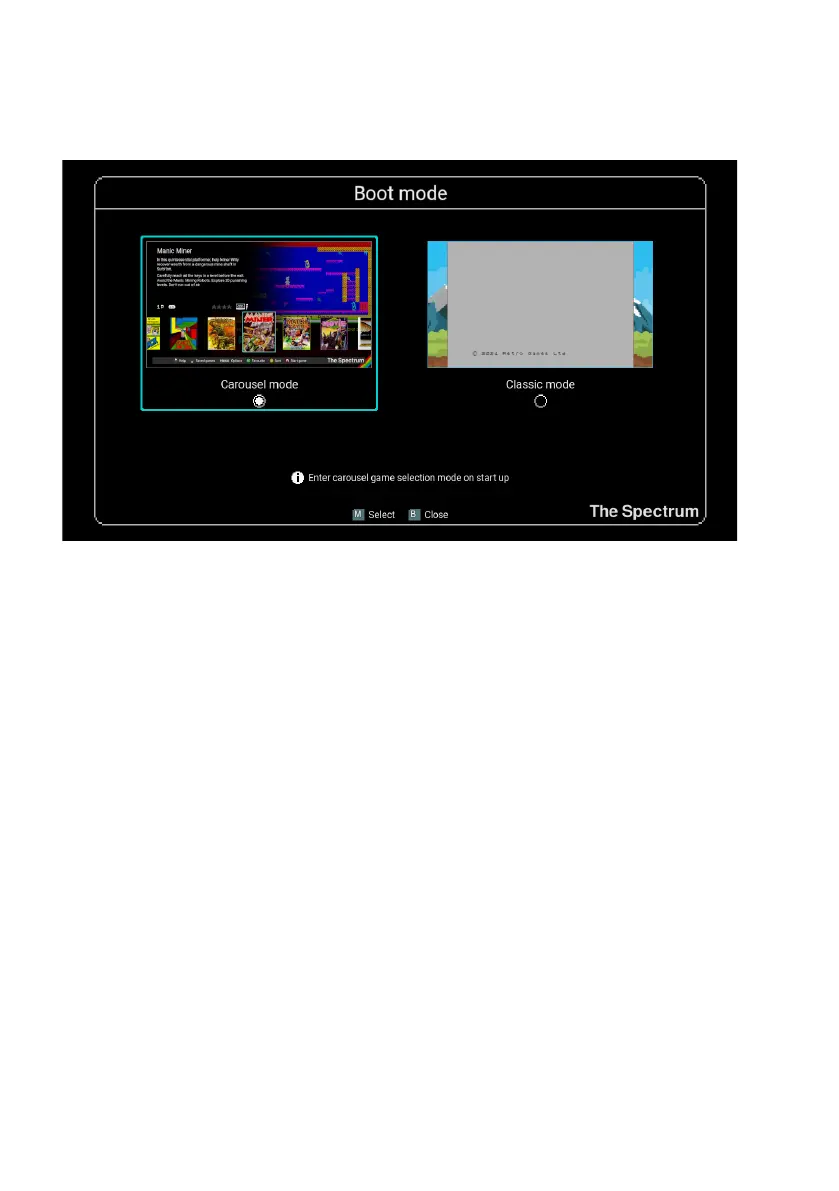
The Boot mode menu allows you to change whether The Spectrum starts in Classic
mode or Carousel mode when you turn the power on.
Changes made to the Boot mode conguration take effect the next time you power
on The Spectrum.
Switch to classic mode
Switch The Spectrum into Classic mode, where it operates as though it is an original
ZX Spectrum, complete with BASIC programming and virtual cassette tape access.
For full details see Chapter 10 - Classic mode.
System information
This shows The Spectrum’s current rmware build, and will also allow you to upgrade
to a newer rmware build if one is present on an inserted USB stick (see Chapter 13
- Updating the rmware).
Legal notices
This option displays the legal notices relevant to The Spectrum. The text may be scrolled
up and down using Q and A.



 To Next Page