45
Classic mode
Classic mode options
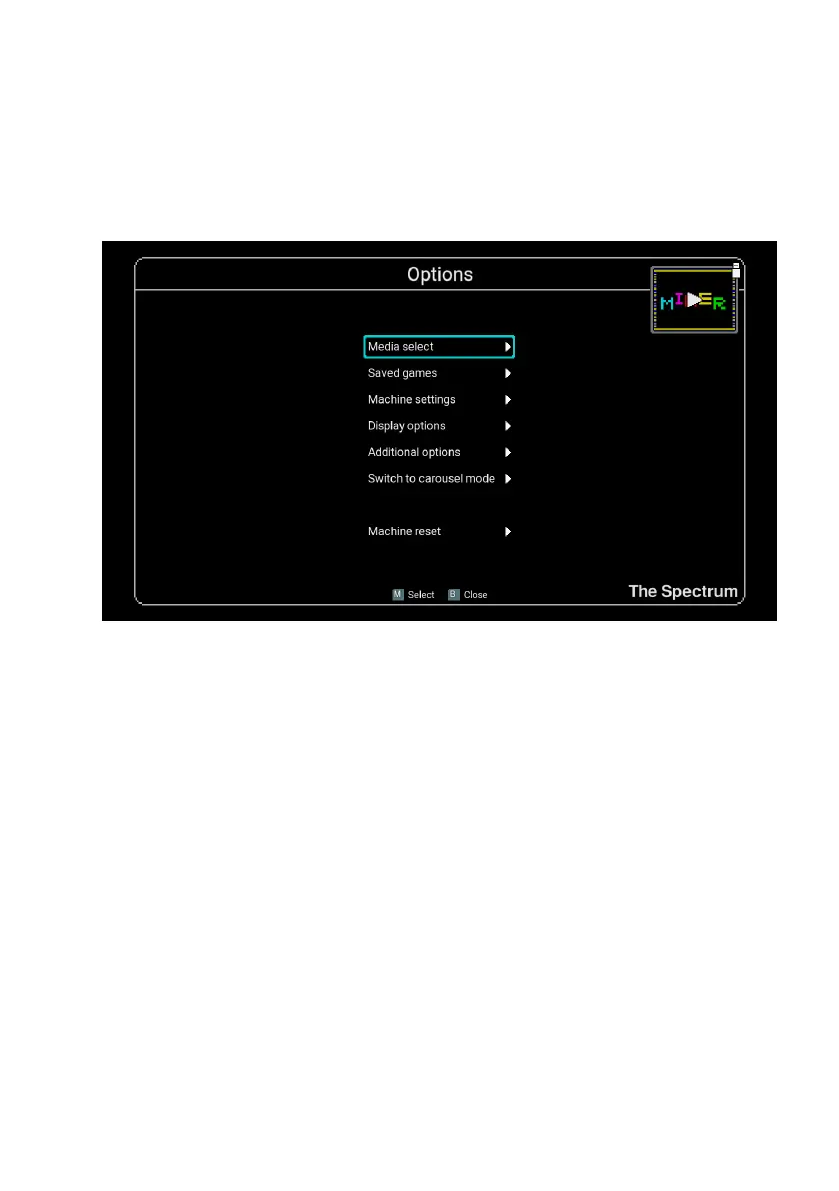
When in Classic mode The Spectrum options and features are entered by pressing
the HOME button. This will temporarily suspend what you are doing and display the
classic mode options menu, along with a miniaturised view of the suspended activity
shown oating at the top-right of the screen.
Pressing key B when viewing the Classic mode options will close the menu and return
you to your suspended session.
Media Access
Selecting the Media Access will launch a le browser that you can use to navigate
through and load your own program les from a USB stick.
See Chapter 7 - Loading your own programs for full instructions.
There are a few differences between accessing media on a USB stick in Carousel
mode and in Classic mode:
•
In Carousel mode, programs can only be auto-loaded from a USB stick. In Classic
mode you are able to eject and insert cassette tape les at will (without auto-loading
them) and then return to your suspended session with the new tape attached.
• Any Game Settings congured for a program are applied only for auto-loaded
cassette tape les. In Classic mode, when a cassette tape is inserted and the
suspended session is resumed without auto-loading, then the game settings are
not applied.



 To Next Page