30
Chapter 7
Folders and les with the following ZX Spectrum media le extensions will be shown:
Type File extension
Cassette Tape
.tap .tzx .pzx
Cartridge
.rom
Snapshot
.szx .z80 .sna
Playlist
.m3u
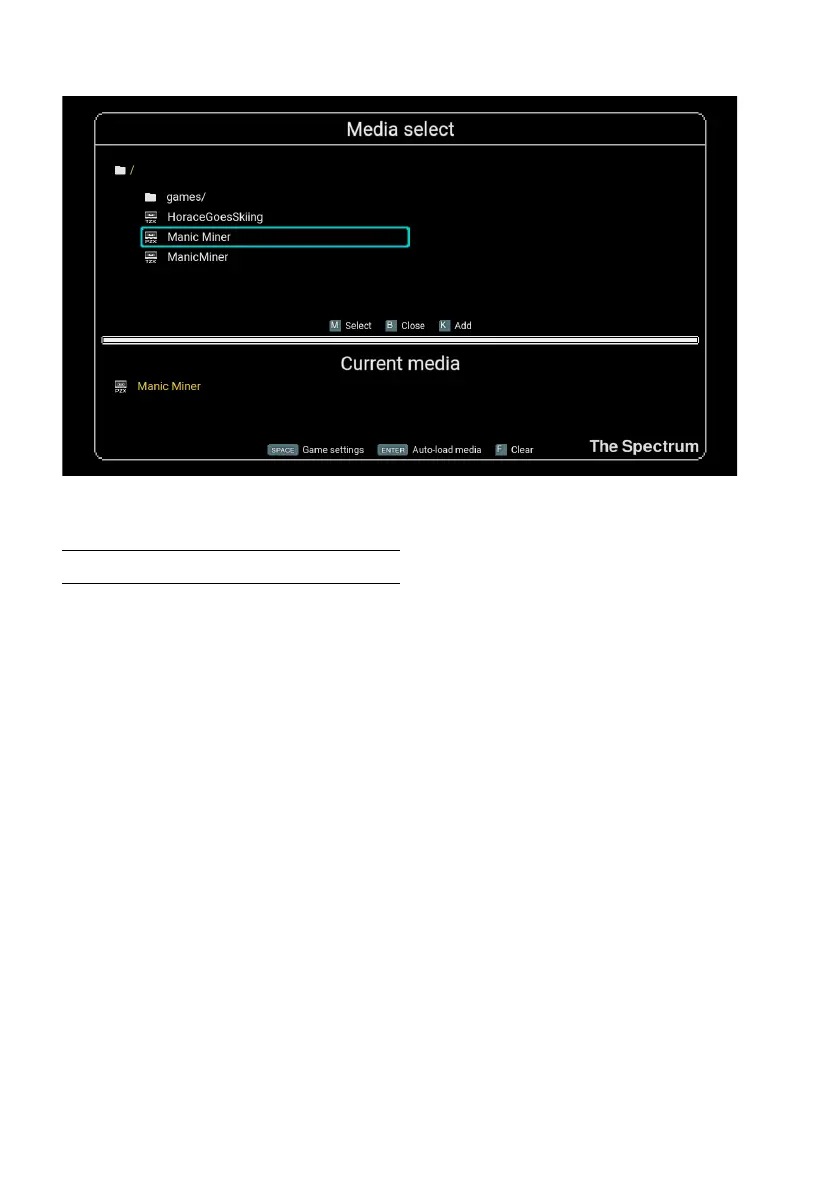
Use O, P, Q and A to navigate through the contents of the USB stick. To select a program
or descend into a folder, press M. To step back out of a folder, press L.
Once you have selected the program, its lename will be displayed in the Current
media section at the bottom of the screen. To start the selected program press ENTER,
and to adjust its settings press SPACE.
To return to the Game carousel press B. The description shown for the USB Media
Access carousel title will reect the Current media lename.
Cassette le support
The Spectrum supports the three common cassette le formats.
Files ending with .tzx and .pzx are a digital facsimile of the original audio cassette
tape and reproduce the loading experience of the original cassette, including the


 To Next Page
 Loading...