I-59SC-0614
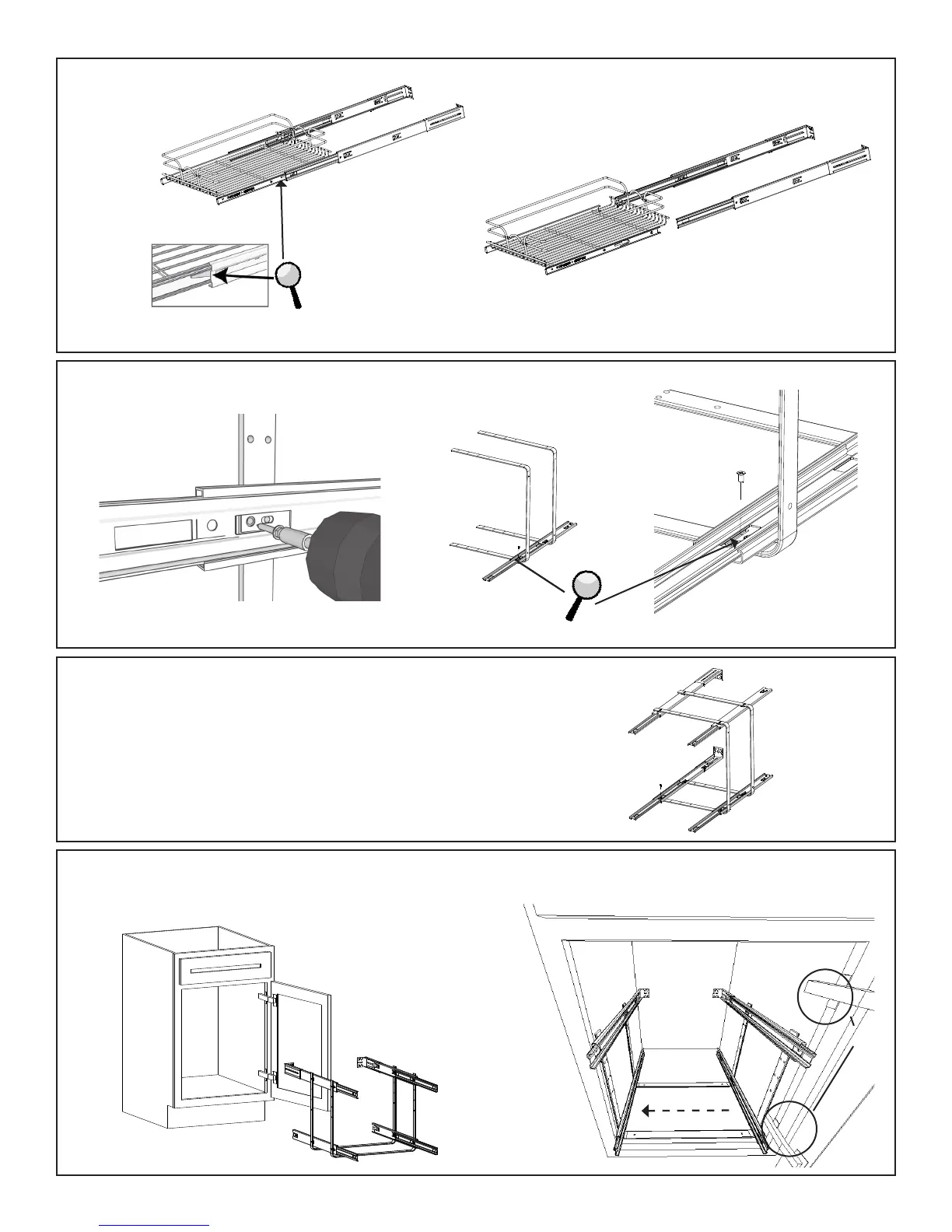
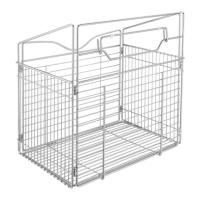
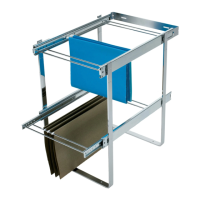
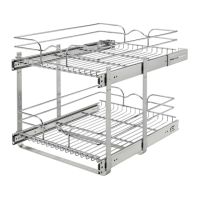
1) Begin by removing the slides from the upper and lower slide basket.
(Note: in order to do so, you will need to press the black triggers on both sides of the basket to remove.)
2) Attach the pair of bottom basket slides to the bottom hole position into the U-shaped Support bracket
using (8) of the provided machine screws.
3) Attach the pair of upper basket slides to one of the (3) height options and repeat step (2).
4) Now that all (4) slides are attached to the support bracket, carefully slide the entire unit into your cabinet and move unit to the
opposite side of your cabinet hinges. This will allow the proper clearance so your baskets do not interfere with the cabinet door hinges.
(Note: start with the circular hole rst and then proceed to the slotted hole next.)
Hinge



 To Next Page