Advanced Functions
Advanced Mode
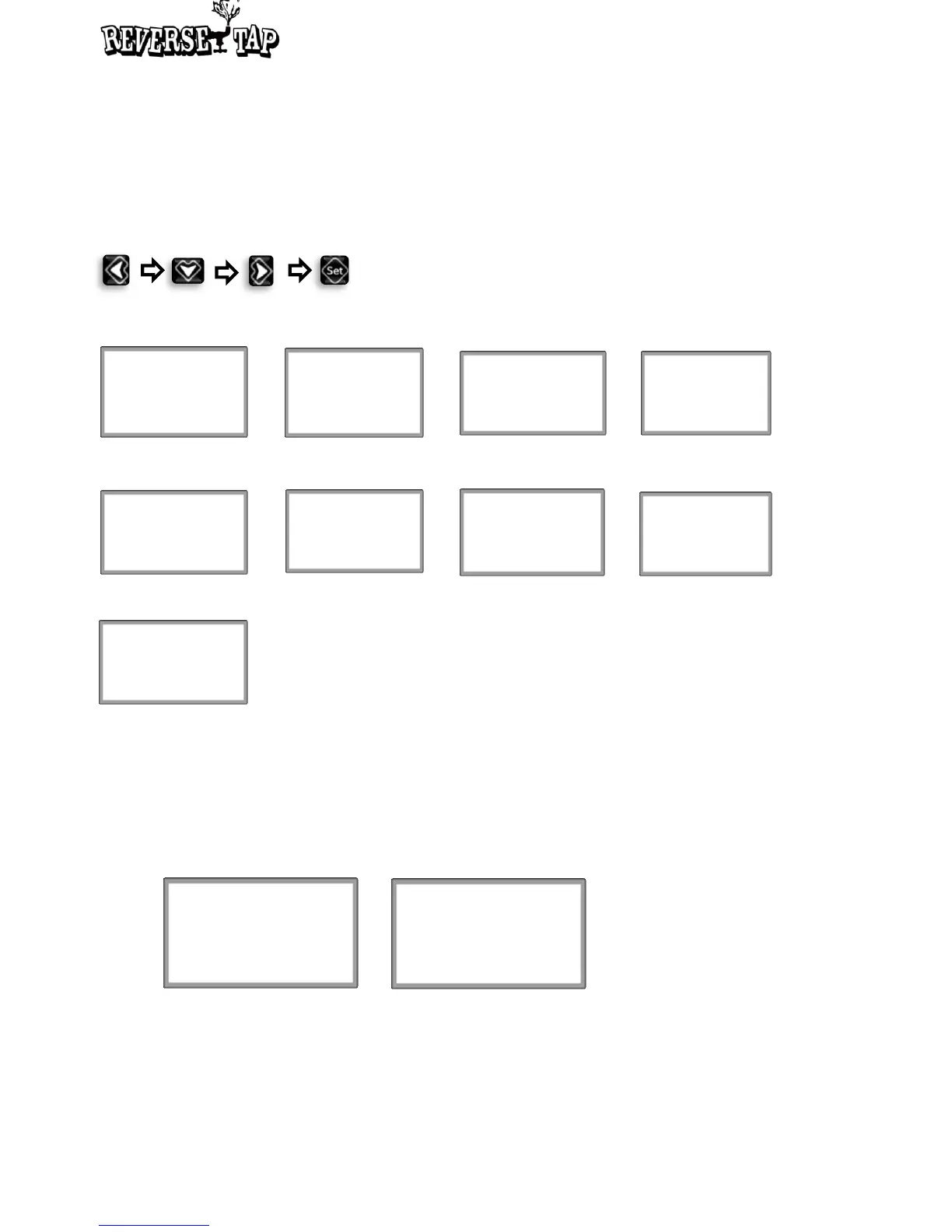
How to enter into the Advanced Modes: Press the buttons as below sequence
Screenshot of each Advanced Mode
Track A : 123mL
Track B : 345mL
1.Version : 0.9.0
2. Made by NPC
3. Last Update :
FEB 17 2016
www.reversetap.com
LED Mode
State : Dispensed
Mode : 2.Green
4. Tracking Mode
5. LED Mode
9. Information
3. Volume/Time Mode
8. Mode to change
calibration coefficient
of flow sensor
6. Auto/Manual Mode
7. KEG Alarm Mode
Flow Sensor
Coefficient : 1.15
Volume
Time
Auto
Manual
KEG Alarm
Alarm : OFF
Flow rate : 62.5 mL/s
Volume : 18000 mL
Unit
oz / ml
1. Unit Mode
Security Mode
Setting Lock : ON
Dispensing Lock : ON
Password : ****
2. Security Mode
Unit Mode
• In unit select mode, users select a unit that they will use.
• ReverseTap provides oz and ml.
UNITS
oz
UNITS
ml
• If the unit flickers after pushing Set button, select a preferable unit by pushing
Up/Down button.
14


 To Next Page