FOB on
FOAM on
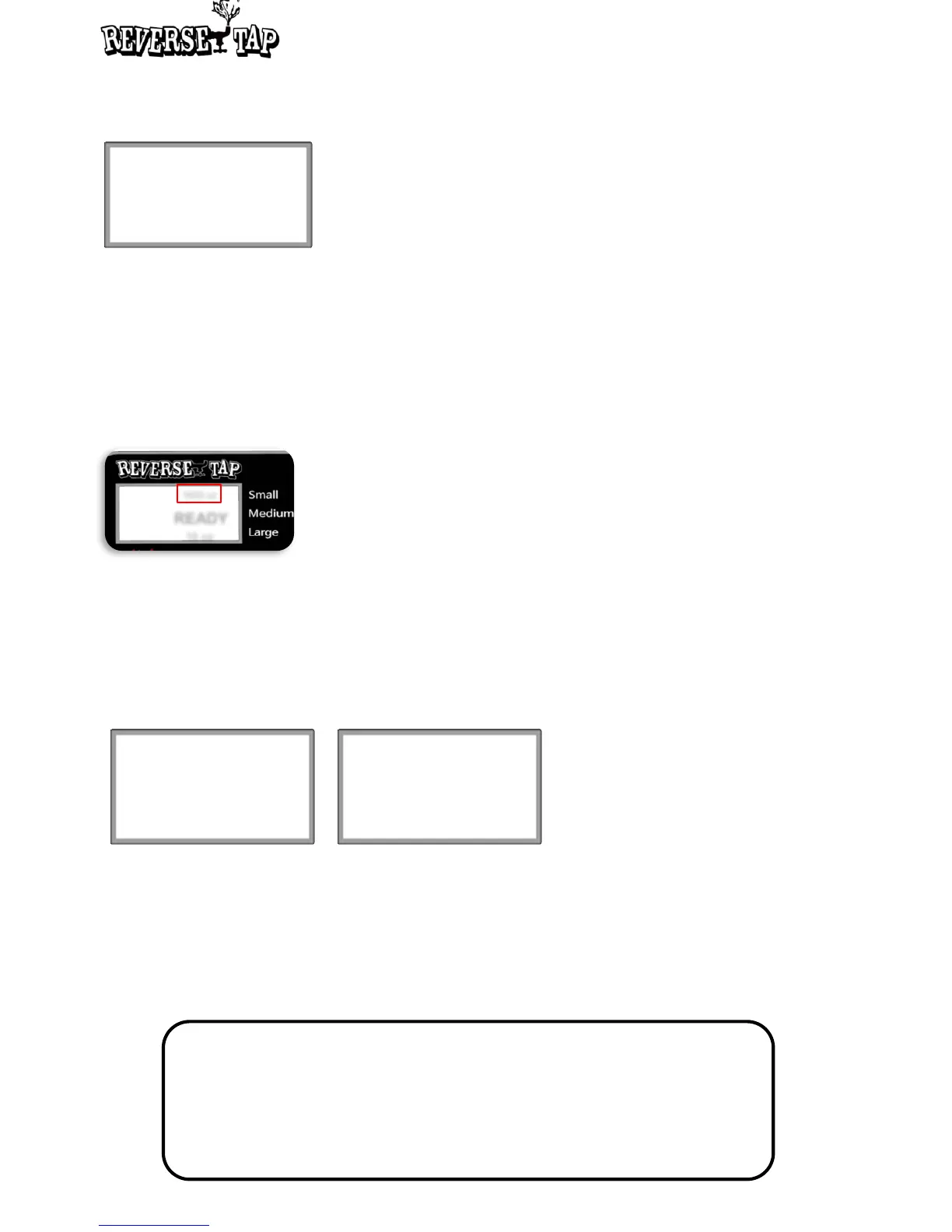
1650 oz
READY
16 oz
◎
Standby status
Tracking mode
• A function of showing the total amount of dispensed beer.
• Each of Dispensed A and B can be reset.
• While one of Dispensed A and B is blinking, long press the Down button to reset with a
long beep.
• The total amount of Dispensed A shows at top of the Standby screen.
Total amount A
Total amount B
Dispensed A 1650 oz
Dispensed B 250 oz
* Long press the Down button to reset the total amount
(Dispensed A) on Standby screen.
LED Mode
A function of changing LED lights of before/during/after dispensing.
LED is lit only when a cup is inserted in ReverseTap.
• State : Press Up and Down button to select before, during, or the after (dispensing).
- Before : Set LED lighting after a cup is inserted and before dispensing.
- Dispensing : Set LED lighting during dispensing.
- Dispensed : Set LED lighting after dispensing is complete. The lighting will continue
until the cup is removed.
• Mode : Press Up and Down button to select the desired color.
LED Mode
State : Dispensing
Mode : 0.Rainbow
LED Mode
State : Dispensed
Mode : 12.Circle
Mode 0 : Rainbow LED
Mode 1 : Red Color LED
Mode 2 : Green Color LED
Mode 3 : Blue LED
Mode 4 : White LED
Mode 5 : Blink LED
Mode 6 : Yellow Color LED
Mode 7 : Purple Color LED
Mode 8 : Light Green Color LED
Mode 9 : Light blue Color LED
Mode 10 : Light purple Color LED
Mode 11 : Light yellow LED
Mode 12 : Circle LED
Mode 13 : LED OFF
18


 To Next Page