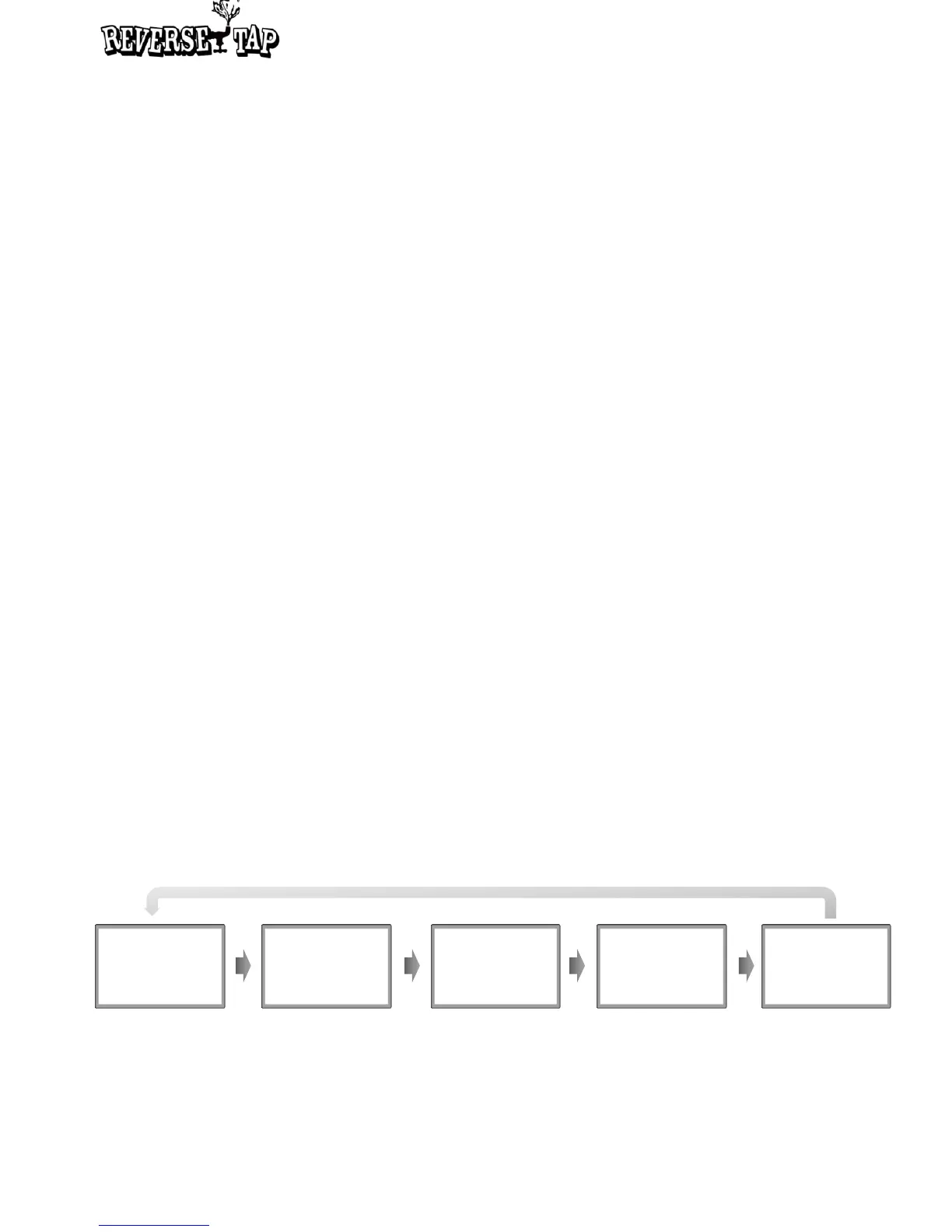
Screenshot of each Basic Mode
1. Setup Mode
2. Size-setting Mode
3. FOB Mode
4. Foam Mode
5. Cleaning Mode
How to change the Mode Setting
• At the Stand-by status, long press the Set button enter the Mode Setting status.
• Press the Set button in each mode to shift through changeable values as they blink.
Once you shift through all sections, the blinking will stop.
• You may change values for each blinking section by pressing Up and Down button.
• Press Left and Right button to shift to the next mode.
• Once all changes are complete, long press the Set button to save the changes and
return to the Standby status
⑪ FOB status
Once FOB mode is activated, after the warning signal, the display will show options
between Start and Stop.
⑫ KEG Alarm Mode
This text notifies that KEG Alarm mode is activated. Users can set the Alarm mode to
check how much beer is left in the keg.
Foam
Number of foam
making : 3
FOB
Detector : On
Flow Rate x 1.30
Cleaning
Stop
SETUP
Push Start
Small
362.5 mL
1. Setup Mode
2. Size-setting Mode
4. Foam Mode
5. Cleaning Mode
3. FOB Mode
9


 To Next Page