EasyManua.ls Logo

Reverso FPS-80 - User Manual

Reverso FPS-80
20 pages
Print Icon
To Next Page IconTo Next Page
Loading...
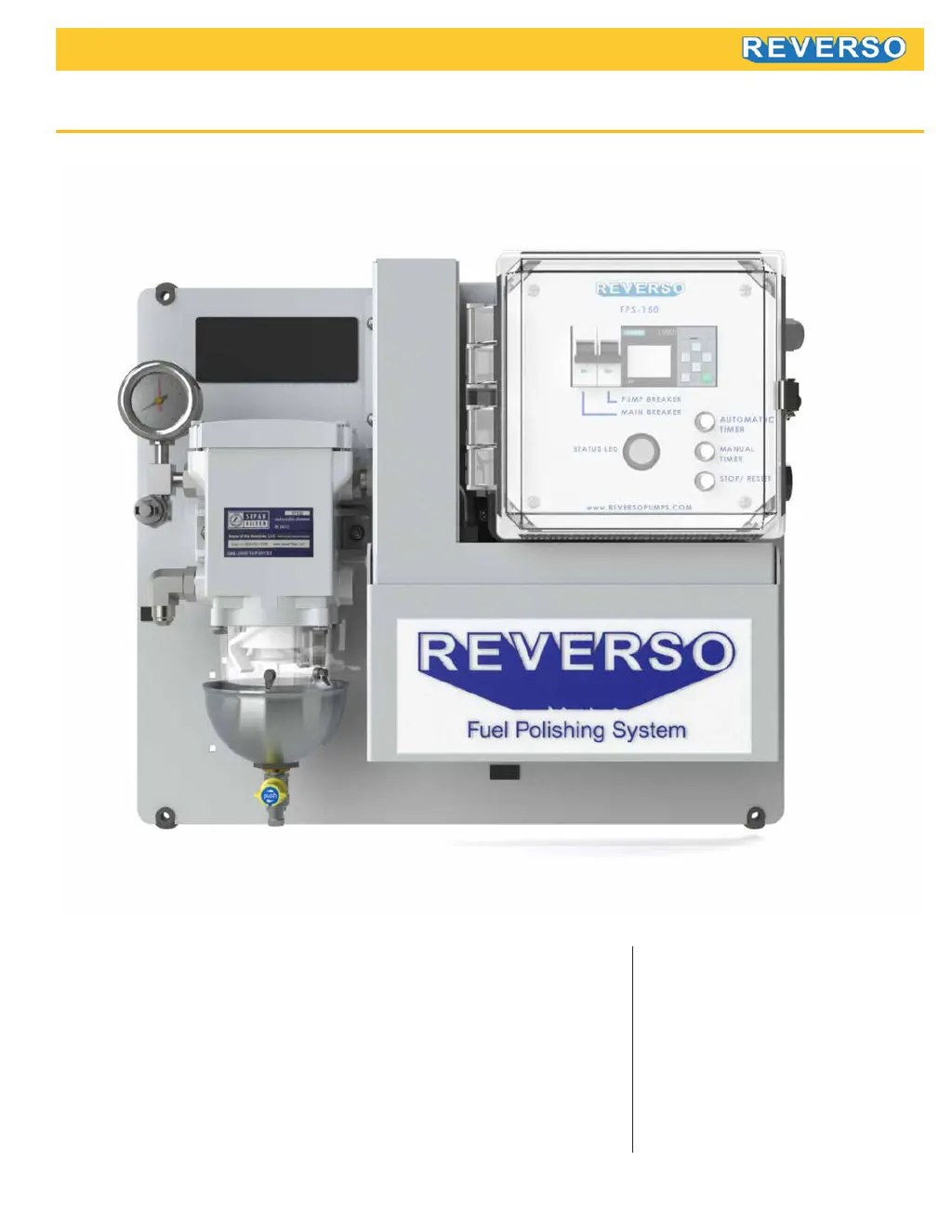
FPS-80, FPS-150, and FPS-210
Instructions
Digital, Touchscreen, or Mechanical timer
Featuring Separ Filter fuel water separator
Shutdown and visual / audio alarms
Fuel Polishing System
Contact Us
Reverso Pumps, Inc
4001 SW 47th Ave, Suite 201
Davie, FL 33314
Ph: (954) 522-0885
contact@reversopumps.com
www.reversopumps.com

Questions and Answers

Summary

System Overview

Electrical and Piping Installation

Primary Inspection

Inspect the Fuel Polishing System for any damage upon delivery and during shipment.

Mounting

Proper wall mounting instructions for the FPS unit to ensure stability and accessibility.

Electrical

Guidelines for safe electrical installation by qualified personnel, including power disconnection.

Piping

Recommendations for fuel line material, diameter, and connection to ensure system integrity.

Warning

Critical safety warning about using only diesel fuel and avoiding fluids with low flash points.

Control Panel with Digital Timer: Overview, Alarms, Reset

Overview

Description of control panel components including breakers, relays, buttons, and status indicators.

Alarms

Explanation of high vacuum and high water level alarms and necessary actions.

Reset (Black Button)

Procedure for stopping audible alarms, shutting off indicator lights, and resetting faults.

Digital Control

Set Date and Time

Step-by-step guide to setting the current date and time on the digital control panel.

Set Manual Timer

Instructions for setting a specific duration for the pump to run in manual mode.

Manual Mode Operation

How to operate the system for a single preset time in manual mode.

Automatic Mode Operation

How the system starts and stops automatically based on programmed days and times.

Set Automatic Timer

Procedure to program the system's start and stop times for automatic operation.

Modbus

Information on accessing Modbus communication for advanced control.

Touchscreen Control: Program Setup

Manual

Steps to select and configure manual operation parameters on the touchscreen.

Automatic

Steps to select and configure automatic operation parameters on the touchscreen.

Touchscreen Control: Alarm Status

Pressure

Displays pressure readings and indicates when to change the secondary filter element.

Vacuum

Shows vacuum status and indicates when the filter needs backflushing or replacement.

Spill Sensor

Detects spills and prompts for system clearing and leak checks.

Water Sensor

Monitors water level in the filter bowl and triggers an alarm when contacts are reached.

Touchscreen Control: System Time Setup and System Log

System Time Setup

Interface for setting the current date and time on the touchscreen control.

System Log

View historical records of system events like ON/OFF status and sensor states.

Touchscreen Control: System Overview

Touchscreen Control: Maintenance

Backflushing

Instructions and steps for performing backflushing of the filter element.

Filter Element Replacement

Detailed procedure for replacing the filter element with accompanying visuals.

Troubleshooting

Guidance on diagnosing and resolving common issues with the fuel polishing system.

Mechanical Control

Alarms

Explanation of high vacuum and high water level alarms for the mechanical control panel.

Operation

Steps to ensure the system is primed, powered, and set the timer for operation.

Filter Maintenance

Backflushing

Visual guide and steps for backflushing the fuel filter.

Filter Element Replacement

Visual guide and steps for replacing the filter element.

FPS-80 Technical Specifications

FPS-80 Dimensions

FPS-150 Technical Specifications

FPS-150 Dimensions

FPS-210 Technical Specifications

FPS-210 Dimensions

Troubleshooting

Reverso FPS-80 Specifications

General IconGeneral
BrandReverso
ModelFPS-80
CategoryControl Unit
LanguageEnglish

Related product manuals