24
25
Replacing the Electrode Body Pads
The body pads are reusable up to 20-30 applications. If the body pads start to
lose their adhesiveness, rub a few drops of water into the surface. Replacement
Electrode Body Pads can be obtained via www.revitive.com
Cleaning and storing Revitive
a Press the power button and turn Revitive o.
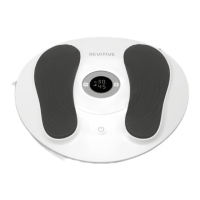
b Wipe down the foot pads with a so damp cloth.
Do not clean with chemicals.
Do not immerse Revitive in water.
c Store Revitive in a cool, dry and dust-free location.
Store out of direct sunlight.
d Store the body pads in a dry and ventilated location.
Store out of direct sunlight.
You do not have to detach the body pads from the body pad cords to
store them.
Note: In the case of multiple users, ensure to clean the device aer each use.
k The Time display will start to count down in
minutes as Revitive cycles through its program.
l When Revitive times out, the Time display reads
00 and you will hear three beeps, and the device will
switch itself o automatically.
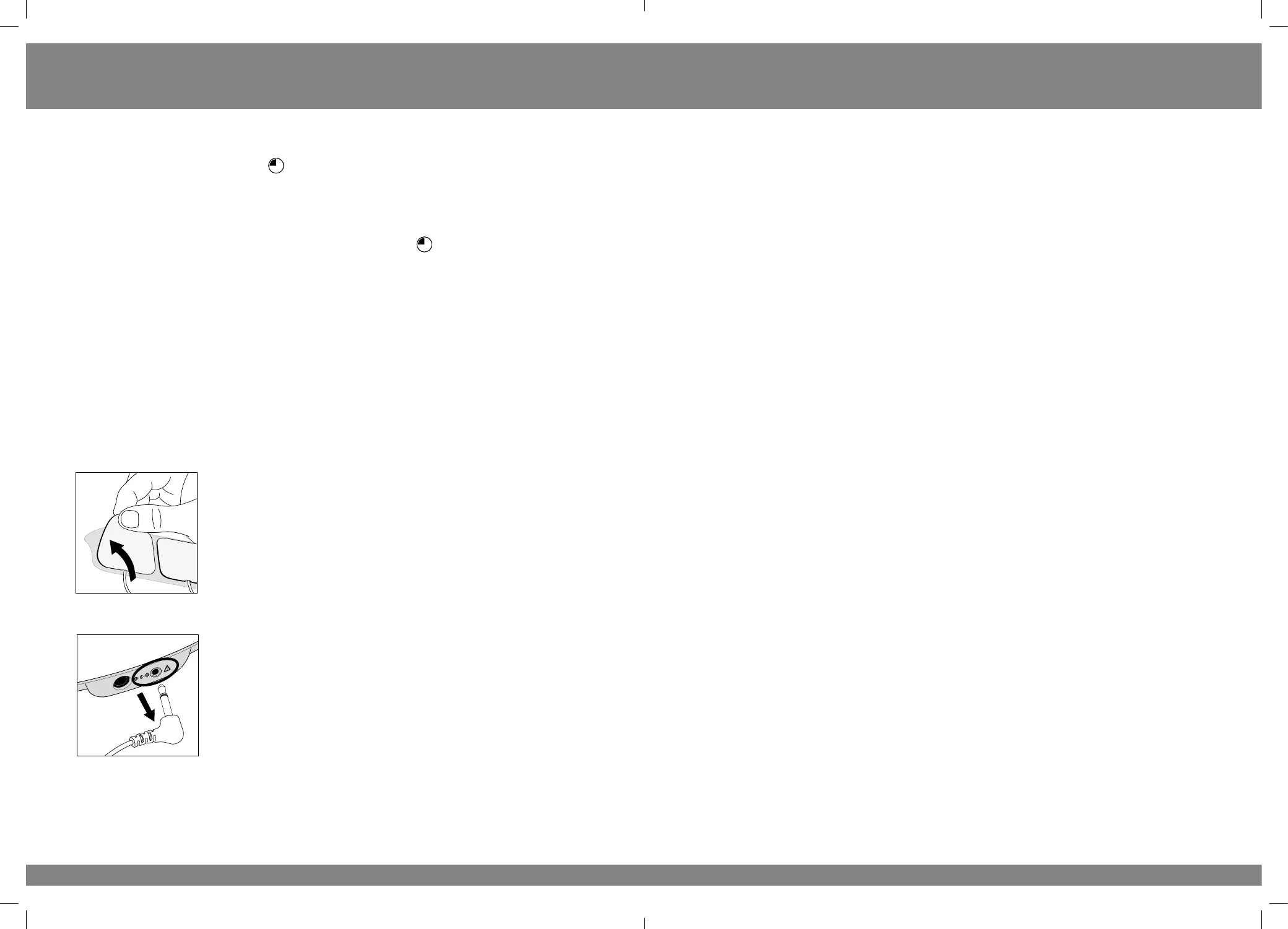
m Gently peel the body pads from the skin.
Do not pull the body pads o the skin using the
body pad cords as this may damage the cords.
n Replace the body pads onto its plastic liner aer use.
o Unplug the body pad cord from the opening on
Revitive.
You do not need to detach the body pads from the
body pad cords.
Instructions for use
2452_IFU06_18063164.indd 24-25
2452_IFU06_18063164.indd 24-25
19/05/2021 10:22


 To Next Page