ILLUSTRATED PARTS MANUALS
SERIES 7 SHREDDERS – 230v
DESKSIDE AND OFFICE MODELS
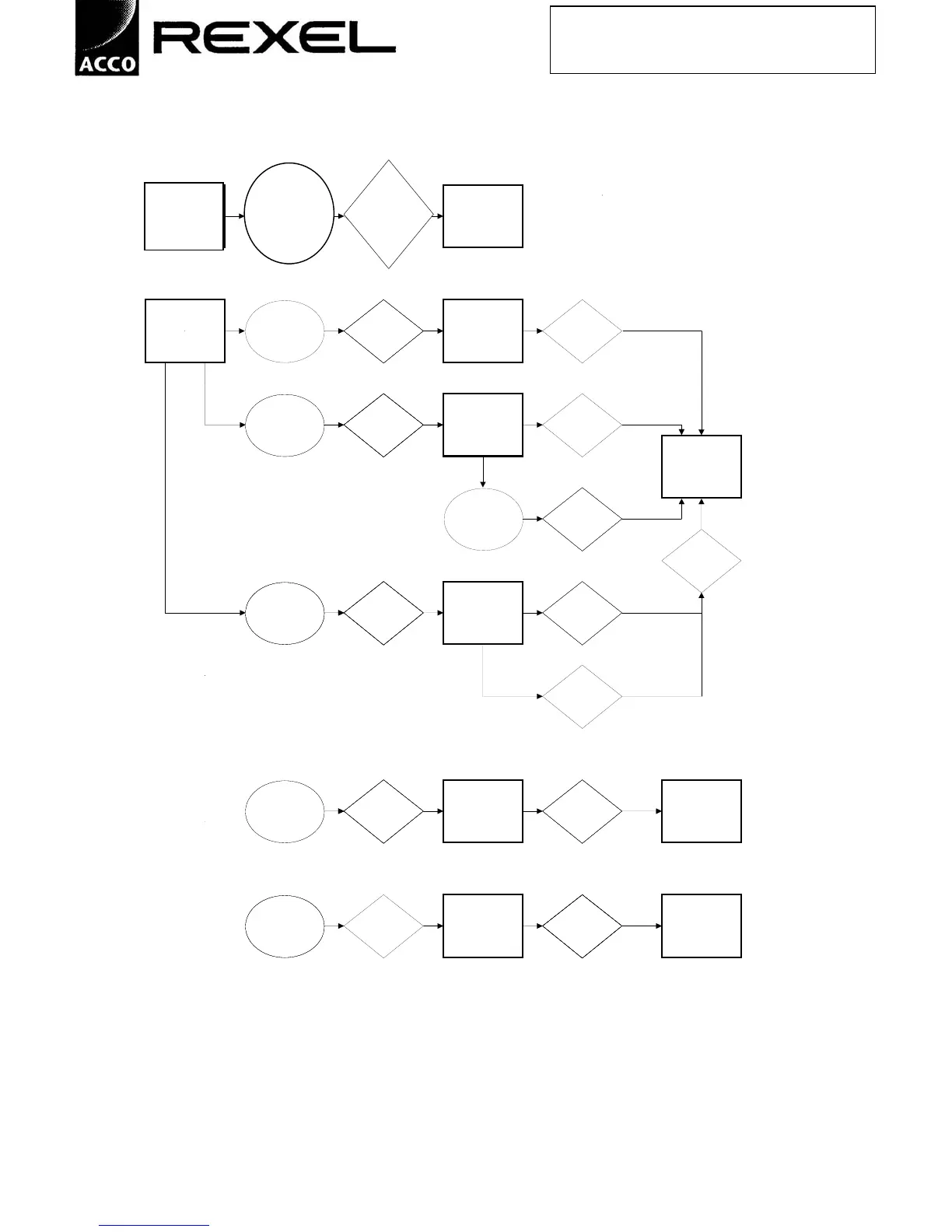
c) Flow chart to illustrate other features
5 second message: After 5 seconds:
*** OIL
REQUIRED *** Prompt appears Display reverts to
at next request for Use action selected,
*** OIL CUTTERS operation after 30 Oil ie. Auto, Forward
FOR OPTIMUM mins total running or Reverse
PERFORMANCE *** time
LSB = Lift Safety Barrier
To
LSB.
*** SERVICE
*** SERVICE remove the Press INFO 1 ***
DUE *** message and Stop + Reverse Reset
(MODEL NO.) Display Total for 2 seconds or *** LIFETIME RUN Barrier
Hours Run more XX,XXX
HRS ***
LSB = Lift Safety Barrier
To
LSB.
*** SERVICE
remove the Press INFO 2 ***
message and Stop + Reverse, Reset
Display Hours Run then Stop only *** LAST SERVICE Barrier
Since Last once XX,XXX
Service HRS ***
*** STAND-BY ***
(MODEL NO.)
To Press
reset hours and release
to zero Stop + Reverse
Reset
Barrier
LSB = Lift Safety Barrier
To
LSB.
remove the Press SERVICE Press
message and Stop + Reverse, PROMPT Forward to
Modify Service then Stop only PERIOD increase, Stop
Prompt twice to move
Period on
Press
Reverse to
decrease, Stop
to move
on
To Lift Press
set the correct Safety MODEL Forward or *** STAND-BY ***
model Barrier NUMBER(S) Reverse. Reset (MODEL NO.)
number Barrier
To Open Press
change the door. Hold Stop PRESET Forward to find *** STAND-BY ***
language of the + Reverse for >2 LANGUAGE(S) language. Close (MODEL NO.)
display seconds Door
***Oil
required*** lift
safety flap to oil
cutters for
optimum
performance***
Prompt
appears after
given number
of door
openings by
the model
o/Type
Use Oil
Reset
Barrier



 To Next Page