ILLUSTRATED PARTS MANUALS
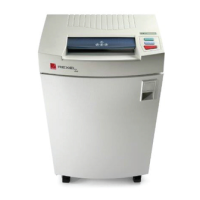
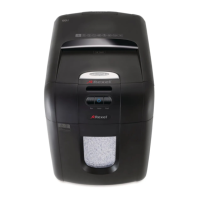
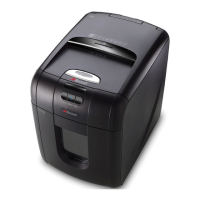
SERIES 7 SHREDDERS – 230v
DESKSIDE AND OFFICE MODELS
IMPORTANT NOTE
ALWAYS:-
DISCONNECT FROM MAINS SUPPLY BEFORE WORK STARTS
DISCHARGE MAINS CAPACITOR BY SHORTING TERMINALS
SECURE COMPONENTS WITH NEW GRIP RINGS
REPLACE WIRE STRAPS AS REQUIRED, TO HOLD WIRE FIRMLY IN
PLACE AND TO PREVENT FOULING MOVING PARTS AND SHARP
EDGES.
ALWAYS THOROUGHLY TEST MACHINE BEFORE PLACING BACK
INTO SERVICE
Section 1 – Top Cover
Removal for VISUAL INSPECTION ONLY
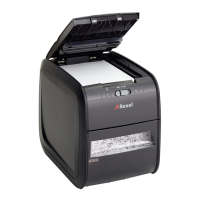
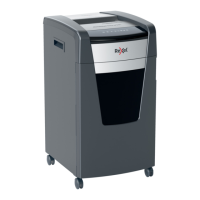
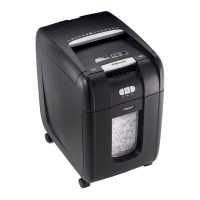
1. Locate and unscrew top cover fixing screws – two under front flange (open door first), two at
rear (3 off, MODELS 1150 and 1250).
2. Lift off cover and place to the side on non-abrasive material. Take care not to stretch or twist
internal wiring. (MODELS 1150 and 1250, lift and carefully slide cover forwards over safety flap).



 To Next Page