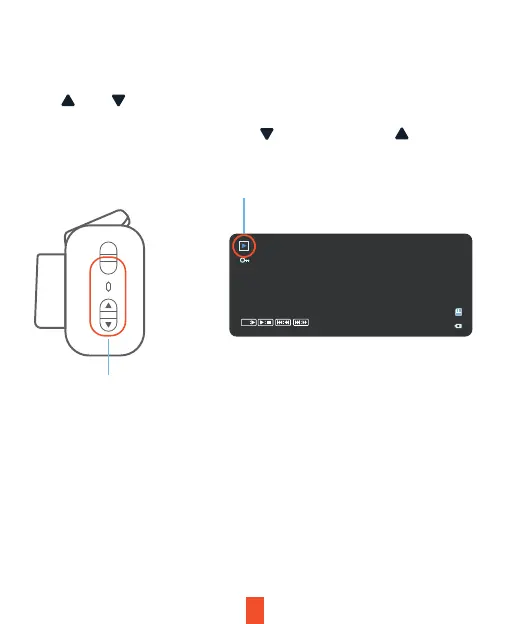
Playback Mode
Control playback
with these buttons
M
OK
13
Video Playback
To playback a video on the device, press the OK button to stop recording.
Press and hold the MENU button twice to enter the Playback mode. Use
the and buttons to toggle to the desired video. Press the OK
button to play.
During playback, use the OK (pause), (fast forward) and (rewind)
buttons to control the video playback.
SOS_20230131_052611.MOV
00:00:01
OK


 To Next Page