15
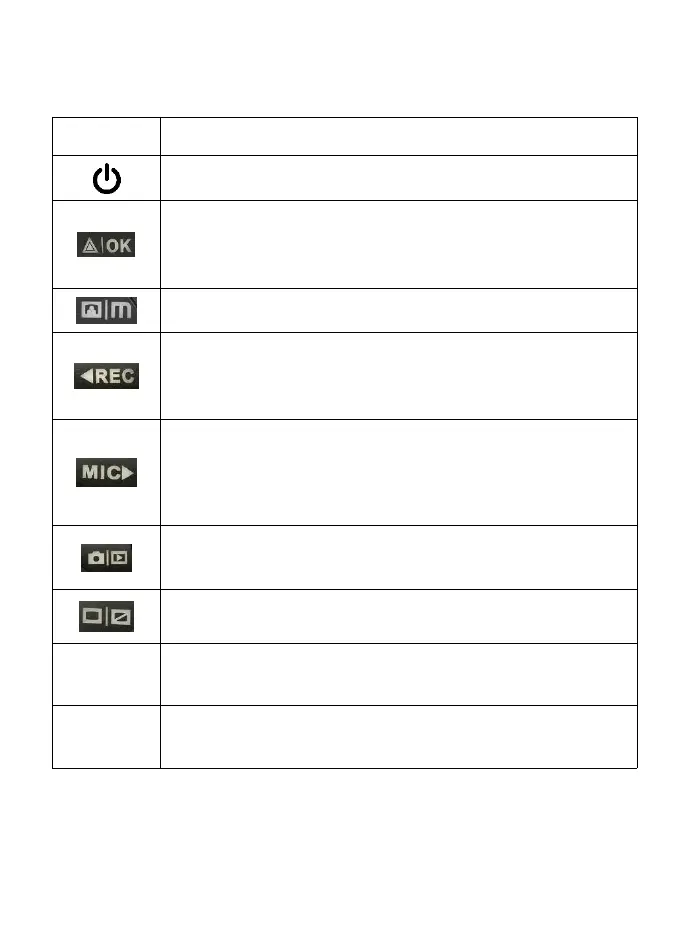
POWER – Press and hold 3 seconds to turn the device
on or off
Press to confirm a selection while in Setting Mode
Press and hold 3 seconds to star or quit WiFi function
Recording Mode Hot Key: Emergency Lock
(Press to manually lock the file during recording)
MENU – Press once or twice to enter settings, press
again to exit Settings Mode
Press to navigate UP through options in Settings
Recording Mode Hot Key: Record
(Press to start / stop recording)
Press to navigate DOWN through options in Settings
Recording Mode Hot Key: Mute
(Press to mute / un-mute the microphone during
recording)
MODE Select – Press to toggle between Recording /
Photo / Playback modes
SCREEN – Press to turn screen on / off
Press and hold for 4 seconds to reset the device in the
event that it operates erratically, hangs up, or freezes.



 To Next Page