24
Basic Operating
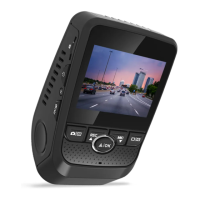
Dash cam will automatically start recording once power
on, the indicator and the red dot icon on screen should
flashing while recording.
During recording, press EMERGENCY button to
lock current video clip, so the loop recording will not overwrite
locked video clip. All locked video clip files can be found
under \CARDV\MOVIE\RO folder in memory card.
Press SCREEN button to turn screen on/off


 To Next Page