6
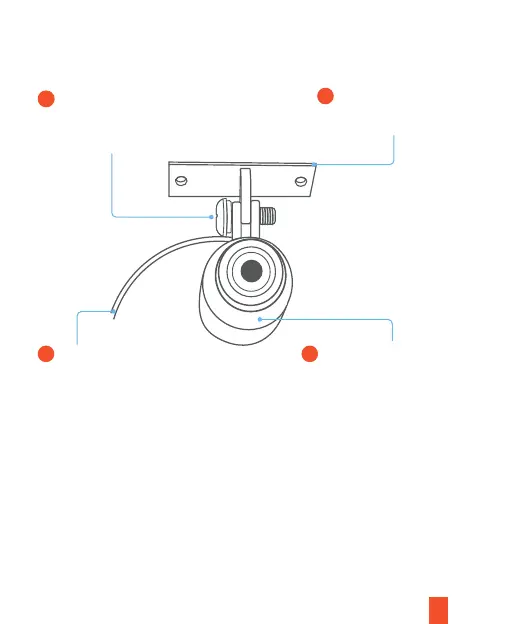
1. Front and Rear Cameras Installation
Use a screw driver to loose/fix
screw. After the screw is
released, you can adjust the lens
angle to up to 270 degrees.
1
Remove the 3M adhesive
to stick the camera to the
right place.
Dash cam lens’s terminal
connection port.
Dash cam lens connection
ring. When you verify the
display on your screen, turn
the cylinder-shaped lens
body 360 degree.
3
42
Note:
Please repeat the same installation steps for both front and rear camera.



 To Next Page