18
Rexing Connect App
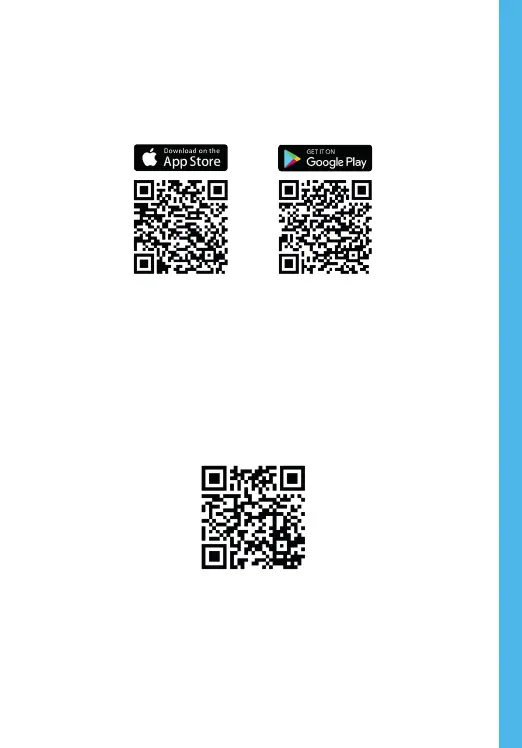
Easily download the app by scanning the QR code below or
search via the App Store or Google Play
Wi-Fi Connect Troubleshooting
If you bring up the Rexing Connect app and cannot
connect your phone to the dash cam please go to
https://www.rexingusa.com/wifi-connect/ OR scan the QR
code below.



 To Next Page