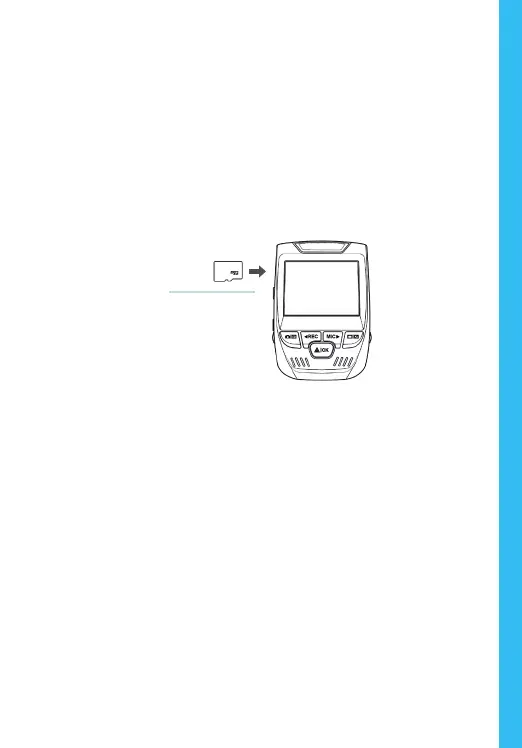
Step 3: Insert the Memory Card
Step 4: Power the Camera and Format the Memory Card
7
Press the Power
button to turn
the power off
The Rexing V1-4K accepts [Class 10/ UHS-1 or higher] Micro
SD memory cards up to 512GB. You will need to insert a
memory card before you can begin recording. Before
inserting or removing a memory card, first ensure you've
powered down the device.
Gently push the memory card in until you hear a click, and
allow the spring release to push the card out.
Power the camera by connecting the charger to the car
cigarette lighter and the camera
To ensure the V1-4K records to your memory card properly
and without error. Before you start using a new memory card,
you must fromat the card within the camera using the format
function. Always backup important data stored on the
memory card before formatting.
To format the memory card, make sure you have insertd your
memory card, then turn on the device by connecting to a
pwoer source. Press REC to stop recording. Then press the
MENU button twice to enter the system Setup Menu. Use the
REC and MIC buttons and go to the Format settings. Press the
OK Button to confirm the selection.



 To Next Page