Need help?
Do you have a question about the Rexing V1 FHD and is the answer not in the manual?
Introduction to the Rexing V1 FHD and how to get support via email or phone.
Instructions for activating the 18-month warranty and claiming a free gift.
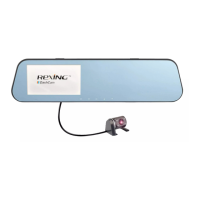
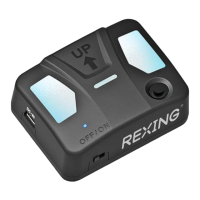
Lists all included accessories and components of the Rexing V1 FHD dash cam.
Details the function and location of each button and port on the dash cam.
Steps for cleaning the windshield and applying the electrostatic sticker.
Instructions for attaching the mount and camera to the windshield.
Guidance on inserting the Micro SD card into the device before use.
Procedure for powering the camera and formatting the SD card for optimal performance.
Routing the power cable and connecting it to the camera and power source.
How to manually turn the dash cam on/off and its automatic power behavior.
Stopping recording and switching between different operational modes.
How the camera records automatically and how to manually stop recording.
Steps to view recorded videos directly on the dash cam screen.
Methods for playing videos on a computer using USB or SD card adapter.
Connecting the dash cam to a PC via USB for accessing video files.
Explanation of the parking surveillance mode and its impact on the device.
How to enable parking mode using vibration or motion detection.
Using the GPS logger to record vehicle location and accessing the data.
Instructions for capturing, reviewing, and managing still images.
 General
| Frame Rate | 30 fps |
|---|---|
| Lens Angle | 170 degrees |
| Storage | MicroSD card (up to 128GB) |
| GPS | No |
| Loop Recording | Yes |
| G-Sensor | Yes |
| Parking Monitor | Yes |
| Parking Mode | Yes |
| Night Vision | Yes |
| Power Source | Car Charger |
| Video Resolution | 1920x1080 (Full HD) |
| Display | 2.4 inch LCD |
| Memory Card Support | MicroSD, up to 128GB |

 To Next Page