2
Chapter 2 Your First Time on Digital KVM via IP
A. Quick Start Guide
For this Quick Start Guide, we offer two different easy step-by-step ways, letting you setup this unit
very quickly.
Before doing the initial setting:
I. Please make sure the latest Java software
downloaded at http://www.java.com on the client
computer.
II. Please disable the mouse acceleration on the host computer(s) AND client computer,
referring more detailed information on Chapter 2, section B Disabling the Mouse
Acceleration on the Host Computer(s) and Client Computer.
The First Way : Using the IP-OSD step-by-step menu (Recommended)
Hardware Necessary for this way
I. A Digital KVM via IP unit with a power adapter
II. A keyboard and monitor
III. A CAT-5 cable with RJ-45 connector
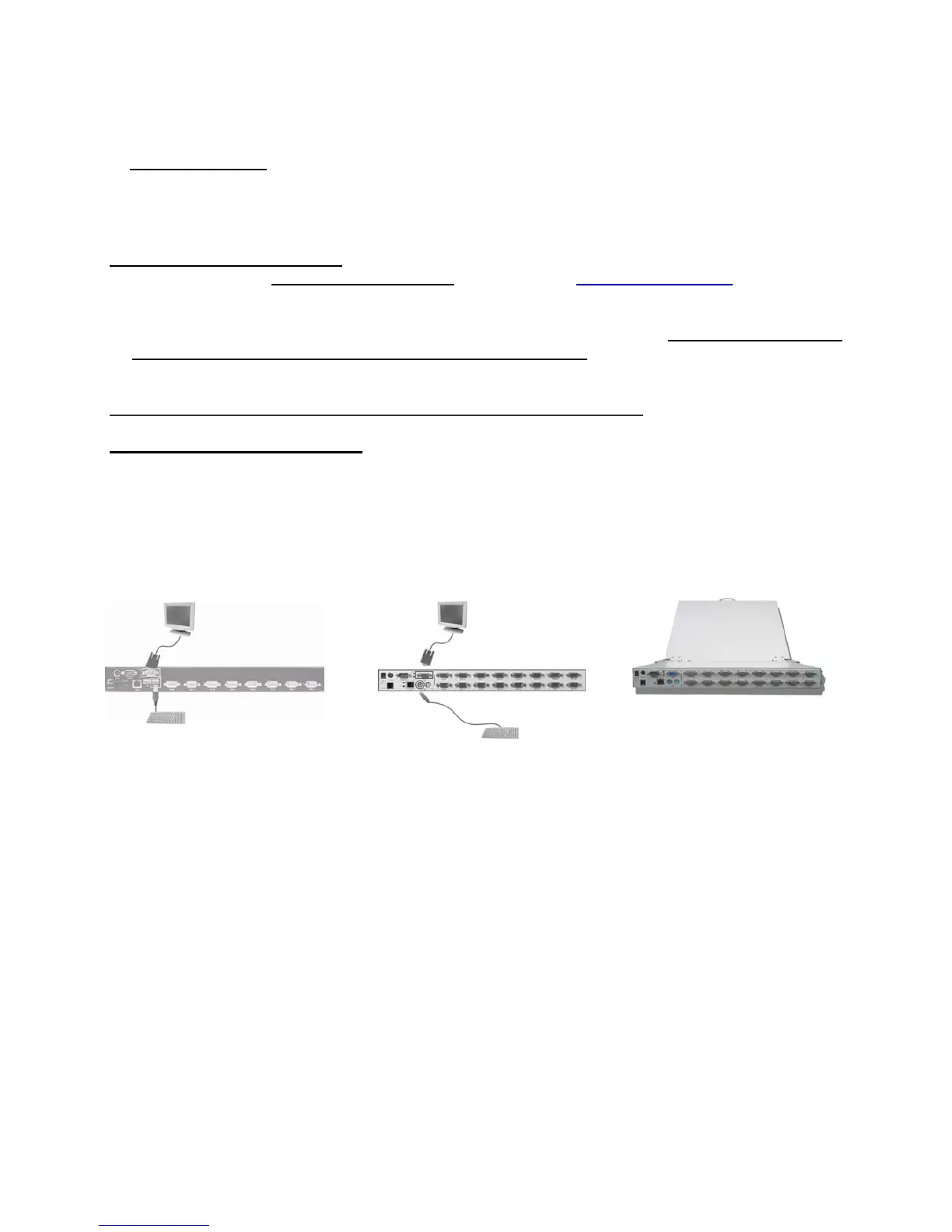
Step 1. Connect a PS/2 keyboard (see NOTE 2) and monitor to the local port of Digital KVM via IP.
USB Keyboard PS/2 Keyboard
or or
For UCIP Series For MNIP / UNIP Series For WMM / WUM Series
NOTE 1: For the module unit, please connect it with the LCD console drawer, no need to
connect an external keyboard and monitor. The IP-OSD menu comes up automatically
on the front console drawer after power up.
NOTE 2: For UCIP-01 / 04 / 08 / 16, please connect a USB keyboard instead.



 To Next Page