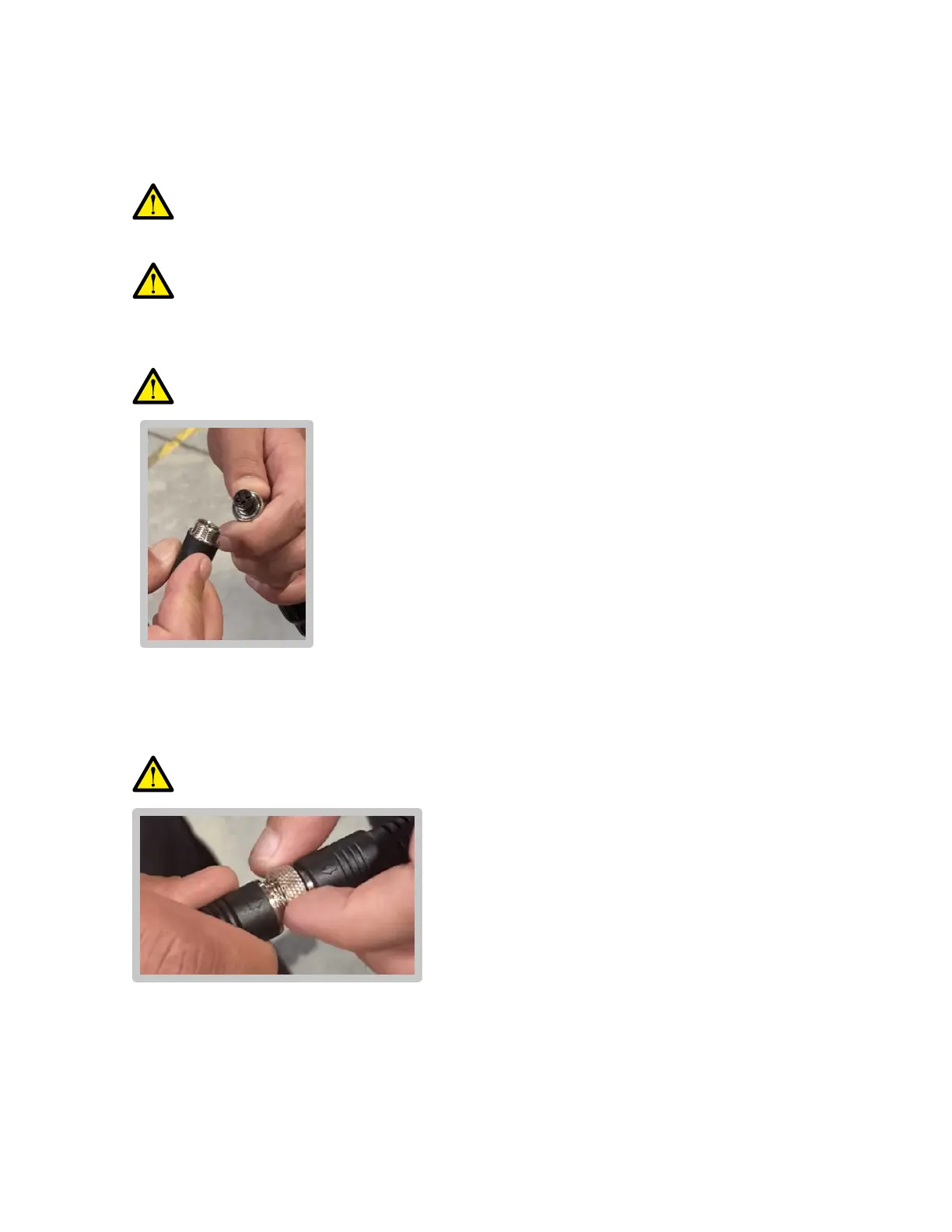
Step two: Connect the controller cable to the power cable
Locate the power cable (attached by velcro strap to the right-side armrest). Push
back the cable head’s rubber safety cover.
3)
Ensure the power cable has no damage or exposed wiring.
Using the arrow indicators on each cable, line up the controller cable’s inner prongs
with the power cable’s inner socket. Firmly push until the two cables are FULLY
connected.
4)
If the controller cable’s inner prongs are not properly aligned with the power
cable’s inner socket, forcing the connection may result in damage to both.
Lock the connection in place by spinning the metal locking ring clockwise until it is
fully tightened.
5)
Ensure that your hands are completely DRY.
Locate the controller.
Ensure the controller cable attached to it has no damage or exposed wiring.
1)
2)
Wet hands may cause an electrical shock or re hazard.
Assembly (Cont.)
12


 To Next Page