14
© 1998-2005 RF IDeas, Inc.
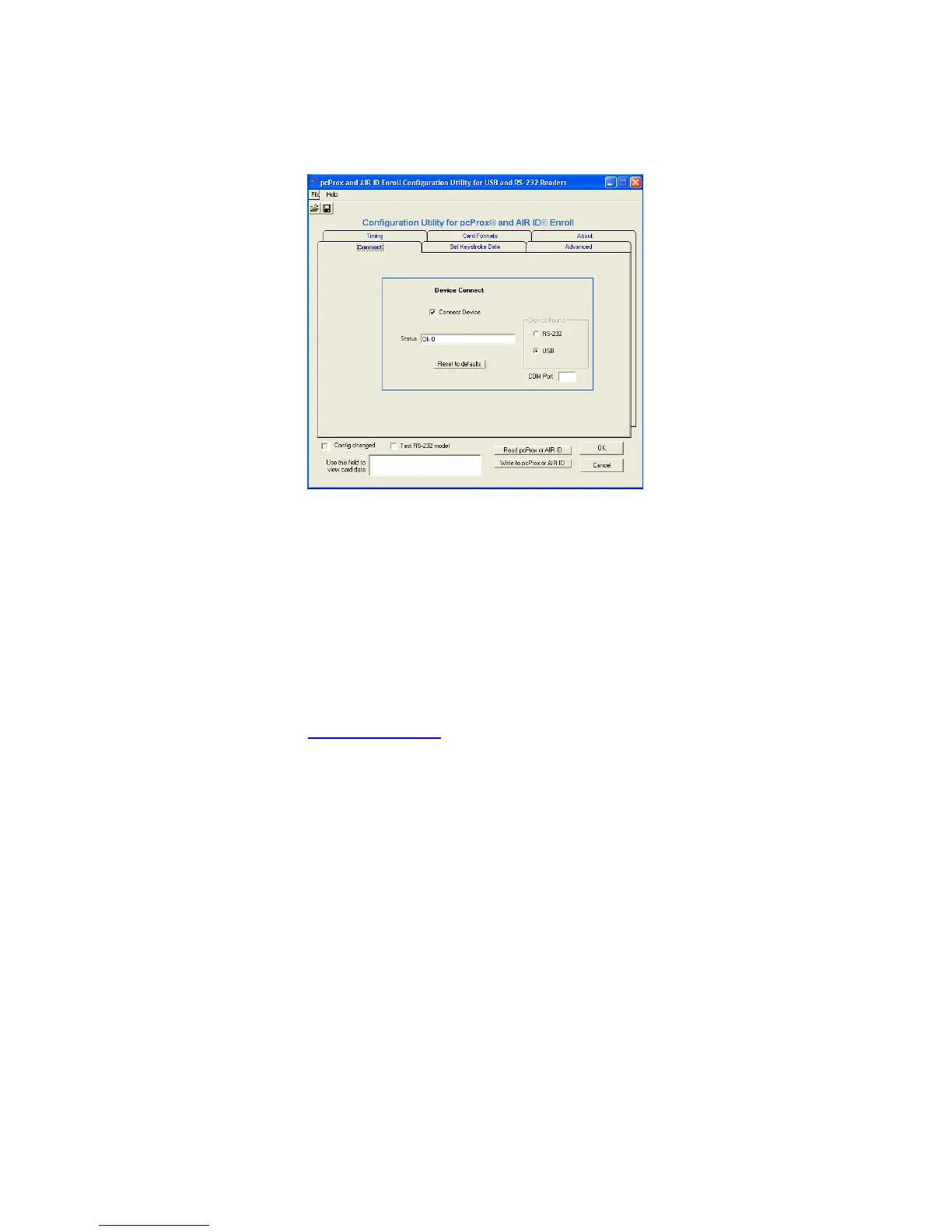
Connect Tab
Device Connect
Connect Device
This check box is used to connect the
Configuration application to the internal storage
in the device. Once selected, you can read,
modify, and write to the device. Once selected,
the application will go out and retrieve the
device’s current configuration.
If you have a connect problem make sure the
reader is connected. If you are using the USB
model, make sure you are running a version of
Windows that supports the USB port. Check the
www.RFIDeas.com
web site for up to date
support information.
Status
This field is used to display any error messages.



 To Next Page