Onboard Communicator Programming Page
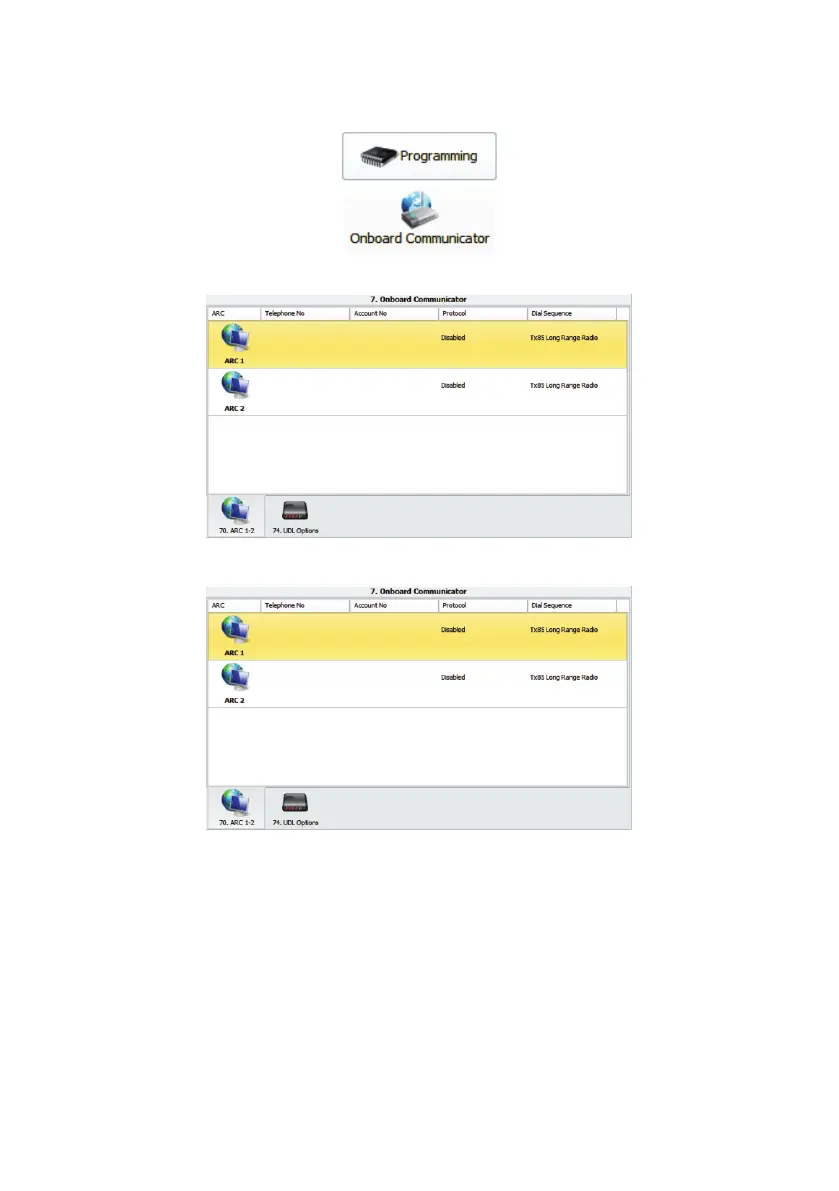
To program the communicator and UDL options, click on the “Onboard Configuration” icon in the
“Programming” section on the left hand navigation bar:
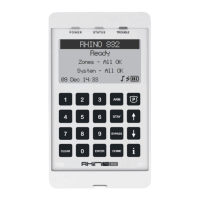
The Onboard Communicator page will open, showing the current settings for the ARC 1 and 2s:
Double-click on the ARC you want to edit and the “ARC Properties” dialog opens:
Edit the ARC properties as required, then click “Apply” to update. Click “Next” or “Previous” to move
through the ARCs. When finished, click on the “Close” button.
Click on the “UDL Options” tab at the bottom of the “Onboard Communicator” page to display the
“UDL Configuration” options:
21



 To Next Page