Securview DVRWGUARD on ID01 and Pelco-D at 2400Bps
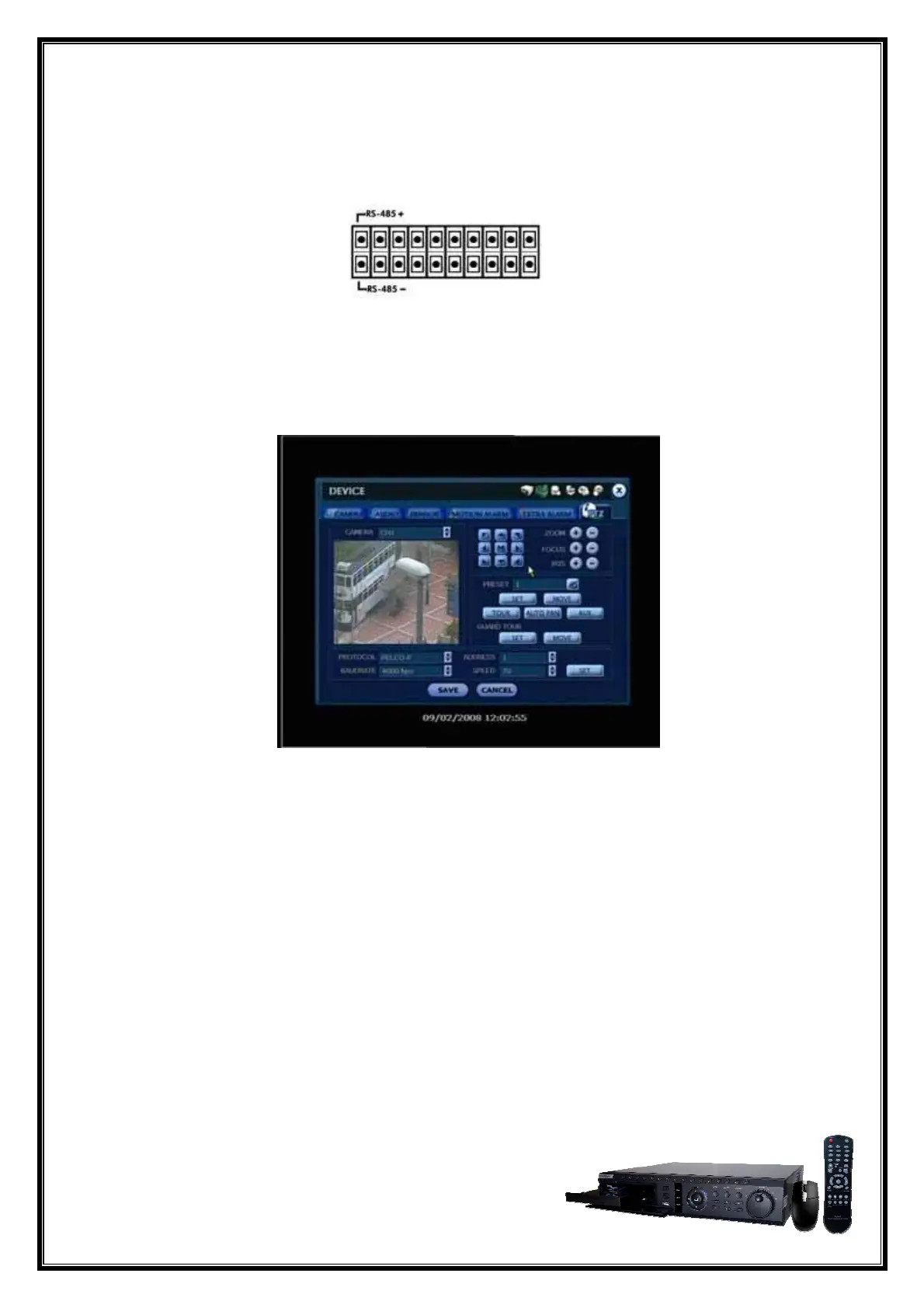
For 2 wire RS485 connection on rear of DVR:
RS485+ (Tx+)
RS485- (Tx-)
Set the DVR to use the PTZ by going to ‘MENU’ > ‘DEVICE’ > ‘PTZ’, and setting ‘CH #’ to
Protocol: PELCO D, Baudrate: 2400bps, and ID: 1.
© Copyright 2009 RhinoCo Technology Page 9



 To Next Page
 Loading...