Owner’s Manual
12
NAVIGATING SETUP
AND CHANGING PARAMETERS
[PRO VERSION ONLY]
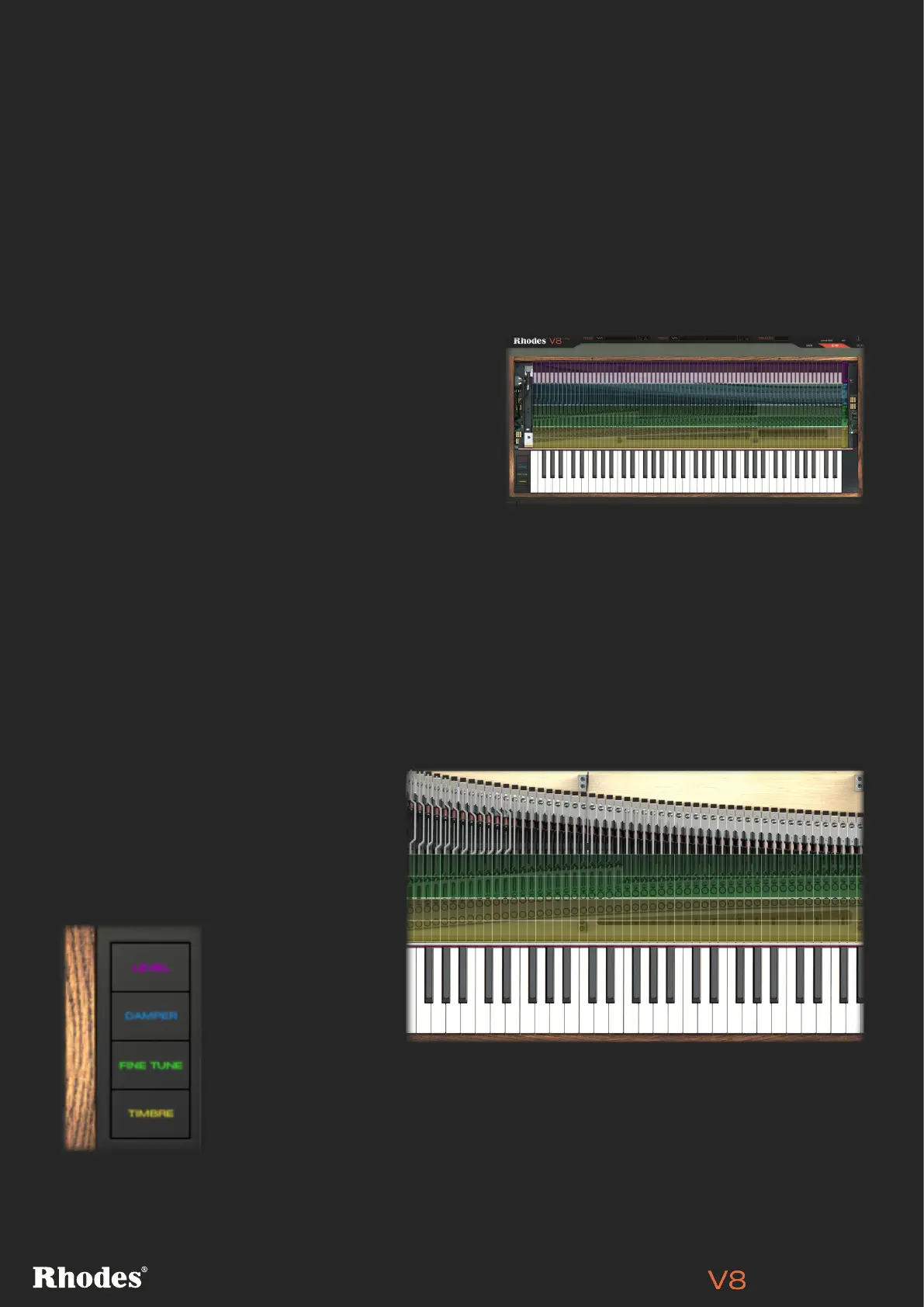
There are four properties you can adjust, with each
having its own coloured horizontal row: Level, Damper,
Fine Tune and Timbre. Any of these can be removed
from view by clicking the corresponding button in the
bottom-left of this page.
To set a control for a note, drag its cell up or down. You can reset any slider to its default value quickly by
Alt-clicking on it.
SETUP Page
This page gives you access to mechanical and electronic properties for every note of the V8’s range. If
you’ve ever wanted to make adjustments under the lid of a Rhodes piano, this is a place to experiment
safely and easily. Changes made here can be saved into a Profile (see page 6) and later recalled.
LEVEL, DAMPER, FINE TUNE, TIMBRE
[PRO VERSION ONLY]
Level (lilac) is simply a measure of gain in dB, and doesn’t influence the tone as pickup distance would.
Damper (blue) determines how much
force a note’s damper uses more force
against its tine. At -100% the damper
is at its strongest, stopping the note
dead when a key is released. At +100%,
the damper is far weaker, and the note
continues to ring out after the key is
released.
Fine Tune (green)
lets you fine tune
a tine by up to 25
cents sharp or flat.
Note that there
is also a master
Tuning control in the DETAIL page (see page 13).
The Timbre row simultaneously adjusts the pickup position in relation to the end
of the tine and the height of the tine in relation to the pickup. This adjusts each
note’s sound in terms of its harmonic content and loudness. At higher levels, (up
to 50 for example), more harmonics appear – for a brighter and hotter sound.


 To Next Page