Owner’s Manual
4
LOADING THE PLUGIN
Once the plugin has been installed, start or restart your
DAW, or rescan your plugin library. The plugin should be
available in VST, AAX and Audio Units [on Mac] versions.
The plugin may be named Rhodes V8 / V8 Pro or V8 / V8
Pro. This may be different between DAWs and formats.
Overview
CHANGING PARAMETERS
To change a parameter, simply click on a button to toggle its function on or
off or cycle through its states. To adjust dials and sliders, simply click and
drag up or down on the control to change its value.
Some dials within the Rhodes V8/V8 Pro have centre and collar (ring) dials,
and each of their functions are labelled underneath those dials.
You can reset any control to its default position by holding Alt/Option and clicking on it.
Parameter values appear in the Parameter readout on the right of the top bar when you move a control.
PLAYING NOTES
To begin playing notes, check your DAW is
receiving MIDI data from your MIDI controller,
arm the track containing the Rhodes V8/V8 Pro
plugin, and begin playing. In the MAIN view of the
plugin, you can also click on the keyboard notes
within the GUI to play them.
The MIDI light on the right of the top bar will
illuminate when the plugin successfully receives
any MIDI note message.
NAVIGATION
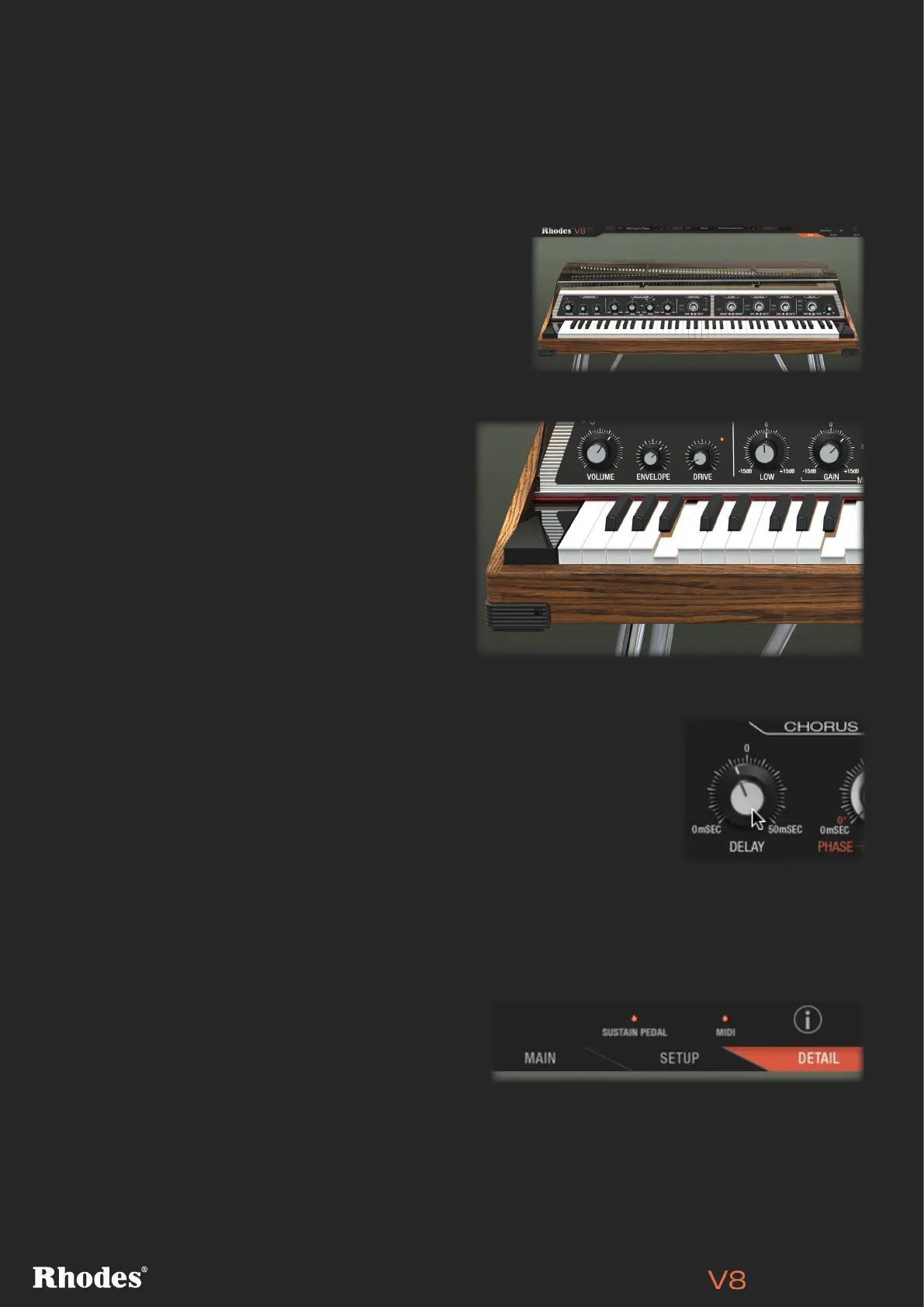
There are three main tabs to navigate within the
Rhodes V8/V8 Pro plugin. The MAIN tab is where
you can access the instruments core features and
controls, as well as the keyboard. The SETUP page
lets you adjust level, damping, fine tuning timbre on a per-note basis. The DETAIL page lets you access
the advanced settings of the V8/V8 Pro’s EQ, effects and functions.
You can also access the information page by clicking on the I icon at the top right of the plugin.


 To Next Page