Owner’s Manual
9
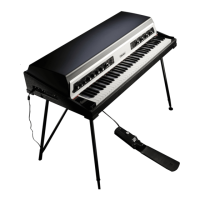
VARI-PAN: RATE
The Vari-Pan Rate dial determines the speed of the Vari-Pan effect. At its
lowest, the effect and its waveshape are very audible, with a minimum speed
of 0.10Hz. Towards 12 o’clock, the effect is faster, up to a rate of 3.8kHz.
Past 12 o’clock, the Rate starts to reach audio frequencies and amplitude
modulation occurs. As this Rate increases, you can achieve a huge range
of never-before-heard tonalities, including unique ring-modulated sounds,
synth-esque tones and much more besides.
For audio-rate modulation effects, reducing the Vari-Pan Depth can bring
back some of the original dry input sound, while keeping the character of the
amplitude modulation present. This enables sounds where the dry Rhodes
sound remains ever-present, but you can also achieve the effect of a synth-
like or modulated layer on top of the dry Rhodes tone.
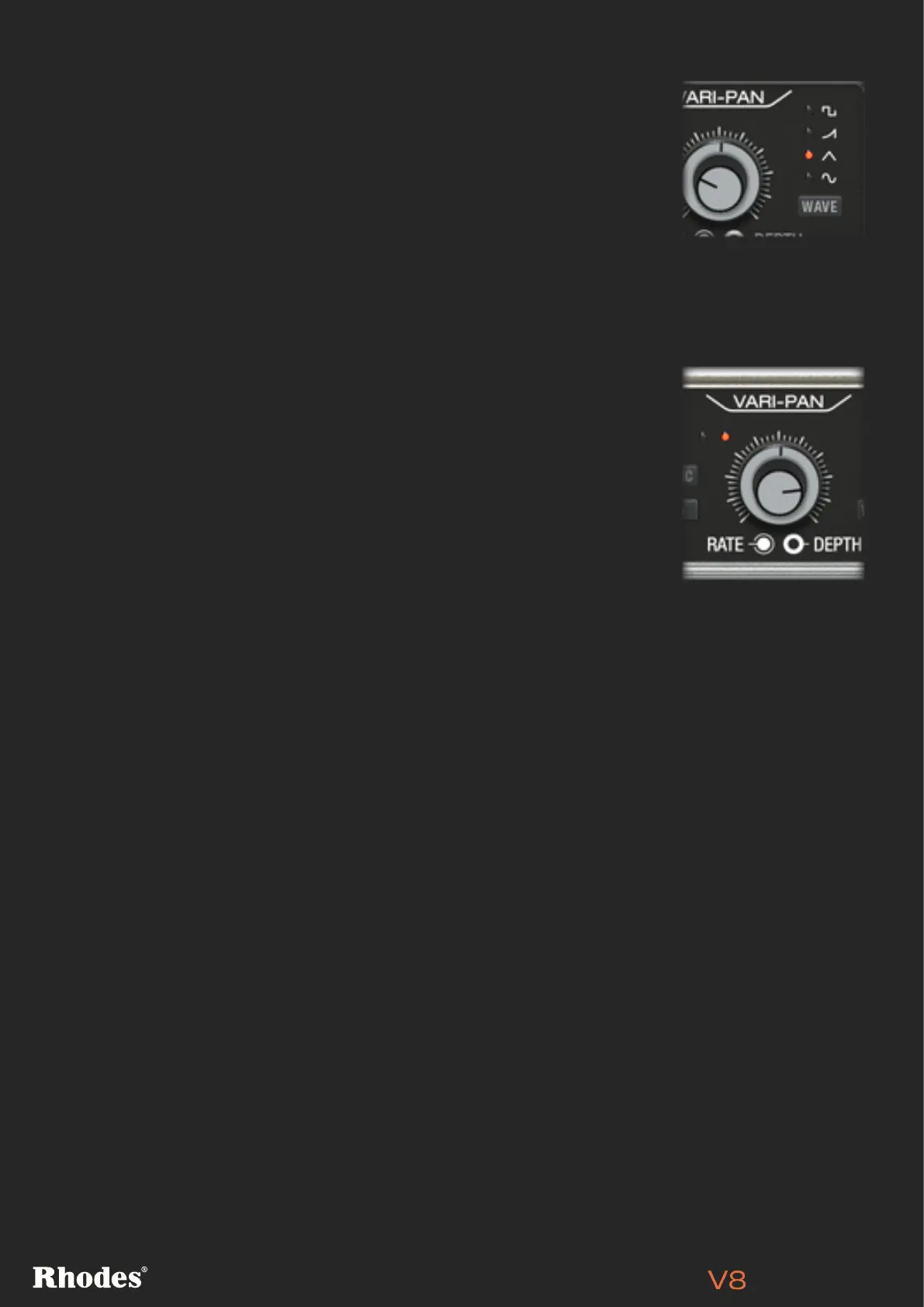
VARI-PAN: WAVE [PRO VERSION ONLY]
This setting determines the shape of the Vari-Pan’s movement between left
and right channels. The Wave button acts to select which waveshape is in
use, and a light displays next to the selected waveshape.
The waveshape choices are Square (a classic sudden side-to-side
transition), Ramp (moving from one side to another and then straight back),
Triangle (moving from one side to another then moving back), and Sine
(moving between sides but lingering more at each extreme.
NOTE: The front-panel waveshape selection can be customised further using the Pan Slew and Pan
Smooth controls on the DETAIL page. Find out how it works on page 15.


 To Next Page