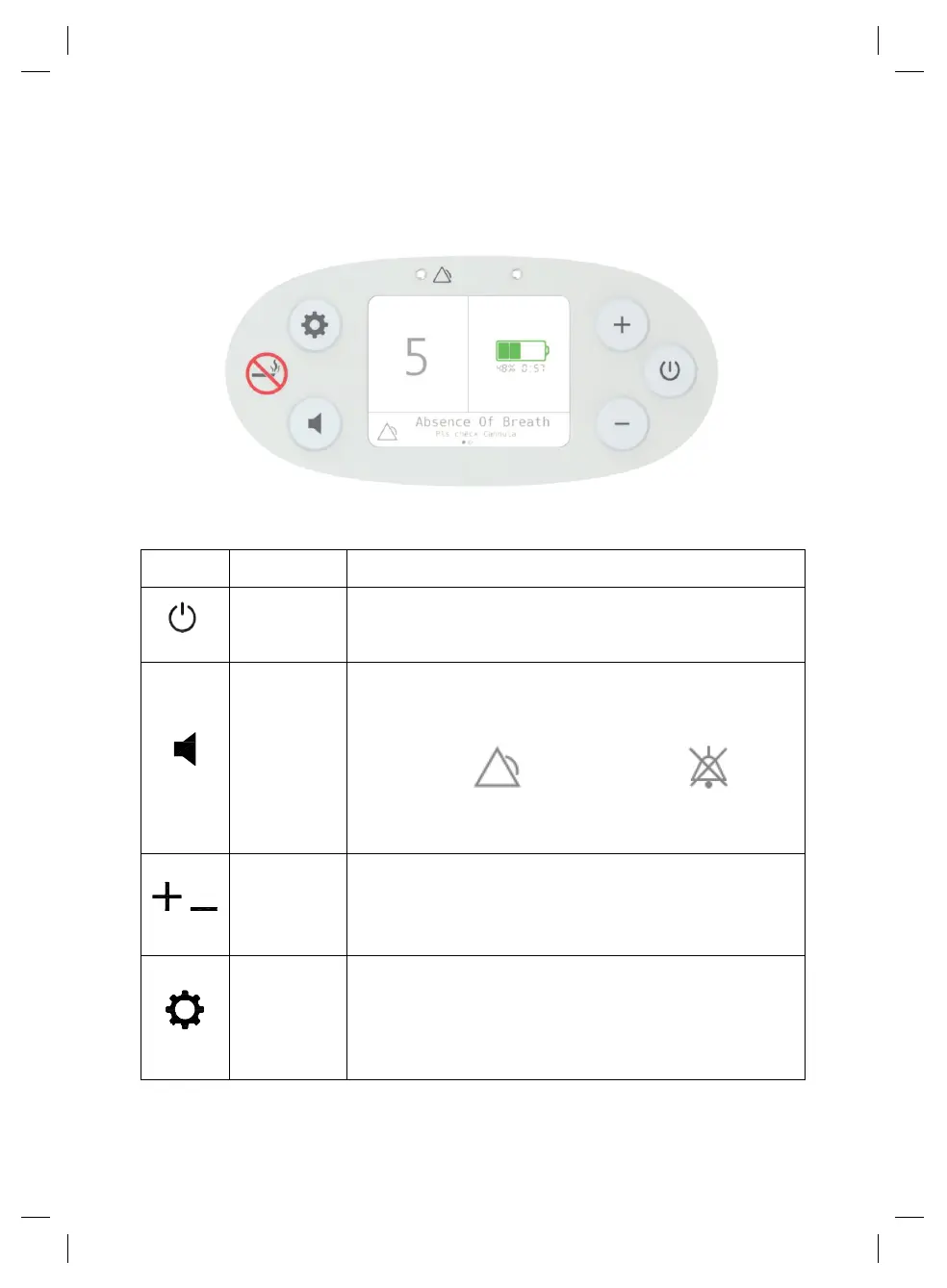
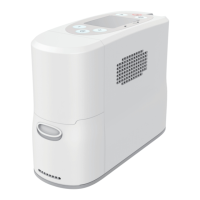
Description of the P2 Oxygen Concentrator
User Interface Instruction and Symbols used on P2
User Display Panel:
Press once to turn ON
Press and hold for one second to turn OFF
Press once to toggle between audible and silent mode.
The panel will display the appropriate icon to indicate
which mode is enabled:
Audible mode-- Silent mode--
When audible mode is enabled, a yellow light will turn
on, and a message will display on the screen.
Flow
Setting
Control
Buttons
Increase or decrease the oxygen flow setting by
pressing + or –. Flow settings range from 1 to 5.
Press to display information about the device, including:
battery temperature, battery status, molecular sieve
temperature, molecular sieve runtime, device model,
device temperature, device runtime, firmware version,
hardware version.
Home Screen


 To Next Page