EasyManua.ls Logo

RIB K400 - User Manual

RIB K400
14 pages
Print Icon
To Next Page IconTo Next Page
Loading...
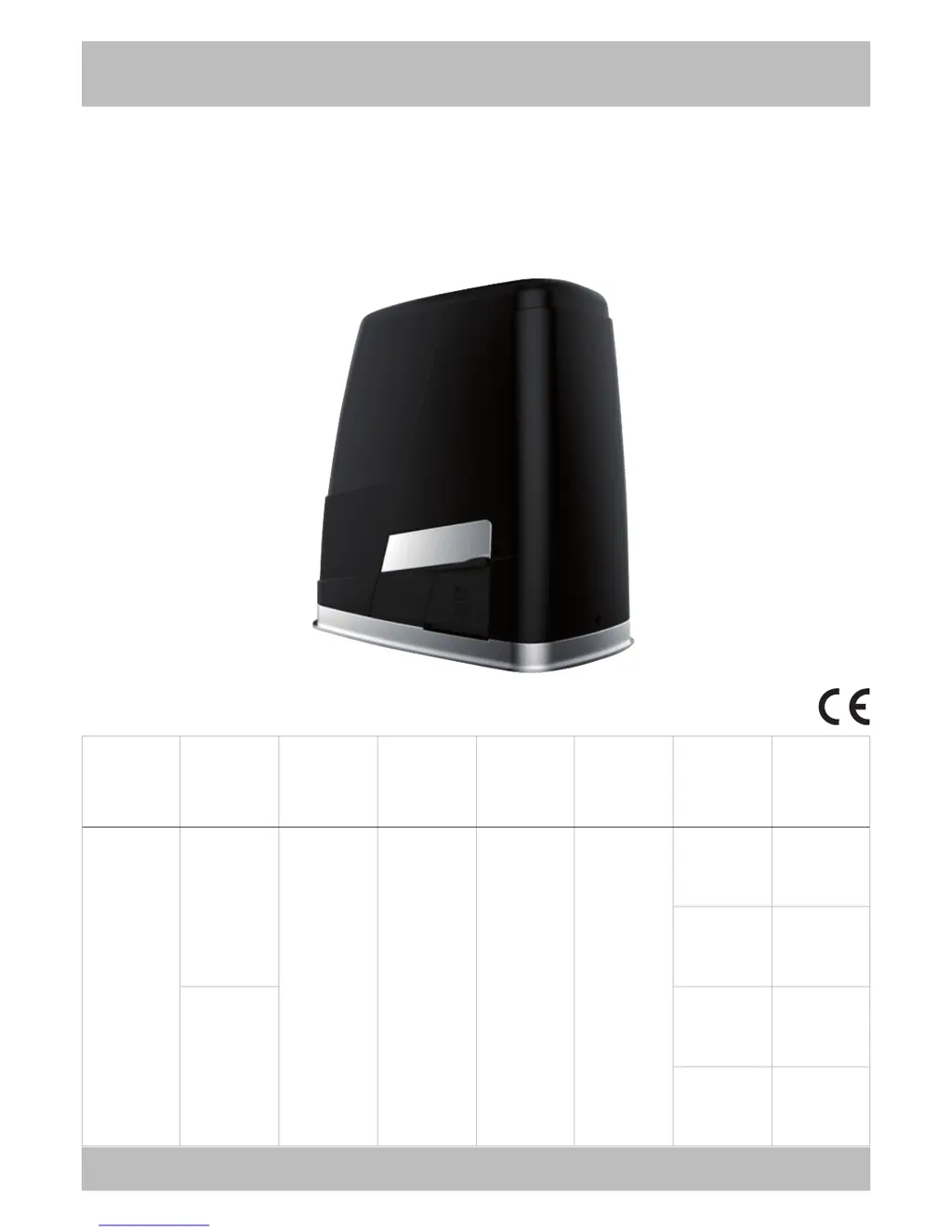
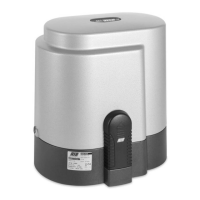
K400
ITALIANO pag. 05 / FRANÇAIS page 16 / ENGLISH page 27 / DEUTSCH Seite 38 / ESPAÑOL pág. 49
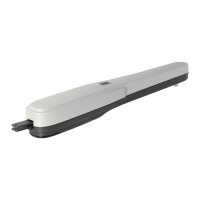
Operatore
Operateur
Operator
Torantrieb
Operador
Alimentazione
Alimentation
Power Supply
Stromspannung
Alimentacion
Con quadro
Avec coffret
With control board
Mit Steuerung
Con panel
electronico
Peso max cancello
Poids maxi portail
Max gate weight
Max Torgewicht
Peso máx verja
Spinta max
Poussée maxi
Max Thrust
Max Schubkraft
Max Empuje
Coppia max
Couple maxi
Max torque
Max. Drehmoment
Coppia max
Finecorsa
Fins de course
Limit switch
Endschalter
Final de carrera
Codice
Code
Code
Code
Codigo
K400
230V 50/60Hz
K 24V-CRX 400 kg / 881 lbs 434 N 14,7 Nm
elettromeccanici
électromagnétiques
electromechanical
elektromechanisch
electromecánicas
AA40900
magnetici
magnétiques
magnetic
magnetisch
magnéticas
AA40905
120V 60Hz
elettromeccanici
électromagnétiques
electromechanical
elektromechanisch
electromecánicas
AA40901
magnetici
magnétiques
magnetic
magnetisch
magnéticas
AA40906

Other manuals for RIB K400

Questions and Answers

  • L
    Luis CarterAug 1, 2025
    What to do if RIB K400 Gate Opener opens but does not close?
    • J
      Jesse LandryAug 1, 2025
      If your RIB Gate Opener opens but doesn't close after the set time, first, check that LED DL3 turns on. If it's off, turn the trimmer clockwise. Also, ensure that the photocells are not engaged. Finally, verify that the STOP button hasn't been pressed with the gate open, as this can temporarily block automatic closure.
  • M
    Michael PetersonAug 12, 2025
    Why photocells are not lit and the motor does not rotate on my RIB K400 Gate Opener?
    • C
      Catherine OconnorAug 12, 2025
      If the photocells are not lit and the motor of your RIB Gate Opener doesn't rotate, check the integrity of fuse F3. If the fuse is faulty, replace it with one of the same value: F3 = T 10A.
  • B
    Bradley MontgomeryAug 21, 2025
    How to fix all LEDs being off on my RIB Gate Opener?
    • V
      velasquezjenniferAug 21, 2025
      If all LEDs are off on your RIB Gate Opener after making the connections and supplying voltage, check the integrity of fuses F1 and F2. If a fuse is faulty, replace it only with one of the same value: F1 = T 1,6A and F2 = T 300mA.

Summary

Installation and Safety Checks

Motor and Limit Switch Fitting

Maintenance and Electrical Connections

Electric Connection Diagram

Schematic illustrating the wiring of the K400 electronic board and accessories.

Electrical Connections and Settings

Control Unit Adjustments and Programming

Trimmer Adjustments and LED Signals

How to use trimmers and interpret LED signals for setup and diagnostics.

Stroke and Opening Programming

Step-by-step guide for programming gate stroke, full, and pedestrian opening.

Radio Code Programming

Instructions for saving and deleting remote control codes for gate operation.

Advanced Programming and Safety Device Operation

Safety Device Integration and Behavior

How safety devices like photocells and edges function and interact with the operator.

Edge Controls, Alarms, and Signals

Technical Specifications and Troubleshooting

Troubleshooting Guide

Common problems and their solutions for diagnosing and fixing issues.

RIB K400 Specifications

General IconGeneral
BrandRIB
ModelK400
CategoryGate Opener
LanguageEnglish

Related product manuals