EasyManua.ls Logo

Rice Lake RL-DBS - User Manual

Rice Lake RL-DBS
16 pages
Print Icon
To Next Page IconTo Next Page
Loading...
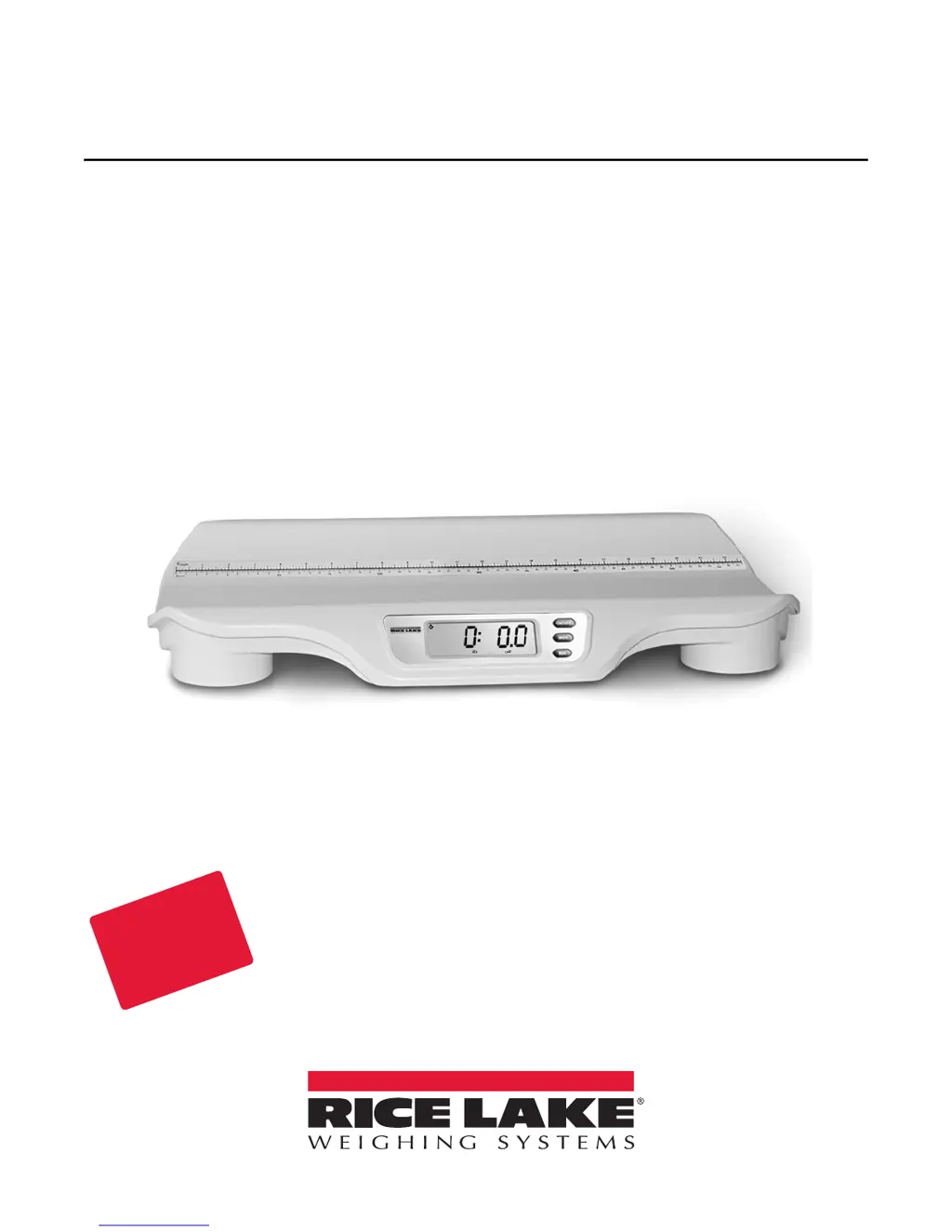
RL-DBS
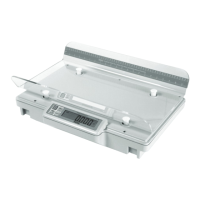
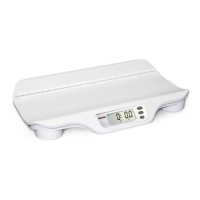
Digital Baby Scale
Operation Manual
Disponible
en Español
Visite ricelake.com/spanish
para ver todos los materiales
RLWS disponibles en Español
PN 107801 Rev D

Other manuals for Rice Lake RL-DBS

Questions and Answers

  • E
    Edwin ValenciaSep 3, 2025
    What to do if my Rice Lake Scales display shows o_Ld message?
    • C
      Curtis JohnsonSep 4, 2025
      If your Rice Lake Scales display shows the message 'o_Ld', it indicates that the load on the scale is exceeding its capacity. To resolve this, remove the excess weight and ensure you are using the scale within its specified weight limit.
  • D
    Daniel HarperSep 18, 2025
    How to fix Err message on Rice Lake Scales?
    • J
      Joseph FritzSep 18, 2025
      The Err message indicates that the RECALL key was pressed with insufficient weight on the scale. To resolve this, place more than 2 Lb, 30 Oz on the scale.
  • S
    Shawn TurnerSep 16, 2025
    What to do if my Rice Lake Scales does not turn on?
    • L
      Logan AndersonSep 16, 2025
      If your Rice Lake Scales are not turning on, consider the following: * The battery might be dead. Connect the scale to a power source. * The electrical outlet may be faulty. Try using a different electrical outlet. * The power supply might be bad. Replace the adapter.
  • J
    Jasmine GrahamSep 14, 2025
    Why is my Rice Lake RL-DBS showing questionable weight or not zeroing?
    • L
      Lisa JohnsonSep 14, 2025
      There are several reasons why your Rice Lake Scales might be showing an inaccurate weight or failing to zero: * An external object may be interfering with the scale. Remove any objects from the weighing tray. * The display may not have shown 0.0 before weighing. Remove the baby, zero the scale, and begin the weighing process again. * The scale may not be on a level surface. Place the scale on a stable, level surface and restart the weighing process. * The weighing tray may not be placed properly. Ensure the weighing tray is correctly positioned. * The scale may be out of calibration. Check the scale's calibration with a known weight value.
  • B
    Bethany NguyenSep 12, 2025
    What to do if my Rice Lake RL-DBS Scales show o_Ld message?
    • M
      Maria PetersonSep 12, 2025
      The o_Ld message indicates that the load on the scale exceeds its capacity. Remove the excess weight to ensure you are using the scale within its specified limits.
  • V
    vickie40Sep 12, 2025
    What to do if Rice Lake RL-DBS displays 'Err' message?
    • A
      Andrew ThompsonSep 12, 2025
      If your Rice Lake Scales displays the 'Err' message, it means that the RECALL key was pressed without enough weight on the scale. To resolve this, place more than 2 lb, 30 oz on the scale.
  • D
    Daniel DeanSep 9, 2025
    What to do if Rice Lake RL-DBS Scales displays 'o_Ld' message?
    • M
      Melissa BellSep 9, 2025
      If your Rice Lake Scales displays the message 'o_Ld', it means the weight on the scale is higher than its maximum capacity. Remove some weight to bring it within the scale's limit for normal operation.
  • M
    Michael SmithSep 7, 2025
    How to fix Rice Lake RL-DBS that won't turn on with batteries?
    • E
      Eric FlemingSep 7, 2025
      If your Rice Lake Scales do not turn on when using batteries, the batteries may be dead. Try connecting the scale to a power source or replace the batteries.
  • G
    Gabriel WebsterSep 5, 2025
    What to do if my Rice Lake RL-DBS display shows Err?
    • C
      Corey SolisSep 5, 2025
      If your Rice Lake Scales display shows 'Err', it means the RECALL key was pressed when there wasn't enough weight on the scale. To fix this, place more than 2 Lb, 30 Oz on the scale.
  • J
    Julie LevyAug 20, 2025
    Why Rice Lake RL-DBS Scales show questionable weight?
    • J
      Jeremy KelleyAug 20, 2025
      Several factors can cause questionable weight readings or prevent the Rice Lake scales from zeroing: * An external object may be interfering with the scale. Remove any objects from the weighing tray. * The display didn't show 0.0 before weighing. Remove the object, zero the scale, and start again. * The scale isn't on a level surface. Place it on a stable surface. * The weighing tray isn't correctly placed. Ensure the tray is properly positioned. * The scale may be out of calibration. Check the scale with a known weight.

Summary

Introduction

Safety Precautions

Covers safety signal definitions and general safety guidelines for operating the scale.

Assembly Instructions

Scale Setup

Display Descriptions

Details the front panel controls and indicators of the RL-DBS scale.

Set Units

Instructions for configuring the scale's weight units (KG, LB).

Operation

Maintenance

Basic Maintenance

Covers pre-use checks and general operational checks for the scale.

Cleaning

Provides instructions for safely cleaning the RL-DBS scale.

Troubleshooting & Testing

Lists common symptoms, causes, and corrective actions for scale issues.

Specifications

Details the capacity, power requirements, environmental limits, dimensions, and weight.

Rice Lake Digital Baby Scale Limited Warranty

Rice Lake RL-DBS Specifications

General IconGeneral
BrandRice Lake
ModelRL-DBS
CategoryScales
LanguageEnglish

Related product manuals