EasyManua.ls Logo

Rice Lake RL-DBS-2 - User Manual

Rice Lake RL-DBS-2
16 pages
Print Icon
To Next Page IconTo Next Page
Loading...
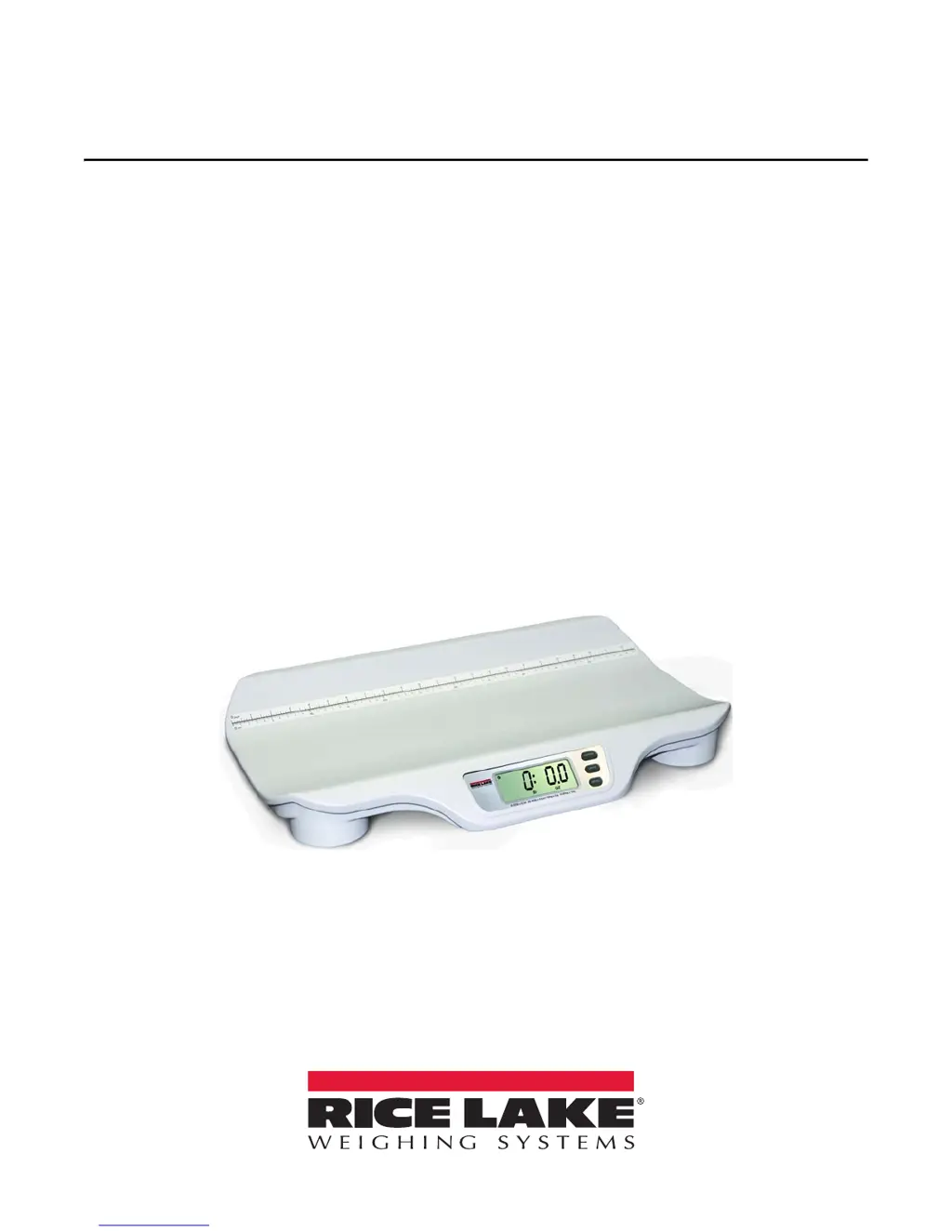
RL-DBS-2
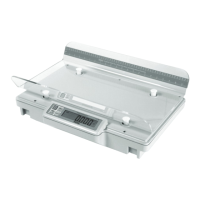
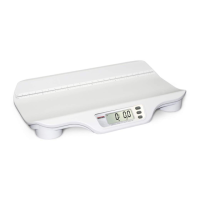
Digital Baby Scale
Operation Manual
PN 161724 Rev B

Other manuals for Rice Lake RL-DBS-2

Questions and Answers

  • J
    Jared BakerAug 4, 2025
    Why do my Rice Lake RL-DBS-2 Scales display questionable weight or not zero?
    • D
      David HaleAug 4, 2025
      If your Rice Lake Scales are showing incorrect weight readings or failing to zero, it could be due to several reasons. First, ensure there is no weight or any object interfering with the scale. If weight was placed on the scale before '0.0' displayed, remove it, zero the scale, and start the weighing process again. Also, make sure the scale is on a stable, level surface. Check that the weighing tray is correctly installed. Finally, the scale might be out of calibration; in this case, check the calibration using a known weight value and perform a new calibration if necessary.
  • E
    Edwin ChaneyAug 10, 2025
    How to fix Rice Lake Scales that do not turn on?
    • A
      Amanda VazquezAug 10, 2025
      If your Rice Lake Scales aren't turning on, the issue could be due to dead batteries; in this case, replace them or connect the scale to a power source. Another possibility is a faulty electrical outlet; try using a different one. If neither of these solutions works, the power supply itself might be faulty, and you should replace the adapter. Note that using non-Rice Lake adapters voids the warranty.
  • S
    Sara CarpenterAug 18, 2025
    What to do if Rice Lake RL-DBS-2 Scales display 'o_Ld' message?
    • R
      Renee GreenAug 18, 2025
      If your Rice Lake Scales are displaying an 'o_Ld' message, it means the load on the scale exceeds its capacity. Remove the excess weight to resolve this issue and ensure you use the scale within its specified weight limit.
  • R
    Richard HughesAug 26, 2025
    What does 'Err' message mean on Rice Lake Scales?
    • L
      Lindsey RyanAug 26, 2025
      If your Rice Lake Scales display an 'Err' message, it means the RECALL key was pressed with insufficient weight on the scale. To resolve this, place more than 2 lb 30 oz on the scale.

Summary

Introduction

Safety Information

Safety Signal Definitions and General Safety guidelines for operating the baby scale.

Assembly

Setup

Display Descriptions

Explanation of indicators and digits on the RL-DBS-2 digital baby scale display.

Initial Setup Procedure

Steps for powering up and verifying the scale's basic functions before first use.

Unit Configuration

How to configure the scale for kg only, lb only, or toggle between units.

Operation

Weighing With Tare

Procedure for weighing using the tare function to exclude pad or blanket weight.

Weighing Without Tare

Procedure for weighing directly without using the tare function.

Maintenance

Basic Maintenance

Guidelines for pre-use checks and inspections of the scale.

Cleaning Procedures

Proper procedures for cleaning the scale's external surfaces to ensure longevity.

Troubleshooting

Steps to resolve common issues like scale not turning on or error messages.

Technical Specifications

Details on capacity, power, environmental, dimensions, and weight of the scale.

Limited Warranty

Rice Lake RL-DBS-2 Specifications

General IconGeneral
MaterialStainless steel
InterfaceRS-232
Division/Readability0.001 lb
Power SupplyAC adapter
DisplayLCD

Related product manuals