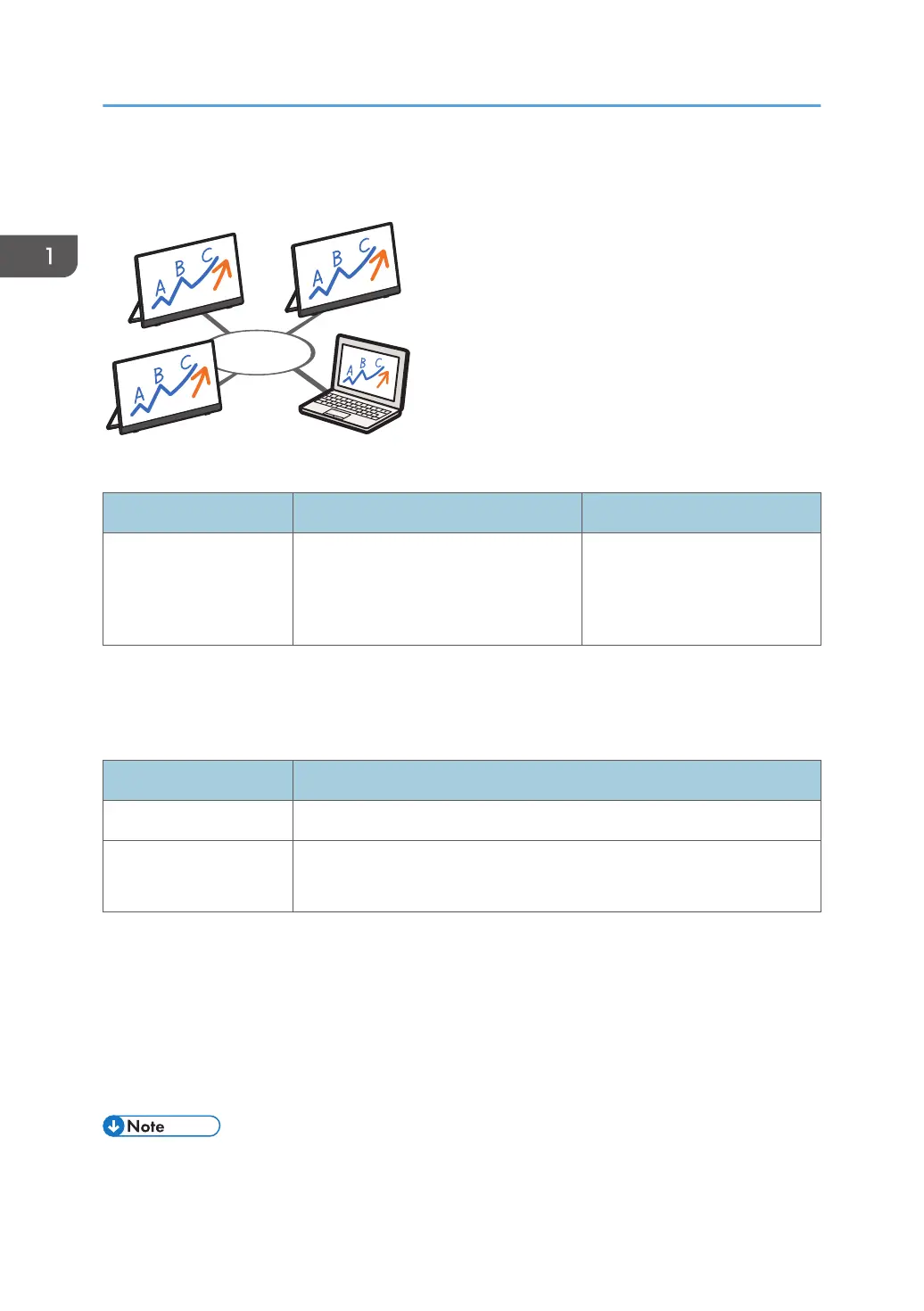
Up to five RICOH Monitors can be connected simultaneously, enabling Windows screen sharing and
touch operation from a specific connected RICOH Monitor.
OS and application of the device supporting the connection
OS Application Reference
Windows 10/11
RICOH Monitor Multicast for
Windows
*1
page 34 "Using the
Application to Connect to
Multiple RICOH Monitors at the
Same Time (Windows)"
*1
Available for download from the RICOH website
For details about available functions, see page 11 "Supported OS for Wireless Connection".
Settings of this machine required for connection
Settings Reference
Dev. Info
*1
page 53 "Dev. Info"
Wi-Fi
page 34 "When Connecting for the First Time"
page 53 "Wi-Fi"
*1
When the initial settings have already been made, there is no need to change the settings anew.
The machine can connect to a maximum of two devices wirelessly and can display screens from them at
a time. You can use a combination of the following methods to do this:
• Using the relevant OS function
• Using RICOH Monitor Mirroring for macOS/iOS
• Using RICOH Monitor Mirroring for Windows
• The IP address of this machine is automatically assigned by DHCP.
1. Connecting the Device via Wireless Connection
10



 To Next Page