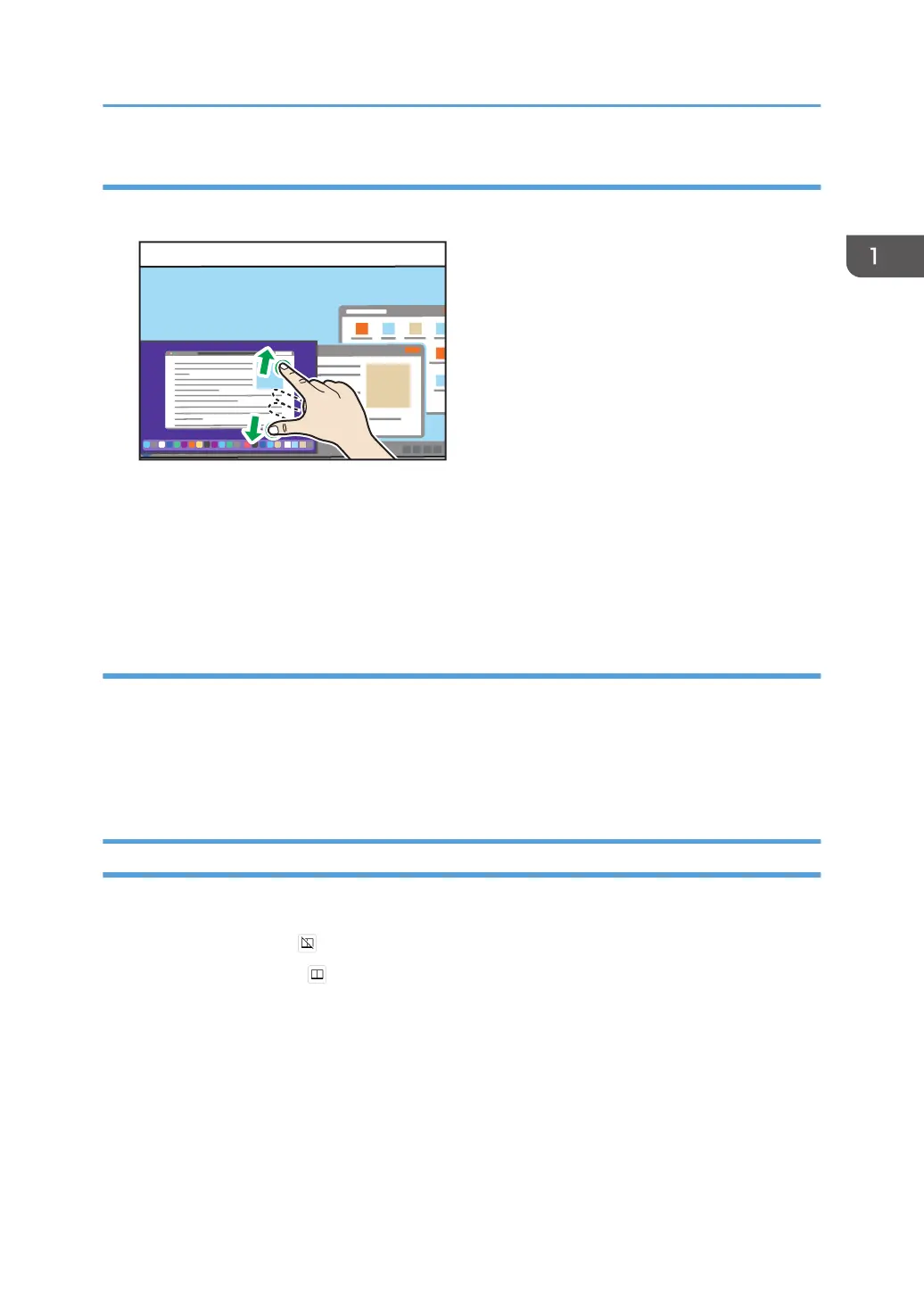
Changing the display size of the sub-screen
1. Touch the sub-screen with two fingers and spread or pinch them together.
• Enlarging
Increase the distance between the two fingers.
• Reducing
Shorten the distance between the two fingers.
Changing the display position of the sub-screen
1. Touch and hold the sub-screen and move it in the desired direction.
The display position of the sub-screen is fixed to the four corners of the screen.
The display position of the sub-screen is changed to the corner of the screen closest to the position
where the sub-screen was moved.
Splitting the Screen
You can split the screen to display two screens when two devices are connected.
1. Touch [Split Screen] ( ).
The icon display turns to and splits the screen.
Things You Can Do on the Connecting Screen
45



 To Next Page