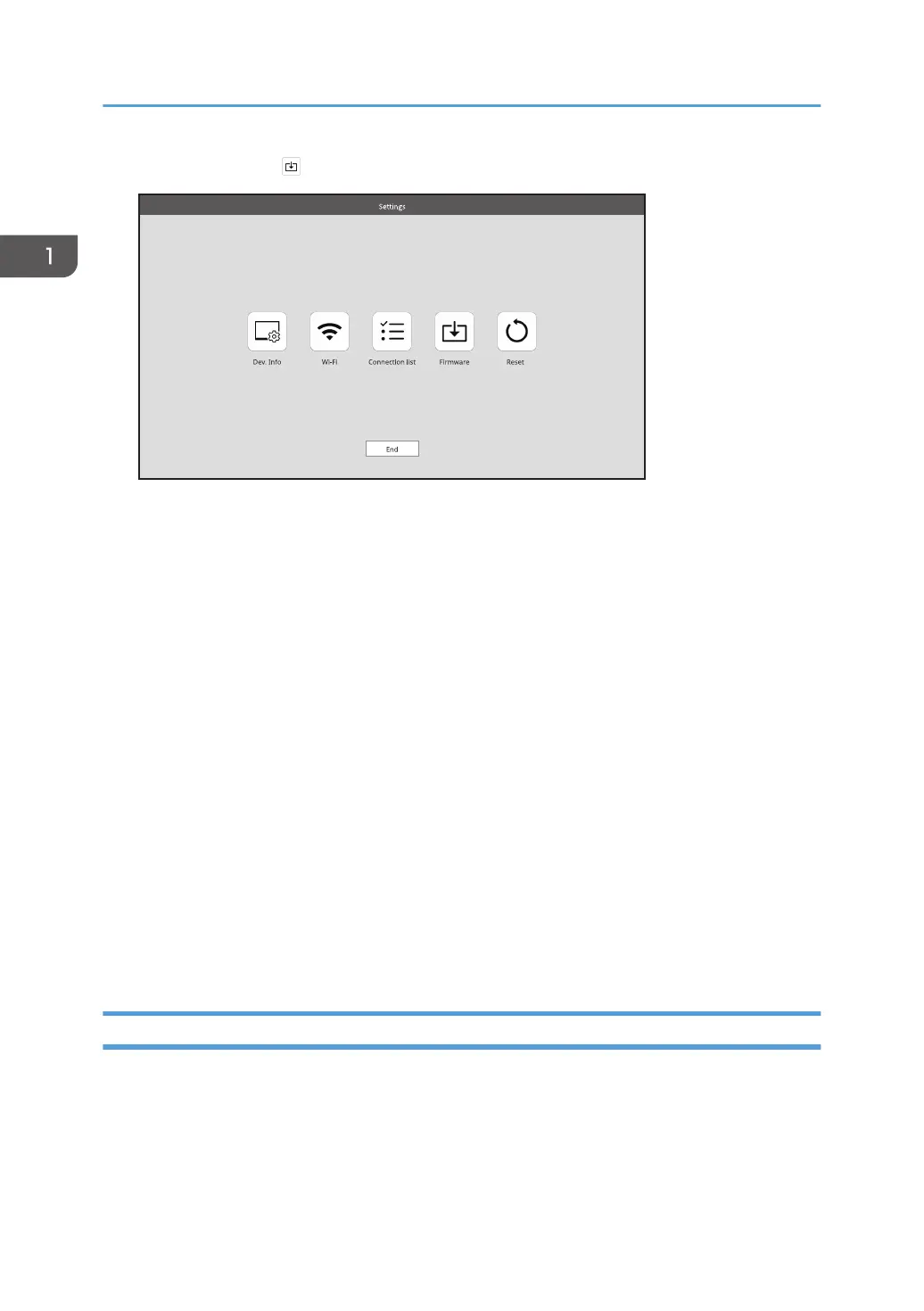
2. Touch [Firmware] ( ).
3. Touch [OK].
If you only want to check the current firmware version, touch [Back].
4. Connect the USB Type-C cable connected to the USB port 1 of this machine to the
computer.
5. Start the RICOH Monitor 150BW Firmware Updater downloaded in step 1.
6. Select the language to be displayed, and then click [Next].
When the computer and this machine are connected, the current firmware version and the firmware
version to be updated are displayed.
7. Confirm the firmware version, and then click [Next].
To cancel the update, click [Cancel].
8. Click [OK].
The firmware update starts.
Do not turn OFF the power of this machine or remove the USB Type-C cable while the update is in
progress.
9. When the update is complete, click [Close].
This machine reboots automatically.
Reset
You can initialize the settings of this machine.
The settings to be initialized are as follows:
• Settings for Dev. Info
• Settings for Wi-Fi
1. Connecting the Device via Wireless Connection
56



 To Next Page