• The menu orientation does not change when the screen is rotated.
Displaying the Touched Traces
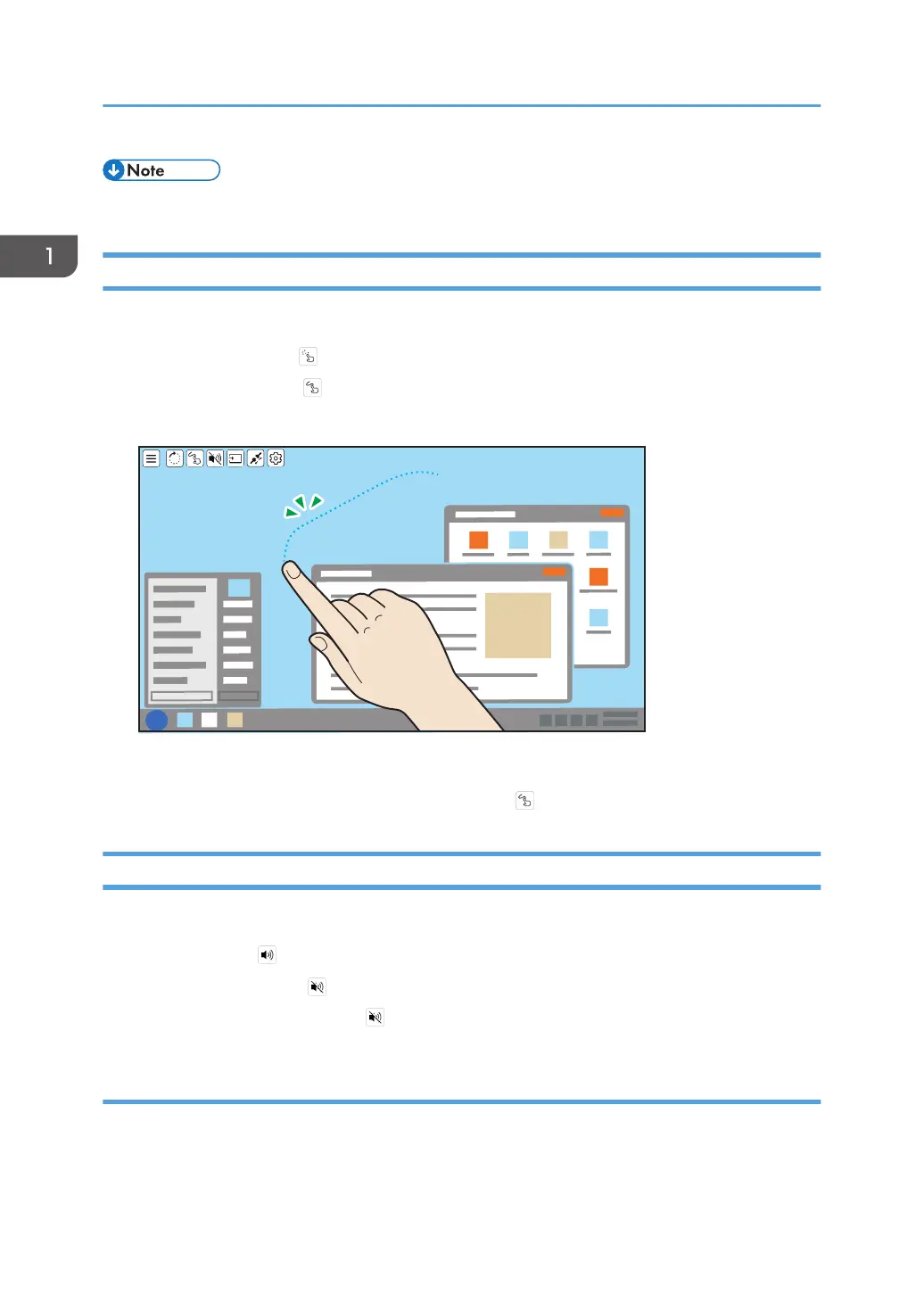
You can display the traces of touch operation or stylus pen operation.
1. Touch [Touch Trace] ( ).
The icon display turns to , and the Touch Trace turns ON.
The touched trace is displayed as a dotted line.
The trace display disappears after two seconds.
2. To turn OFF the Touch Trace, touch [Touch Trace] ( ) again.
Muting Sound
You can mute the sound temporarily.
1. Touch [Sound] ( ).
The icon display turns to , and the sound mute is turned ON.
2. To turn it OFF, touch [Sound] ( ) again.
When connected to two devices
You can mute the sound on the two displayed screens individually.
1. Touch the screen that you want to mute the sound for so as to make it the active screen.
1. Connecting the Device via Wireless Connection
42



 To Next Page