Using the Application to Connect to Multiple
RICOH Monitors at the Same Time (Windows)
Use RICOH Monitor Multicast for Windows to connect multiple RICOH Monitors and devices in the
same network.
• All RICOH Monitors and devices used must be connected to the same network (same subnet).
When Connecting for the First Time
The Wi-Fi settings on this machine must be configured in order to connect. If you have not set up Wi-Fi
on this machine, perform the following operations first:
• Settings cannot be changed when this machine is connected to a device via a wireless connection.
Be sure to change the settings when the device is not connected via wireless connection.
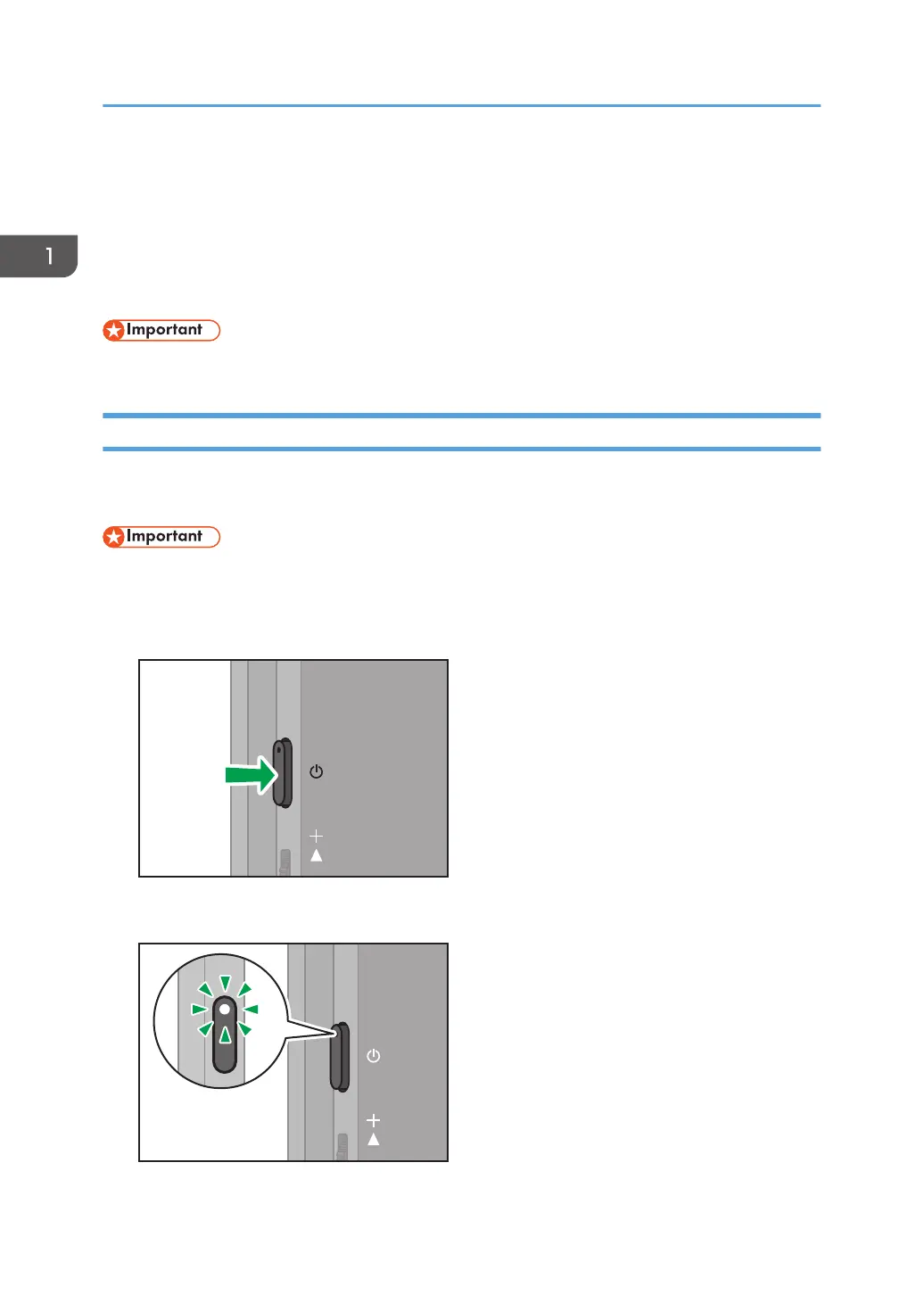
1. Press the Power button.
The power LED turns ON white, and the machine starts up.
1. Connecting the Device via Wireless Connection
34



 To Next Page