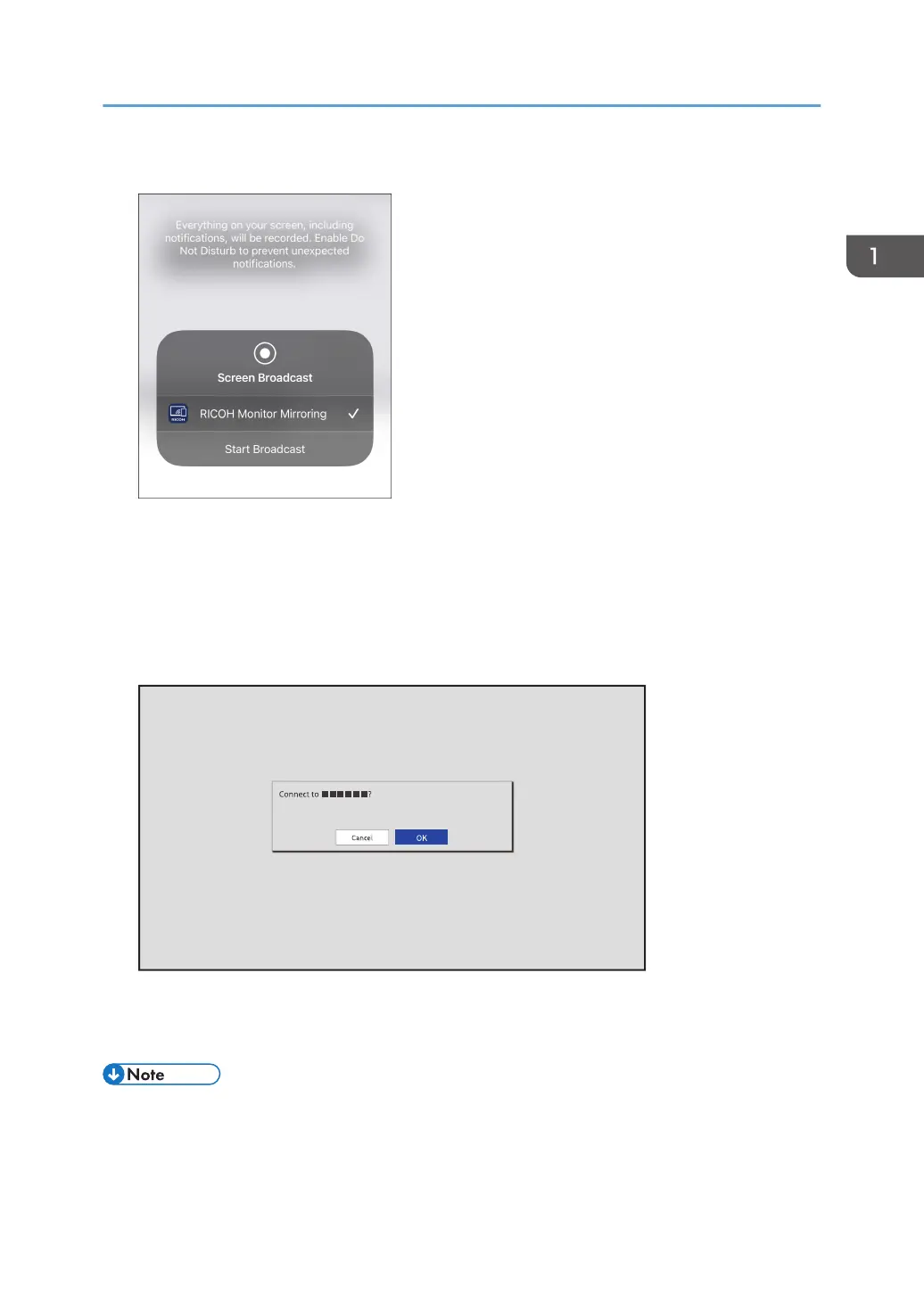
4. Tap [Start Broadcast].
If RICOH Monitor Mirroring for iOS successfully communicates with this machine, a message
appears on the machine to confirm whether the connection is allowed or not.
If the device to be connected is already registered in the Connection list of this machine, the
message does not appear.
5. Confirm the name of the iOS device to be connected with the message displayed on this
machine, and then touch [OK].
The connection is started.
When displaying other screens on iOS, display the Home screen before performing any operation.
• By registering the information of a device in the Connection list, it can be connected to this machine
without having to allow the connection on the device. For details, see page 54 "Connection List".
Using the Application to Connect to Devices in the Same Network (macOS/iOS)
33



 To Next Page