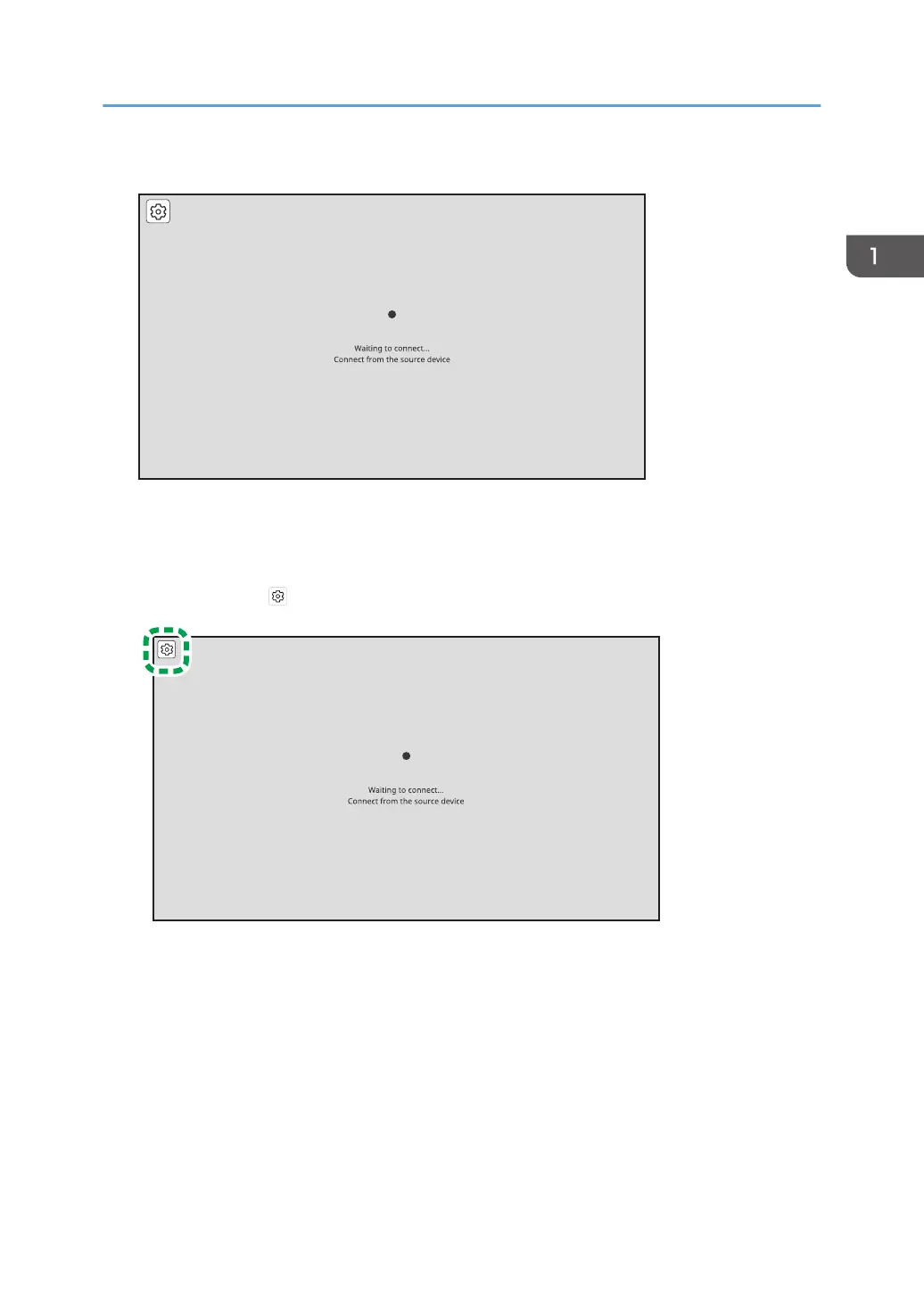
The Waiting to Connect screen is displayed.
When the Waiting to Connect screen is not displayed, press the Switching Input/Back button to
switch the input method to "Wireless Connection". For details, see "Switching Inputs", Operating
Instructions.
2. Touch [Settings] ( ).
Using the Application to Connect to Multiple RICOH Monitors at the Same Time (Windows)
35



 To Next Page