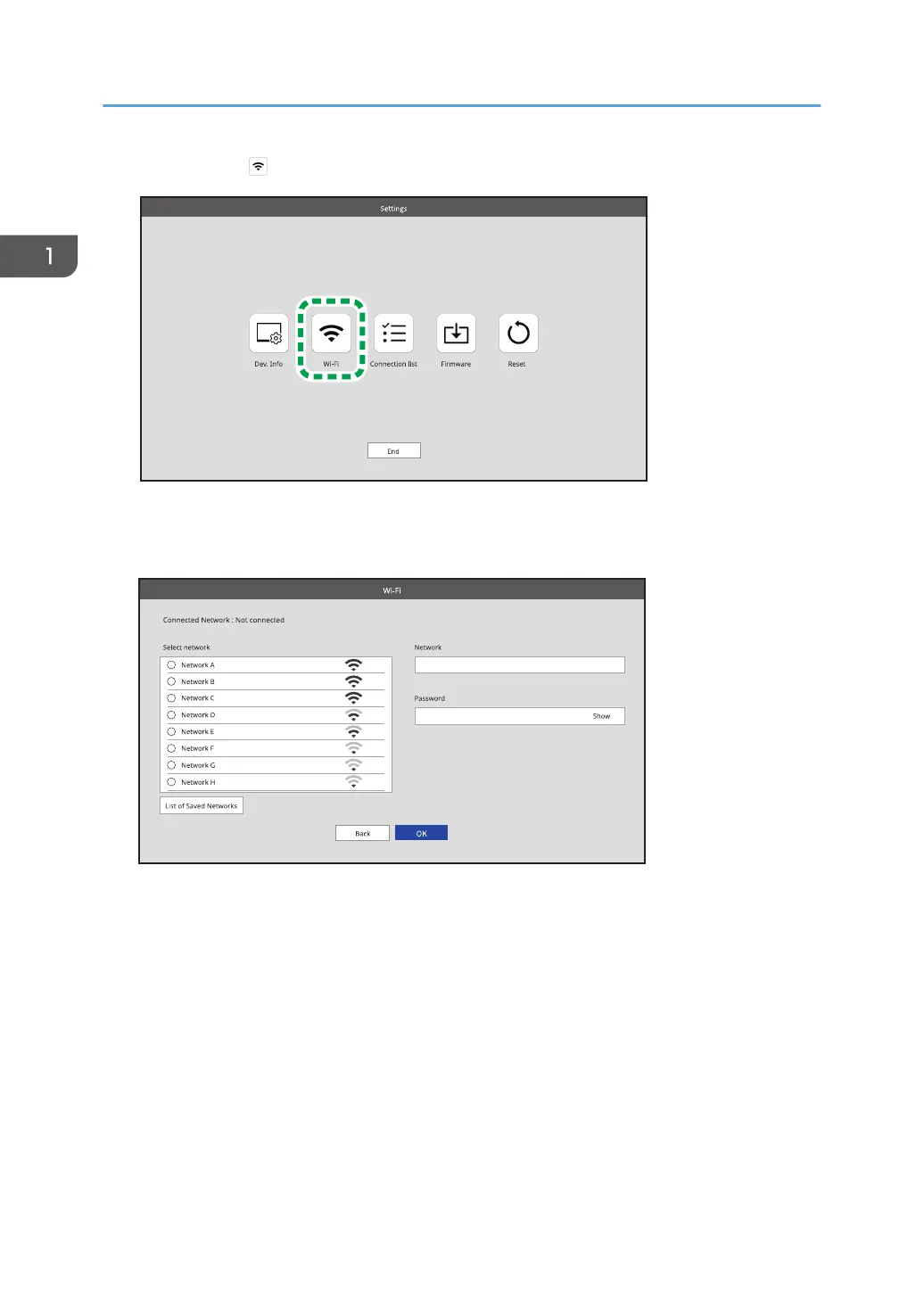
3. Touch [Wi-Fi] ( ).
The Wi-Fi screen appears.
4. Select the network that you want to connect to from the list displayed in "Select network".
To specify the SSID directly, touch the entry field of "Network", and then enter the SSID using the
soft keyboard.
5. Touch the entry field of "Password", and then enter the password using the soft
keyboard.
6. Touch [OK].
7. If the connection is successful, touch [Back].
To continue to start the connection, proceed to page 37 "Connecting with RICOH Monitor Multicast
for Windows".
1. Connecting the Device via Wireless Connection
36



 To Next Page